Human Machine Interface HMI
Paraquda Startup & Safety © Essemtec AG
3-11
0000003/11 / November 4, 2014
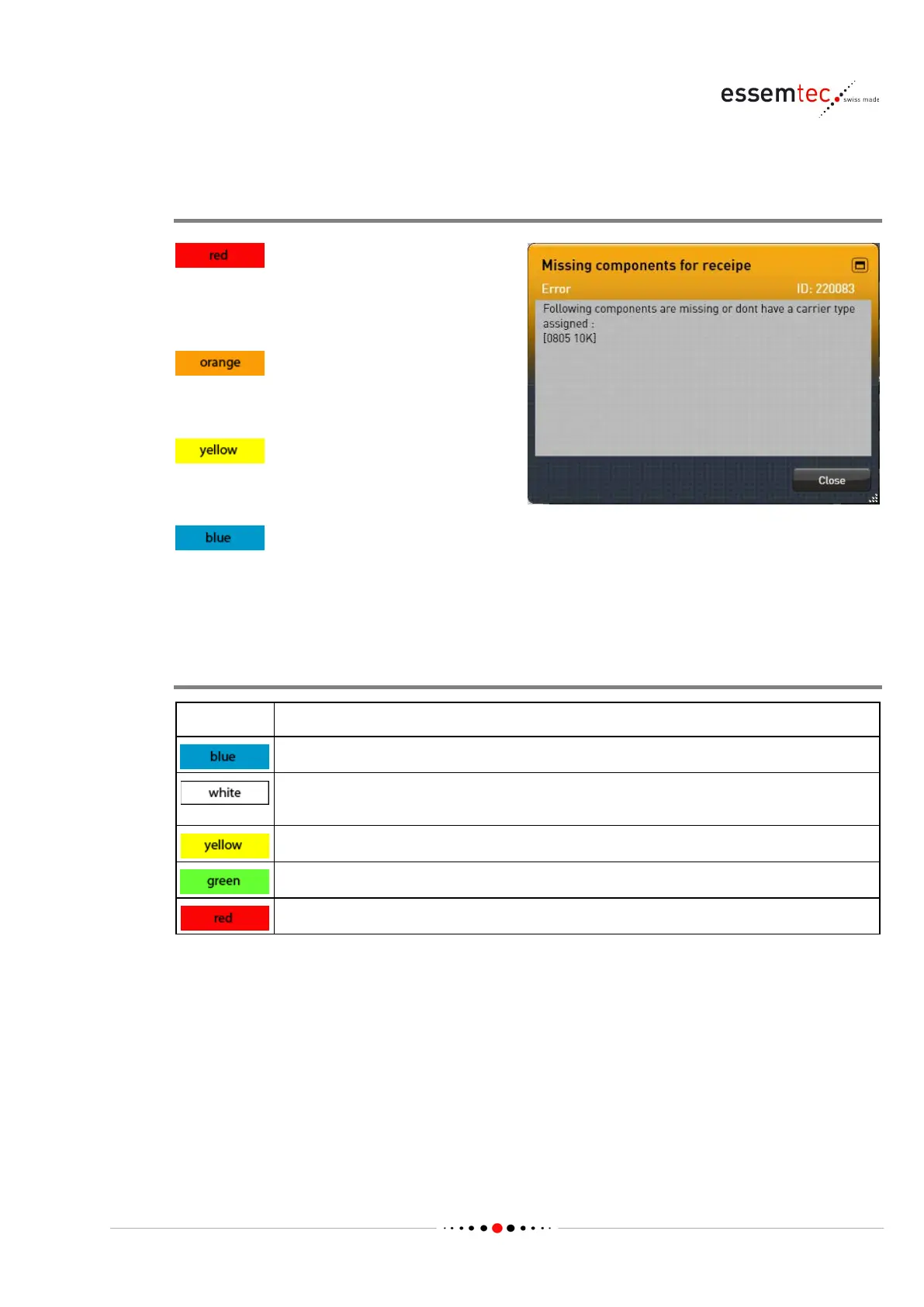
3.2.2 Color Concept
Alarm Messages
mistakes or incidents which could
lead to machine damage or injuries. The
machin
e stops.
an operator interaction is needed (e.g.
missing material). The machine stops.
(e.g. material will run out soon).
Machine continues production.
information or a request to the
operator to do something. Machine continues
production, if possible.
Screens
Color Indication
Selected or active items on all screen sections.
Around or on a soft key indicates "mouse over" (this has only a little significance if
working on touch screen).
Selected or active items on graphical section in some use cases.
Indicates the completion of a setup or process.
In general red indicates a fault, a problem or a missing operation.



 To Next Page