Paraquda Startup & Safety © Essemtec AG
5-1
0000003/11 / November 4, 2014
5 Install and Configure Software
5.1 Install new Software or Updates
When the Paraquda is delivered, the software is already installed. Because of continuous
product improvement it might become necessary to update the software.
Installer
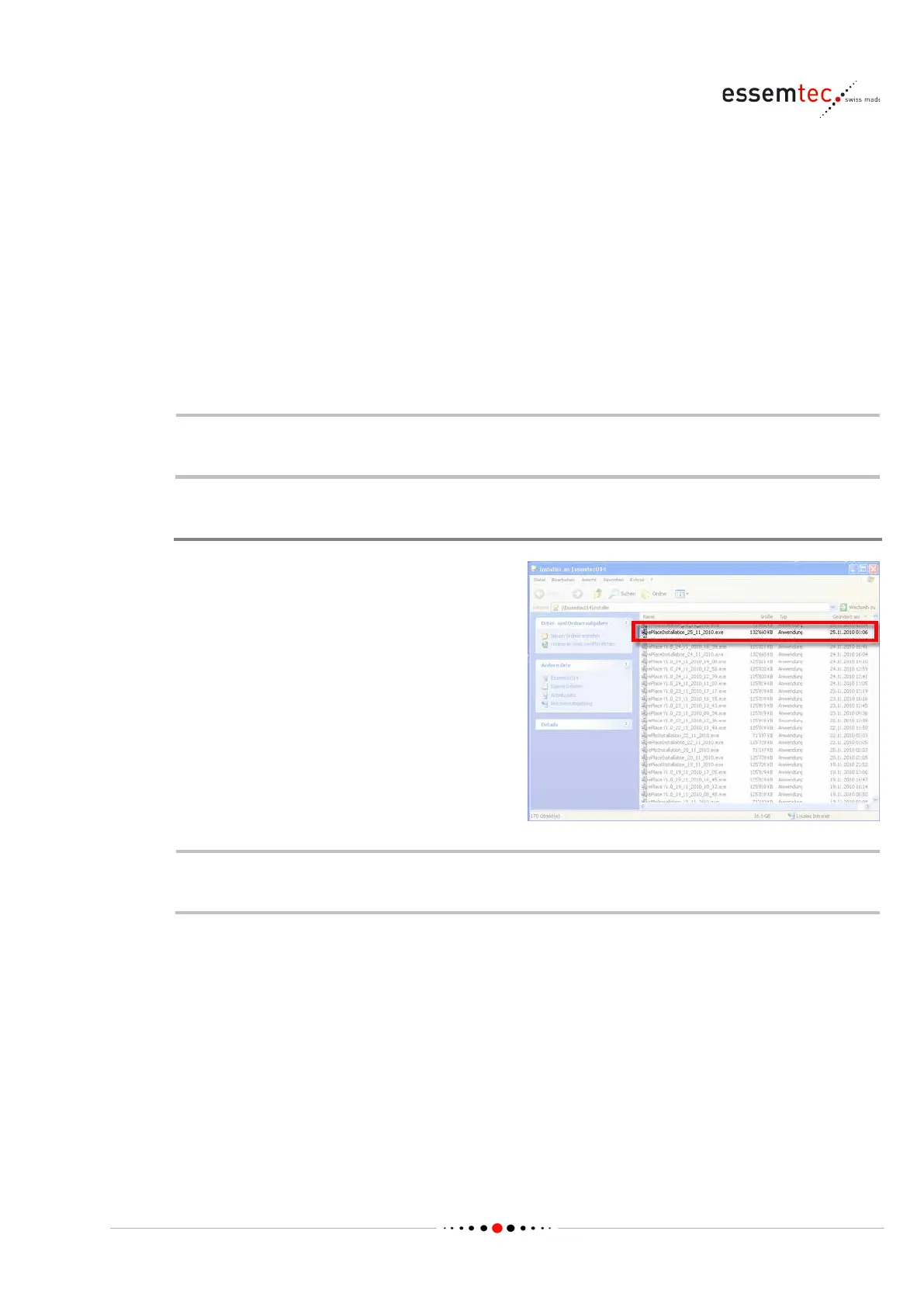
To install new software or to update existing
software, do the following:
• Close ePlace (Graphical User Interface of the
machine)
• Open Windows explorer
• Select and double click the ePlace Installer
(ePlaceInstallation_dd_mm_yyyy.exe)
The software will be installed automatically.
Refer to the software release note for additional installation instructions. In some cases
additional steps are necessary for a proper software installation.



 To Next Page