Operating of the Machine
4-38 © Essemtec AG Paraquda Startup & Safety
0000003/11 / November 4, 2014
4.4.4 Component pick up was not successful
Possible cause: Wrong X/Y position of component
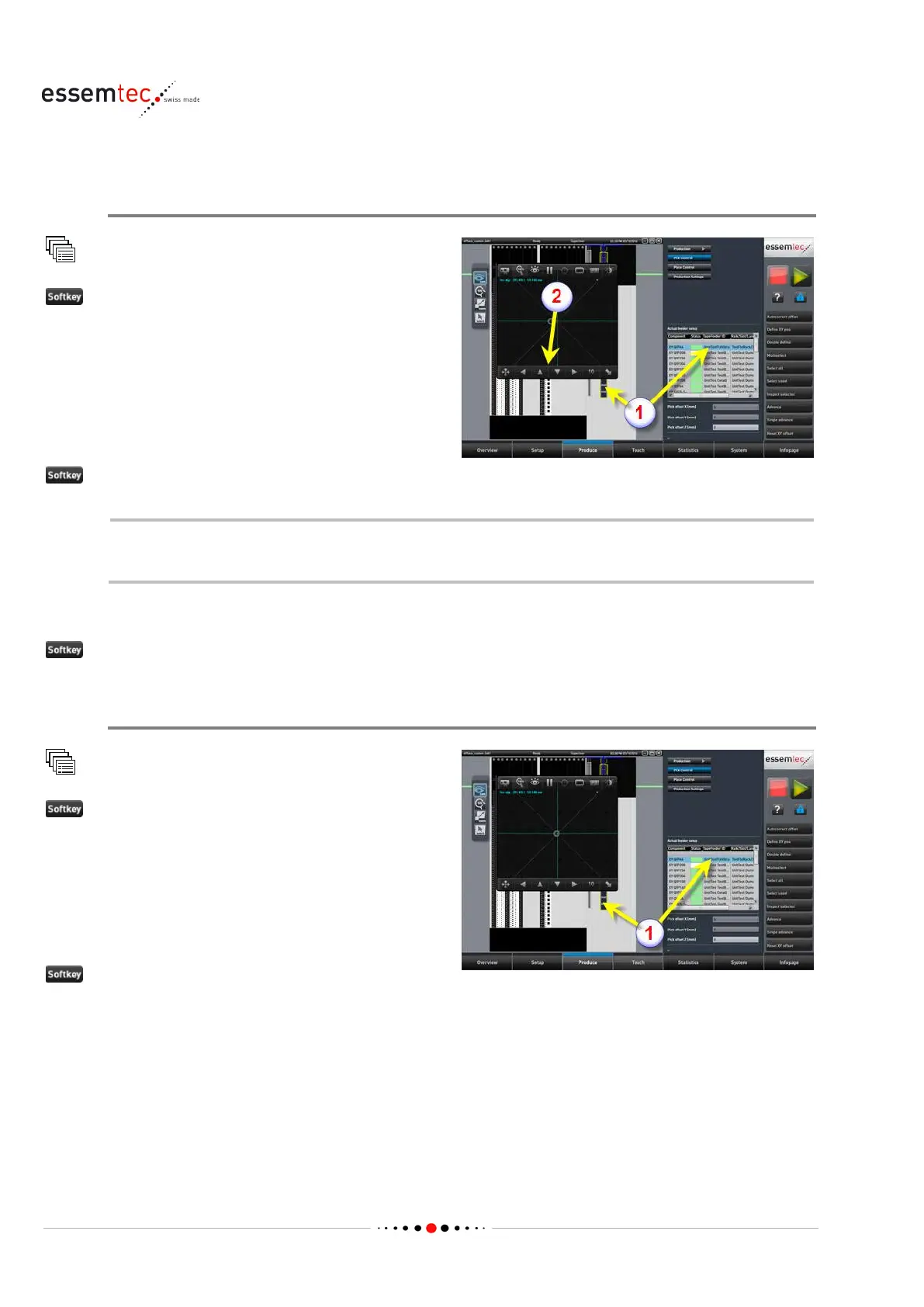
Pick Control
double click the faulty feeder lane (1)
The camera window opens automatically and
the head moves to pick posi
tion. Check if a
component is available at pick position, if yes
skip the 'Advance' step.
Advance or Single advance until a component is presented at pick position
If the feeder does not advance the tape, check the feeder (slid in correctly at feeder rack,
mechanical and electrical function).
Move the head (camera) by the means of the left, right, up, down buttons on camera window (2)
until the camera is in the middle of the embossed cavity or the tape pocket.
Define XY pos
Possible cause: Wrong Z height for pick
Pick Control
double click the faulty feeder lane (1)
The camera window opens automatically and
the head moves to pick position. Check if a
component is pre
sented at pick position and if
the XY position is correct. If this is not the case,
do the above steps before (wrong X/Y position
of component)
to correct the Z height.



 To Next Page