Operating of the Machine
Paraquda Startup & Safety © Essemtec AG
4-75
0000003/11 / November 4, 2014
Teach
Recipe
Save as... to save the new panel recipe.
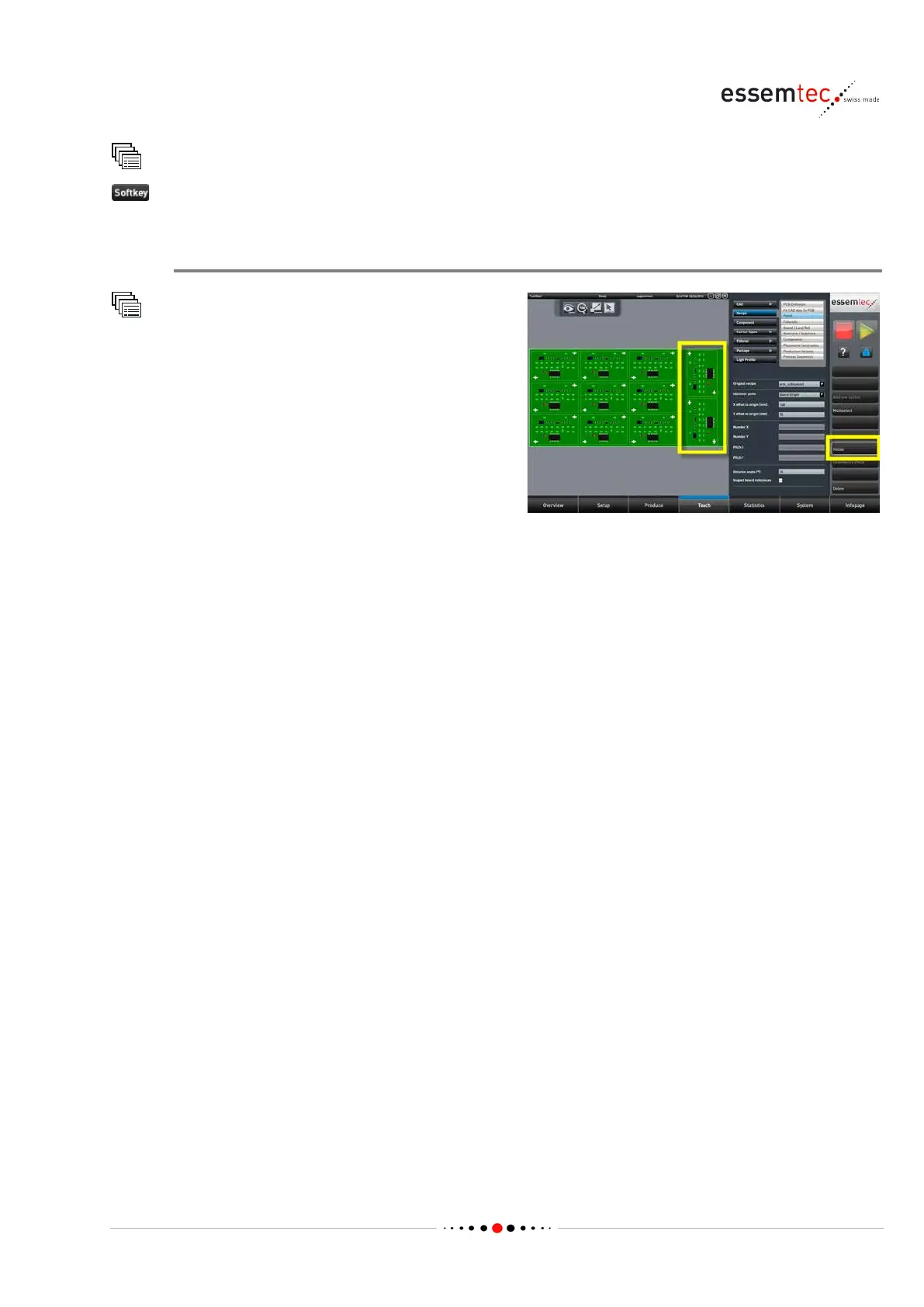
Panel special cases
Recipe
Panel
Panels which are mirrored or which have
different orientation of the single cut PCBs can
be designed by using the parameter
Rotation
, the softkey Rotate and the softkey
graphical section select one or more single
cut PCB(s). Define the rotation angle and press
the softkey
Rotate.
4.6.7 Set up Head Barcode Reader
To use a barcode as PCB ID for the traceability, read by the top camera of the machine, a few steps
are necessary:
• Create barcode which defines the physical size of the barcode and the code type.
• Add barcode to recipe and assign it as PCB ID.



 To Next Page