Operating of the Machine
4-32 © Essemtec AG Paraquda Startup & Safety
0000003/11 / November 4, 2014
Indicate 'Tray full' and check correct Function
For the machine control system, the tray is still
empty. After fi
lling up, this status has to be
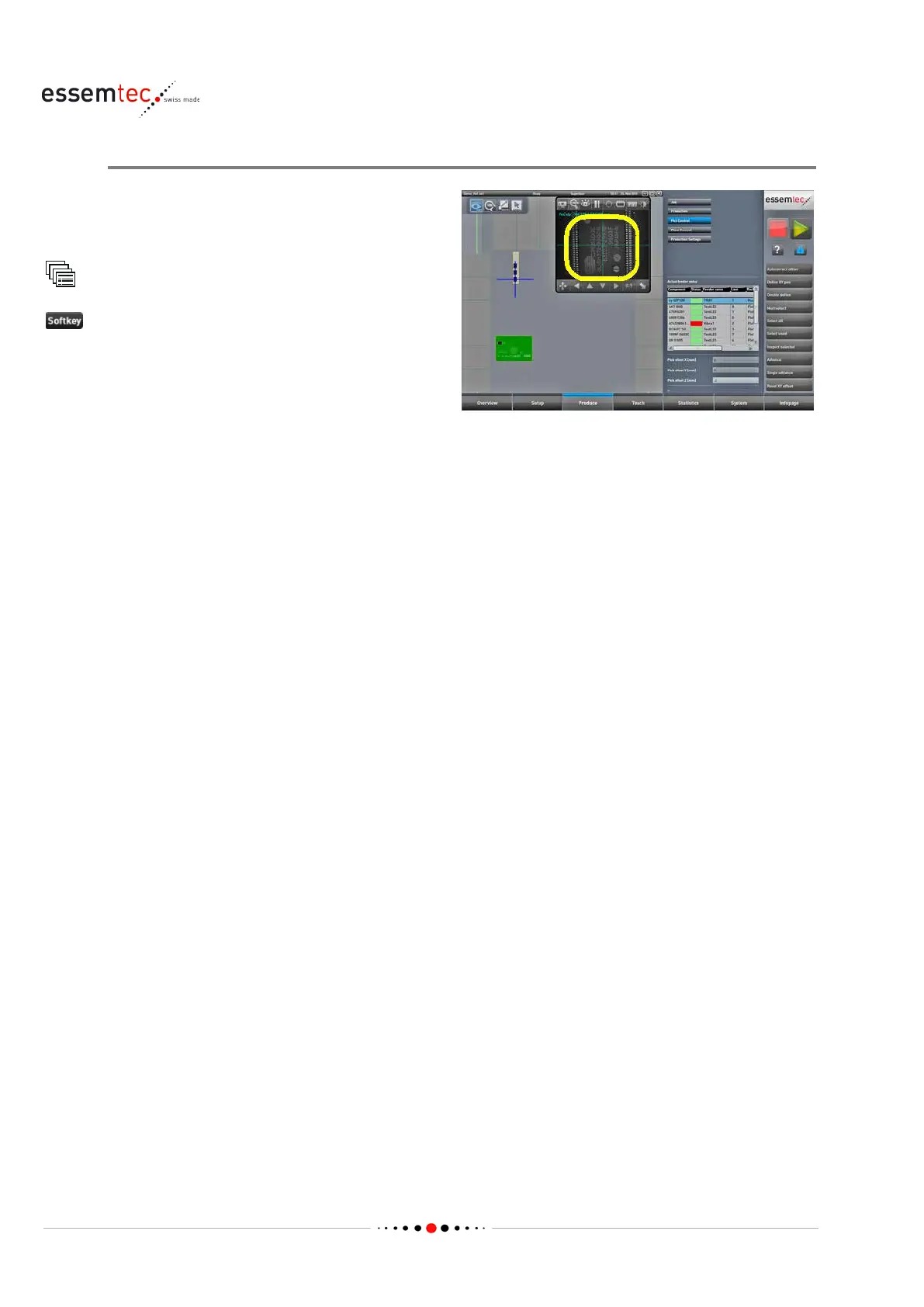
Pick Control
Click the tray in the graphical section to select it.
Afterwards click the first component to pick for a
few seconds, this changes the status in the
control system and indicates, th
e tray is filled up.
Check the correct presentation of the
component ready for picking (correct position
and correct orientation). Select the component
on the appropriate tray by double clicking. The
camera window opens automatically and the
camera moves
to the pick up position (see



 To Next Page