Operating of the Machine
4-34 © Essemtec AG Paraquda Startup & Safety
0000003/11 / November 4, 2014
Filling up Trays
Follow the above descriptions for the
manipulation of cassette and tray and for
unloading the tray changer. Take the tray out of
the cassette for filling. Take care of the correct
orientation of the components during filling.
the cassette the filled tray considering
the correct orientation of the tray and the
correct position in the cassette.
Follow again the manipulation description
above to finish the filling up procedure.
For the machine control system, the tray is still
empty. After filling up, this status has to be
updated manually.
Pick Control
Lane (cassette slot) of
the tray changer, in the actual feeder setup
table. This loads the tray to the production area.
he graphical section to select it.
Afterwards click the first component to pick for a
few seconds, this changes the status in the
control system and indicates, the tray is filled up.
Check the correct presentation of the
component ready for picking (corre
ct position
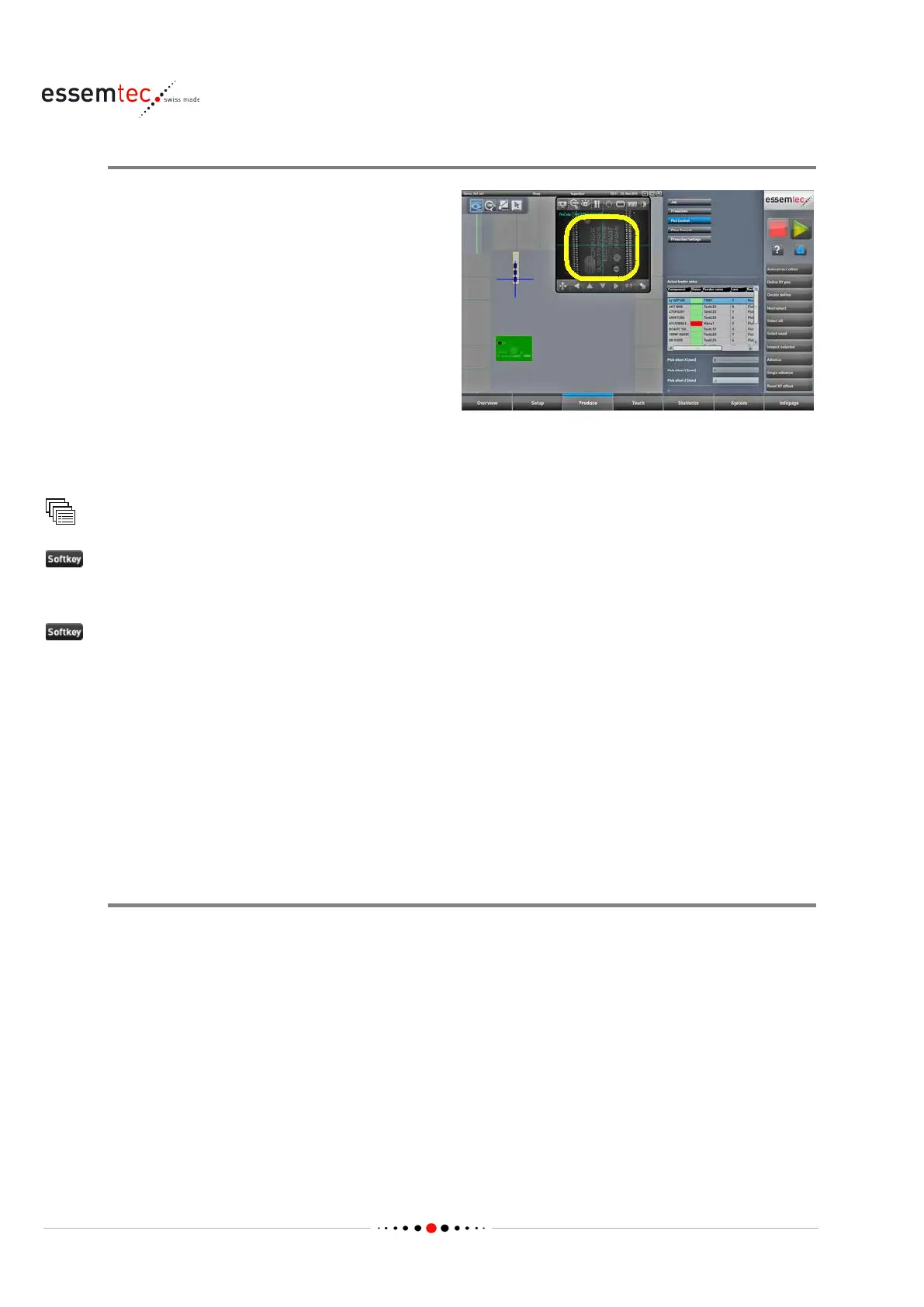
and correct orientation). Select the component
on the appropriate tray by double clicking. The
camera window opens automatically and the
camera moves to the pick up position.
Tray Changer Control Panel
Normally the buttons on the control panel are not used. The functions are controlled by the ePlace
software. The Elev button, as an exception, is described above ('Manipulate Tray(s) and Cassettes').
Some of the buttons are used in case of a malfunction. This case is described in the chapter 'Solve
Malfunctions / Handle unordered Stops' on page 4-37.



 To Next Page