Operating of the Machine
Paraquda Startup & Safety © Essemtec AG
4-49
0000003/11 / November 4, 2014
Optimization
Out of the drop down list
Maximum Number of
, select the desired
number of carriers per component.
Optimization mode out of
the drop down list. Possible variants are
Maximum performance
or Minimum
.
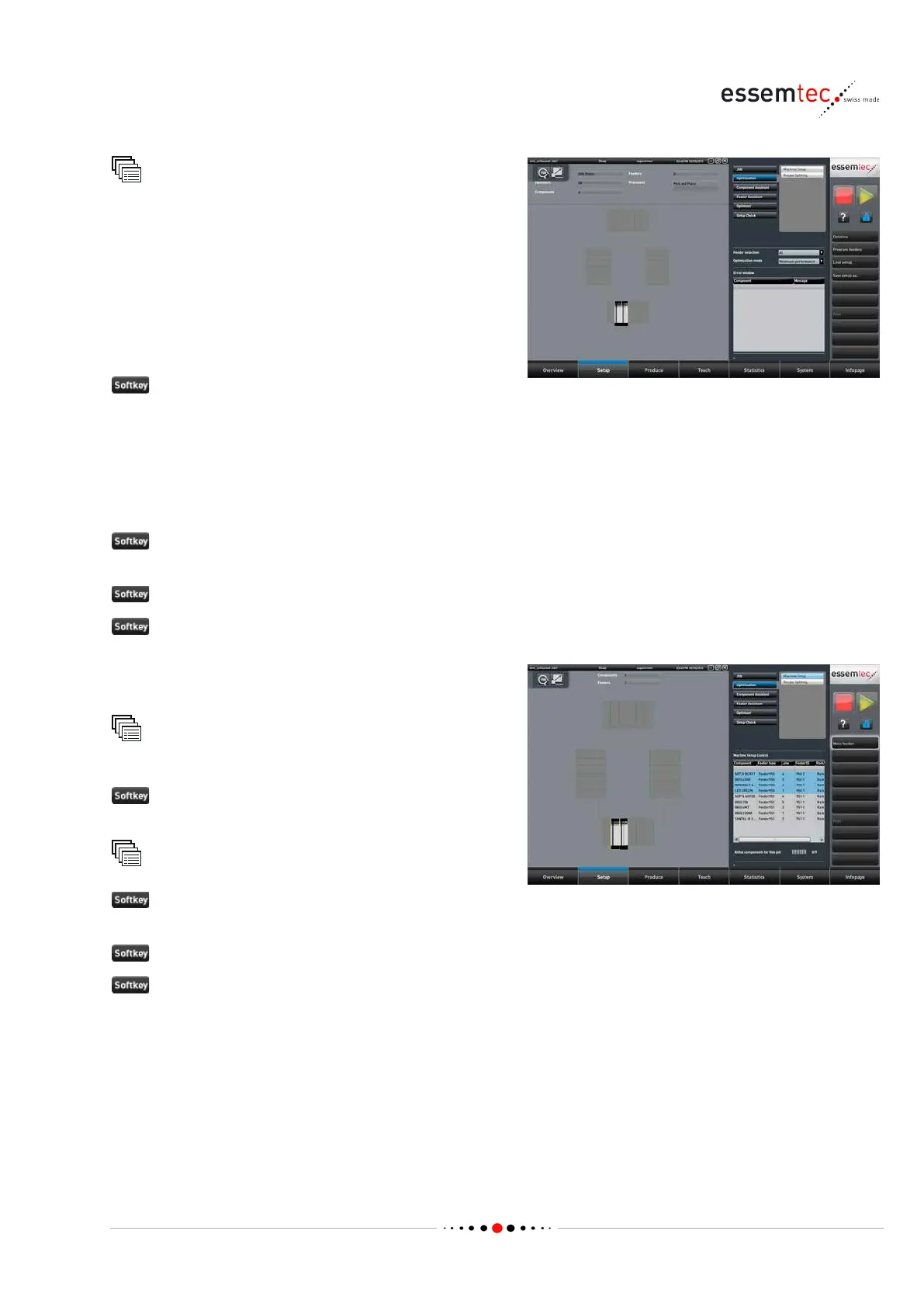
As a result of the optimization the machine presents the proposal where to place the feeders and
where to place the components on the feeders (graphical section of screen). In addition the
production time and other parameters are displayed.
In case of any troubles associated with the production (e.g. too less feeders), the error window in
the parameter section is listing the appropriate components and messages.
Save setup as... if the proposal is accepted and the setup must be stored. Type in a name and
confirm with Save.
Program feeders to assume the proposal.
Print to get a printout for the setup.
To tune up feeder positions manually do the
following steps:
Optimization
Machine Setup
, select the appropriate feeder and
move it to the desired final position.
Optimization
if the setup must be stored.
Type in a name and confirm with
Save.
to assume the new setup.
to get a printout for the setup.



 To Next Page