Operating of the Machine
Paraquda Startup & Safety © Essemtec AG
4-63
0000003/11 / November 4, 2014
Add new Fiducial
If fiducials are not already assigned, they have to be added (at minimum 2 of them).
Teach
Recipe
Fiducials
Add new fiducial
Choose one of the available fiducial types, and enter the X and Y coordinates.
Do the same step for further fiducials.
Create Board / Local Ref.
If board / local references are not already defined, they have to be added (at minimum 2 of them).
Teach
Recipe
Board / Local ref.
Choose one of the added fiducials as Ref1 and Ref2.
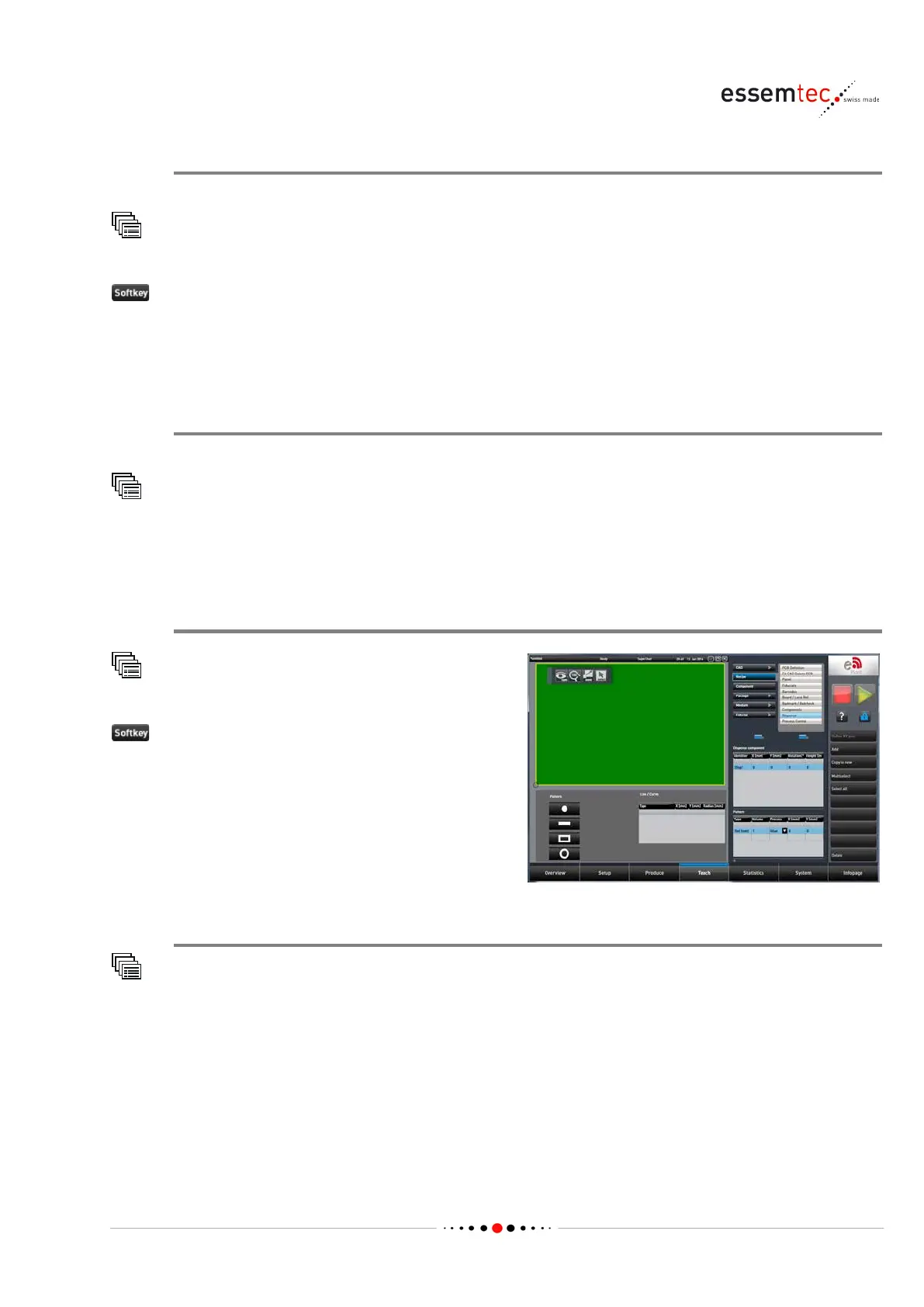
Add a new component
Recipe
Dispense
to add a new dispense component.
In table 'Dispense component', a new created
component appears. Follow the Context Info
(online help) for
creating a dot, line, curve or
Change process sequence
Teach
Recipe
Process Sequences
Change the default process Pick-&-Place to the previously defined dispensing process for the new
dispensing component.



 To Next Page