Install and Configure Software
Paraquda Startup & Safety © Essemtec AG
5-3
0000003/11 / November 4, 2014
Configure Paths
Configuration
Paths
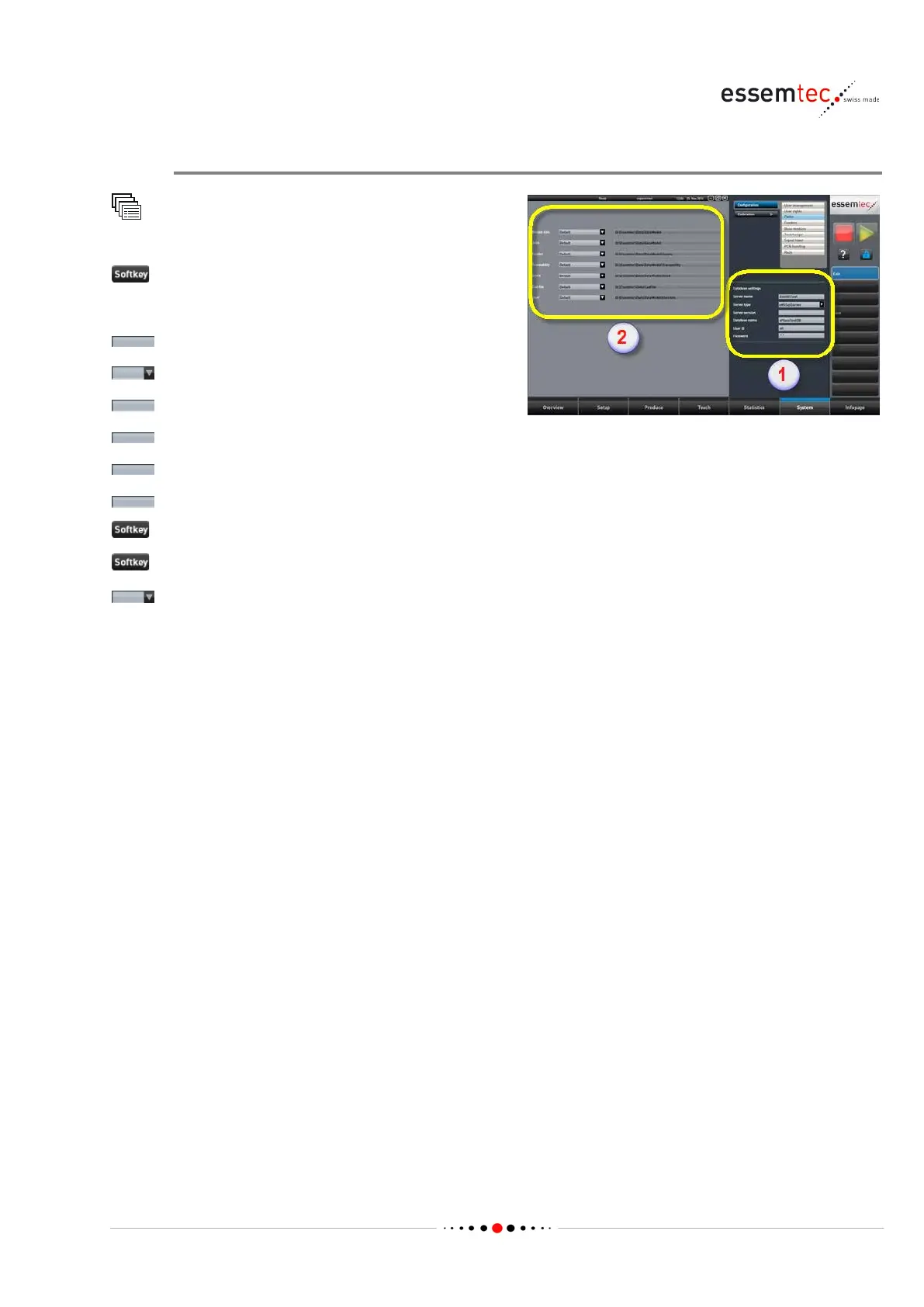
If using a database, do the DB settings first (1):
, enter the server name.
, select correct server type.
, enter the server version.
, enter the database name.
, enter correct user ID for server access.
, enter correct pwd for server access.
to save the server settings
to edit all the paths (2).
, select one of the following value for
• Default: to set the default path on local
drive.
• File location: for freely path entry.
• Database: to select the database entered on



 To Next Page