Install and Configure Software
5-6 © Essemtec AG Paraquda Startup & Safety
0000003/11 / November 4, 2014
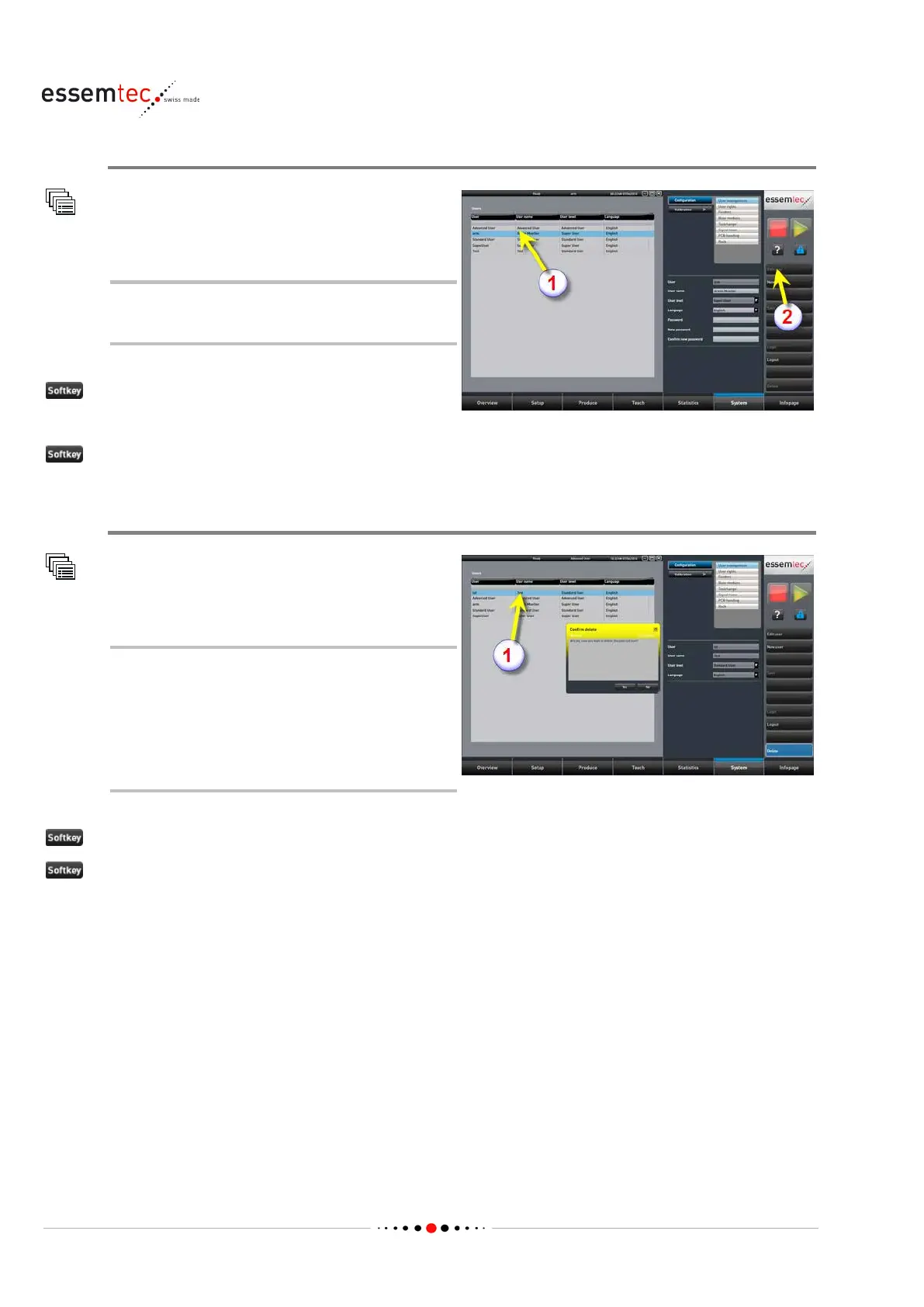
Edit User
Configuration
User management
To have access to all data (password etc.)
the
user to edit must be logged in.
Select the user to edit (1)
(2)
Delete User
Configuration
User management
To delete any user, the logged in user has
to have a higher user group level than
the user to delete (e.g. an advanced user
is able to delete a standard user). To
delete a super user is only possible if this
super user is logged in.
Select the user to delete (1)
ete
to confirm deletion



 To Next Page