Test Results
Power Blazer 537
Summary / Client Summary
RX Frequency
Note: RX Frequency is available for Through Mode test application on both
portsfor rates up to 10G LAN. Not available for a port using an active copper
SFP.
Frequency (GHz) indicates the frequency of the input signal.
Offset (ppm) indicates the frequency offset between the standard rate
specification and the rate at the input signal.
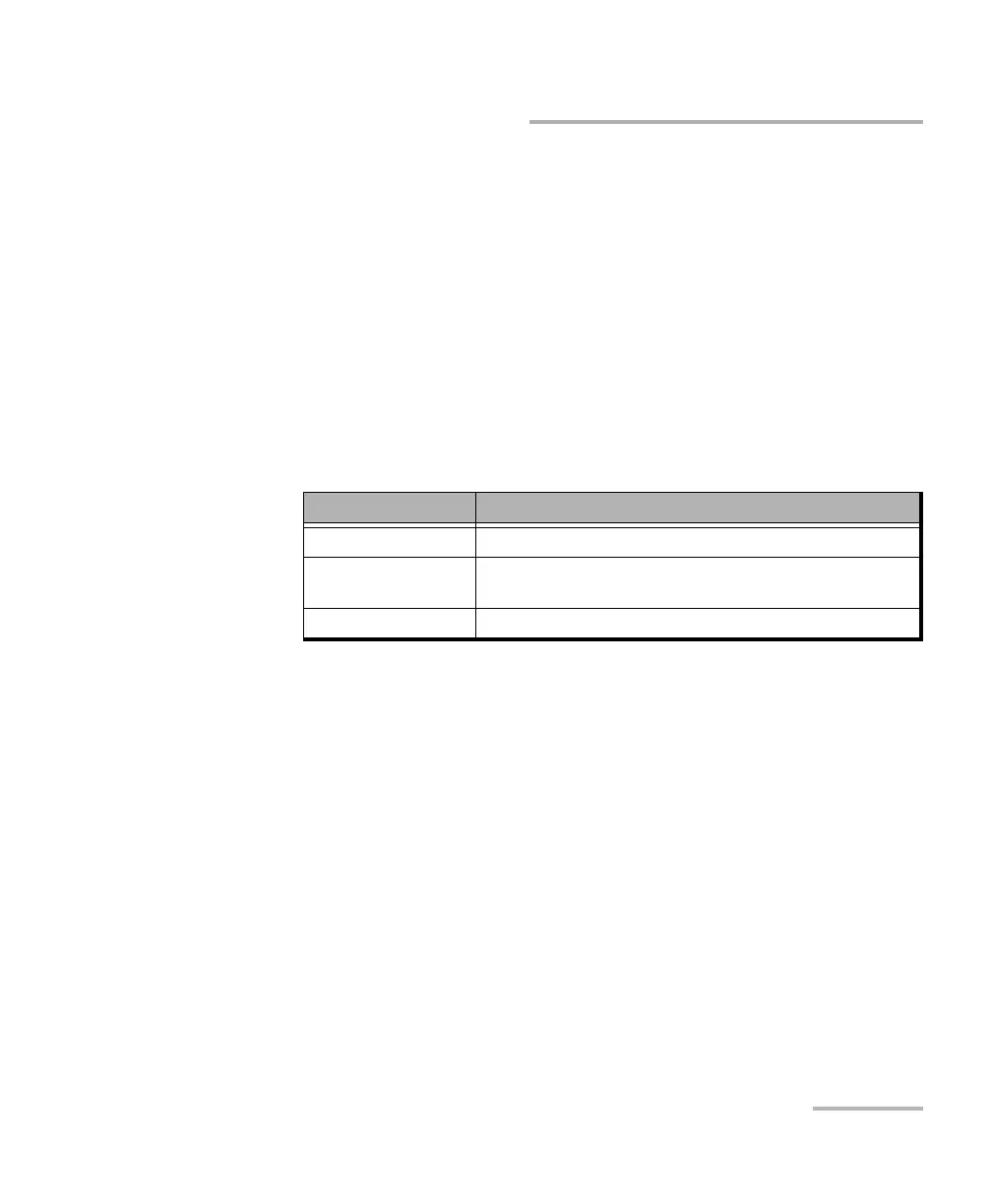
Note: For both Frequency and Offset the following background colors are used.
QoS Metrics (eCPRI BERT)
Note: QoS Metrics results are only available when at least one QoS
Measurements criterion is enabled (refer to QoS Measurements on
page 180), otherwise the QoS Metrics Monitoring Disabled message is
displayed.
Displays a summary of the QoS metrics and verdict when enabled. When
there is no mention of Current or Maximum, the values reported are the
current ones.
The following detailed QoS Metrics are available by clicking on the
QoS Metrics magnifying icon:
Port direction buttons are available for dual port topology in
One-Way P<m> P<n> measurement mode.
Background color Description
Green The frequency is in range.
Red The frequency is out-of-range or LOC Lane. LOC is also
displayed.
Gray Pending state.













 To Next Page