Test Functions
Power Blazer 631
Client Offset
Client Offset
Note: Available with OTN BERT test application with 1GbE client and Pattern
client with ODUflex multiplexing.
From the Test menu, tap Functions, and the Client Offset tab.
TX Frequency
Note: TX Frequency is not available in Through / Through Intrusive topology.
Frequency (GHz) indicates the frequency (nominal frequency +
port frequency offset + client frequency offset) used for transmission.
Offset (ppm) check box, when selected (cleared by default), allows
setting the client frequency offset that will be generated. Use the “+” or
“-” button to respectively increment or decrement the client frequency
offset value based on the defined Increment/Decrement Size, or
directly type the frequency offset value in the field.
Increment/Decrement Size (ppm) allows setting the
increment/decrement value (from 0.1 to either 115) that will be used
when changing the frequency offset using the “+” or “-” button.
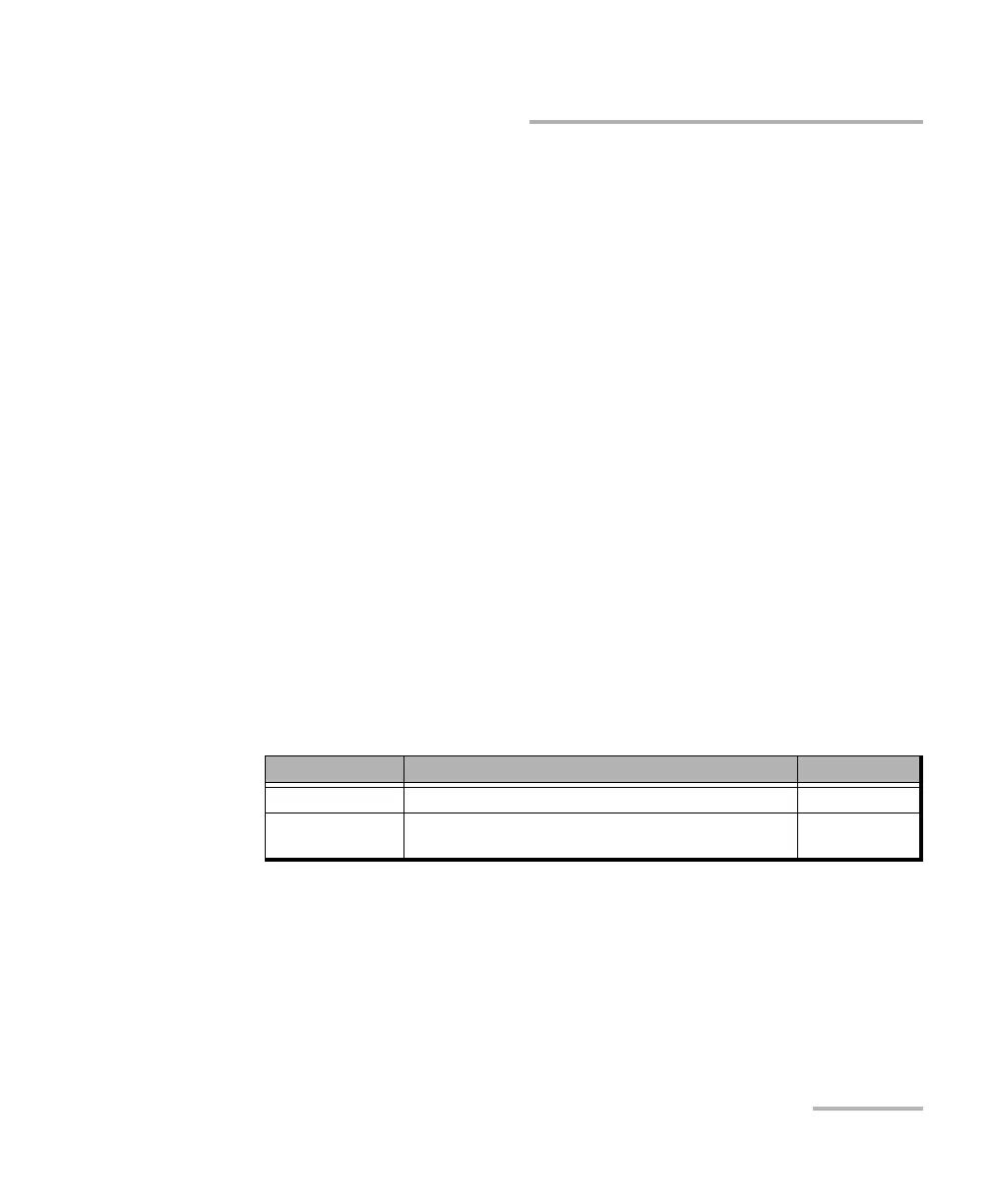
Client Nominal Frequency Offset
a
a. The Client frequency offset range is guaranteed for a clock source signal at 0 ppm
offset. In the event that the clock source signal already has an offset, the output signal
may exhibit an offset larger than the range specified. For example, if the clock source
signal has an offset of +20 ppm (configured on the Signal interface), the Client
frequency offset could be up to 135 ppm (115 ppm + 20 ppm).
1GbE 1250000000 bps ± 115 ppm
Pattern in ODUflex Nominal bit rate configured (refer to Nominal Bit Rate
on page 344).
± 115 ppm
b
b. The Client offset function does not allow the generation of a signal with a rate above
100 % of the TX rate. For example, if the TX Rate is set to 100 %, the allowed offset
range will be -115 ppm to 0 ppm.













 To Next Page