Test Setup - Test Configurator, Timer, and System
242 88000 Series
Local Details (iSAM)
Local Details (iSAM)
From the Test menu, tap Setup, Test Configurator, and the More button
from the Local block.
LINK
An arrow is used to indicate the status of the test link (at the PCS level
for parallel interfaces).
A green arrow indicates that the link is up.
A red arrow indicates that the link is down.
A gray arrow indicates awaiting incoming data to provide a status.
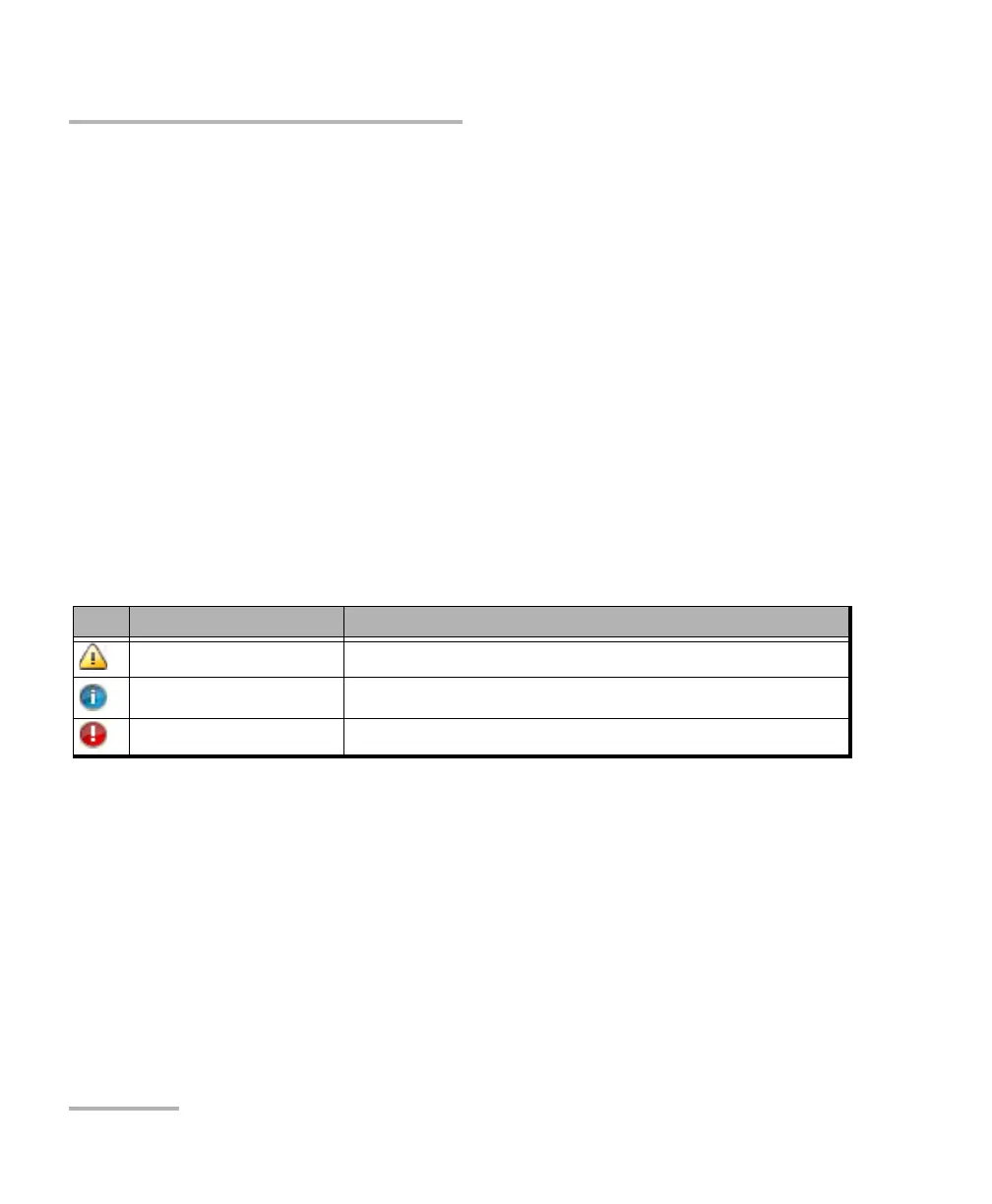
Note: For 88260, a message is displayed when there is a warning or a problem
with the transceiver system as described in the following table:
Icon Displayed Message Description
Missing TA/TA4-... No transceiver system detected
Validating TA/TA4-... Validation process is on-going
Invalid TA/TA4-... Validating process completed and incompatibility has been found













 To Next Page