Getting Started
12 88000 Series
Inserting and Removing Transceiver System
Inserting and Removing Transceiver System
FTBx-88260
The following procedure describes insertion and removal of transceiver
system for FTBx-88260 modules.
To insert a transceiver system into the FTBx-88260 module:
1. Position the FTB-x-88260 module so that its faceplate is facing you.
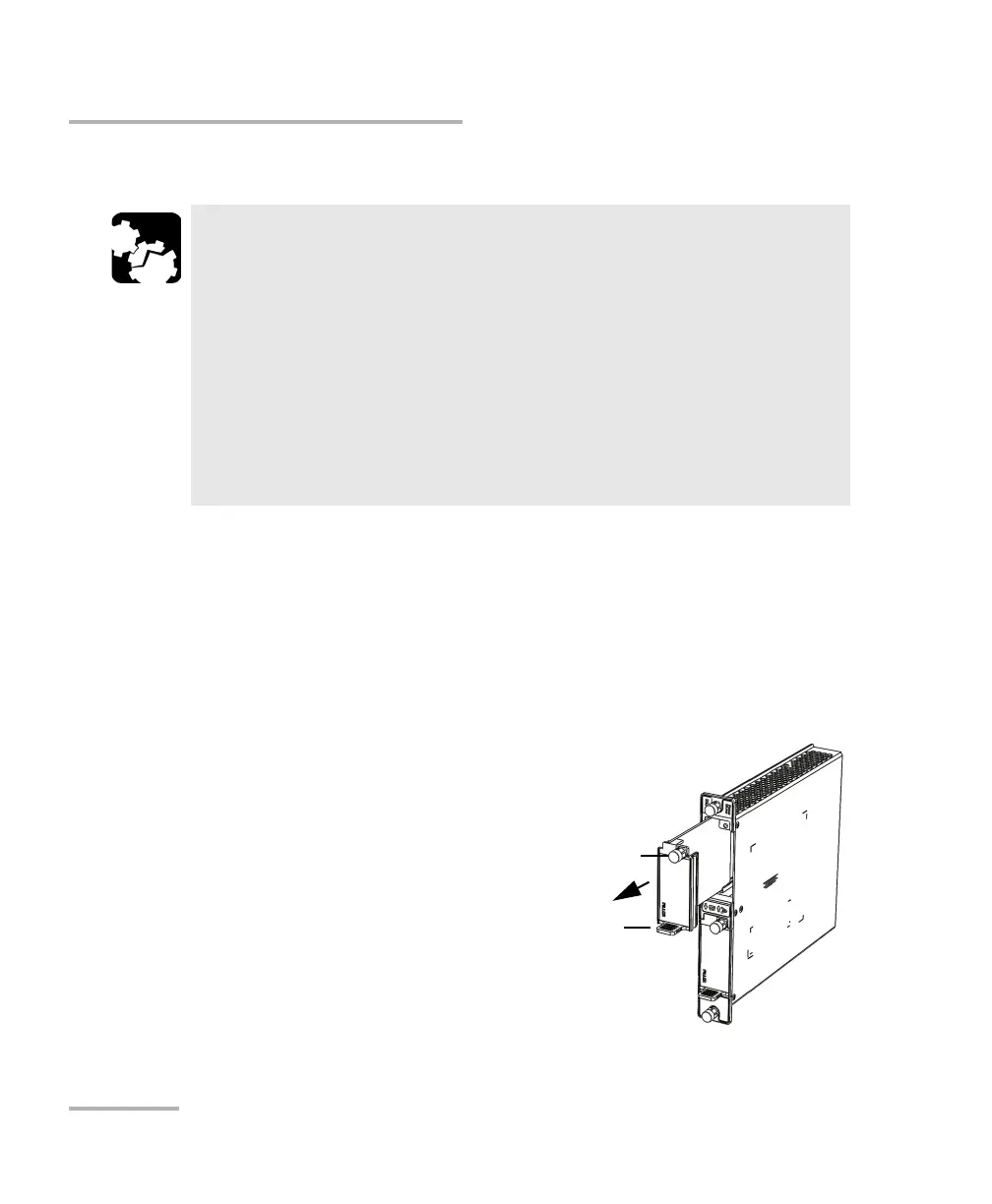
2. Remove the FILLER (protective
cover) from the FTBx-88260.
Turn the retaining screw
counterclockwise until it is
loose.
Hold the FILLER by the handle
and/or the retaining screw and
pull it out.
CAUTION
There is no need to turn off your unit before inserting or removing
transceiver systems.
However, inserting/removing transceiver systems without following
the instructions provided in this user documentation could result in
the following consequences, depending on the operation underway
when the transceiver systems are inserted/removed:
unexpected behavior of the test applications,
instability of the system,
or cause irreparable damage to your transceiver systems.













 To Next Page