Selecting and Starting a Test
Power Blazer 103
Fibre Channel Test Application
Fibre Channel Test Application
To select, configure, and start a Fibre Channel test:
1. From the test menu, tap Setup.
2. From the Test Applications tab, under Fibre Channel, tap the
FC BERT test icon.
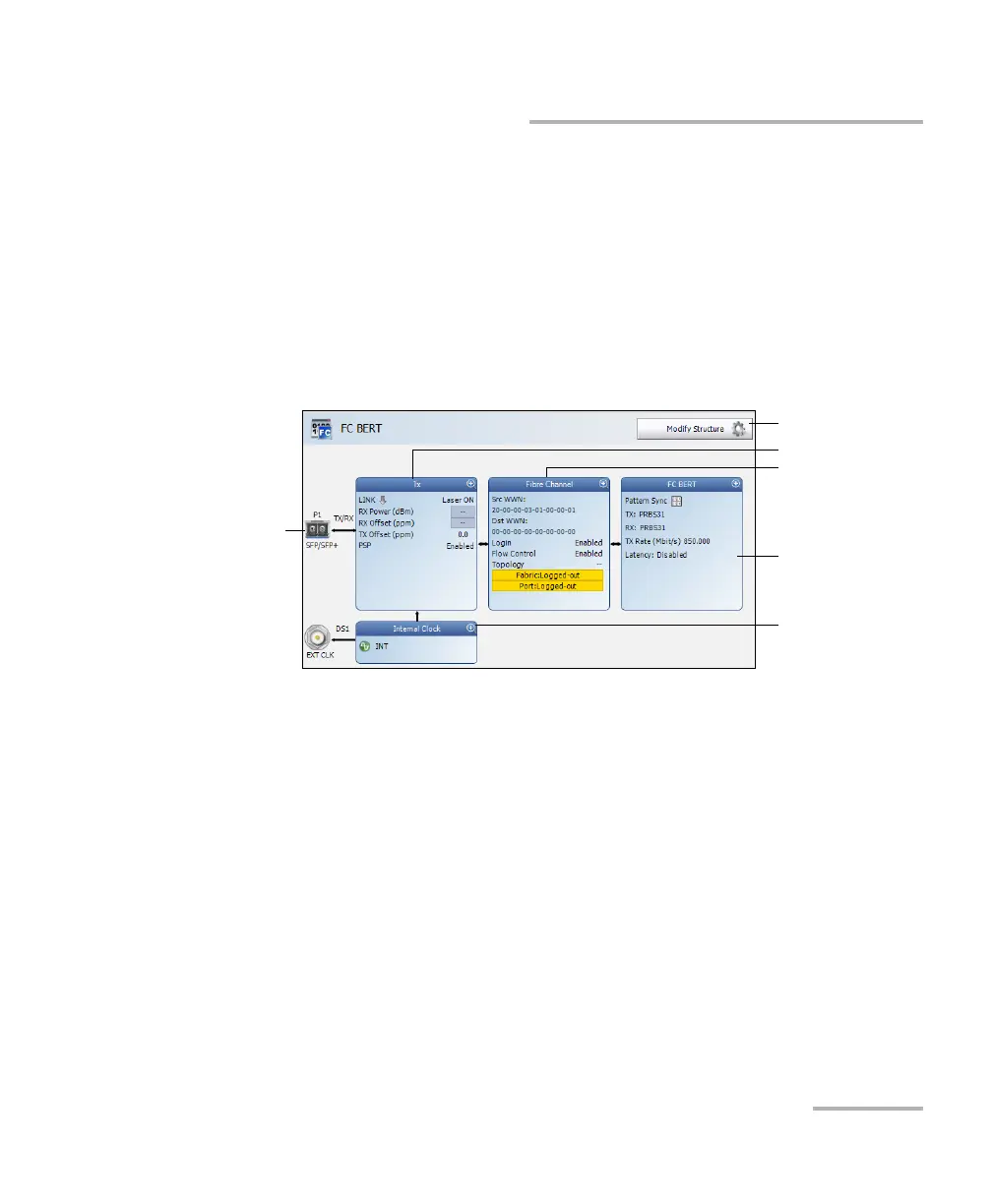
3. From the Test Configurator tab configure the interface structure and
its parameters.
3a. Tap the Modify Structure button to set the basic structure of the
test such as the interface/rate and connector. (refer to Modify
Structure Button on page 119).
3b. Tap the interface block to configure the interface parameters
(refer to page 223). Ensure that the link is up and the power level
(when supported) is present in the status bar before proceeding
to the next step (refer to Status Bar on page 32).
3c. Tap the protocol block to configure the frame structure and its
parameters (refer to page 207).
Modify Structure
Protocol Block
Te st B lo c k
Clock Block
Interface Block
Physical
Interface Port













 To Next Page