156
Zoom tools
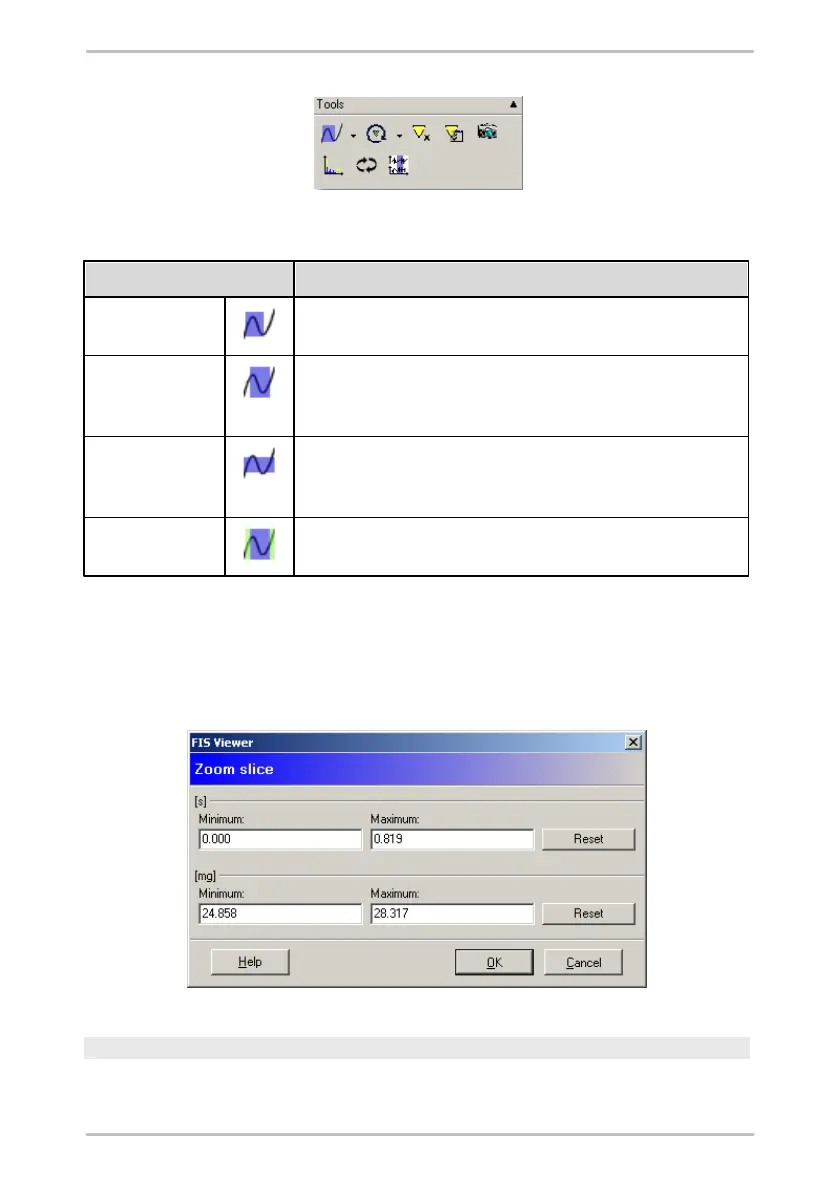
You can use the Free zoom tool to enlarge any given rectangular area
on the x- and y-axis within a diagram.
You can enlarge any part of a diagram in a horizontal direction using
the Horizontal zoom tool. The range of values and scaling of the y-
axis remain unchanged.
You can enlarge an area inside a diagram in a vertical direction using
the Vertical zoom tool. The range of values and scaling of the x-axis
remain unchanged.
You can use the Keyboard zoom feature to enlarge an area of the
diagram using the keyboard instead of the mouse.
Specifying zoom selection in dialogue window
In addition to using the various zoom tools you can also specify the zoom
selection via a dialogue window. To open the dialogue window which is currently
active click on the zoom tool symbol.
Cursor tools
You can specify the values from a diagram to be used for an analysis with the



 To Next Page