199
FIS Viewer
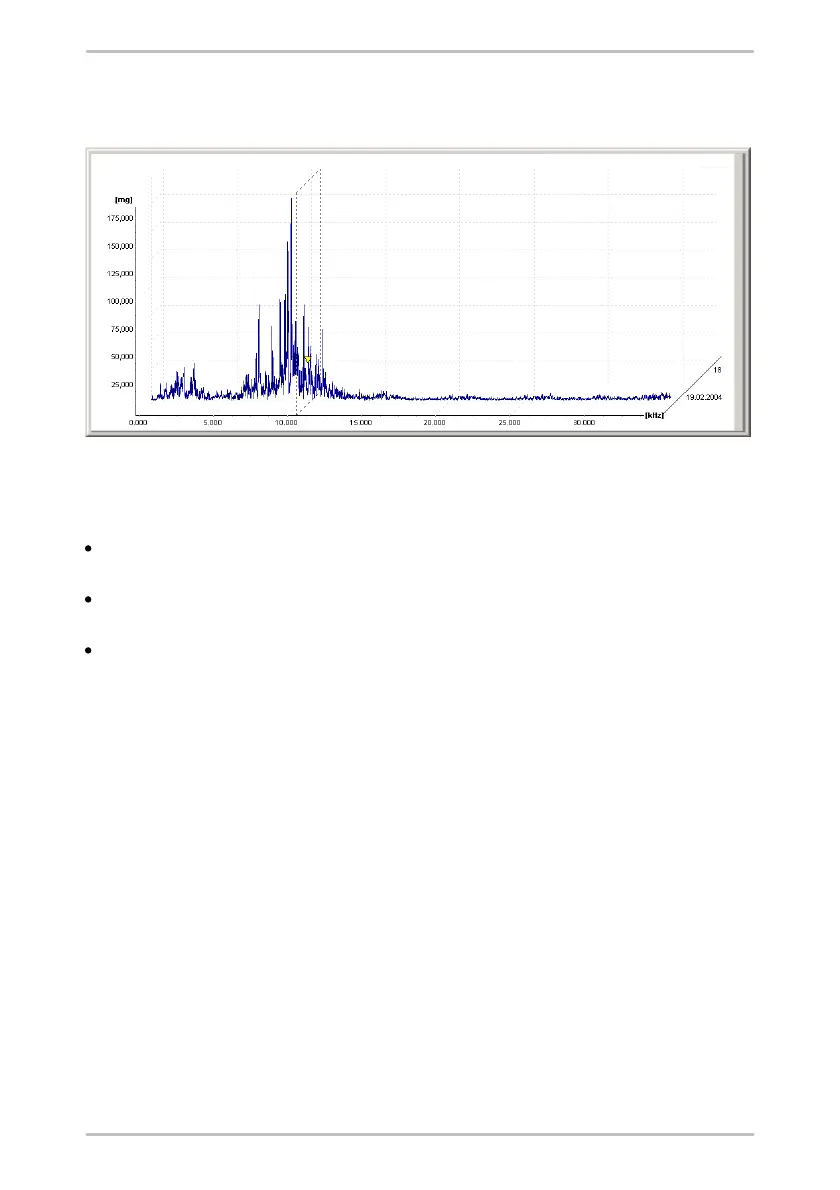
dimensional display. If you have selected multiple datasets, the corresponding
FFTS are also displayed in a window.
You can configure the display under FFT settings with Display mode.
Display mode
2D stacked (only in case of multiple diagrams): The diagrams are displayed
two-dimensionally with separate axes on top of each other.
2D stacked (only in case of several diagrams): The diagrams are displayed in
a diagram with the same axes.
3D Wireframe: The diagrams are displayed spatially behind each other, sorted
by date (the "oldest" value at the front). The order of the curves can be changed
by pressing CTRL+F.



 To Next Page