200
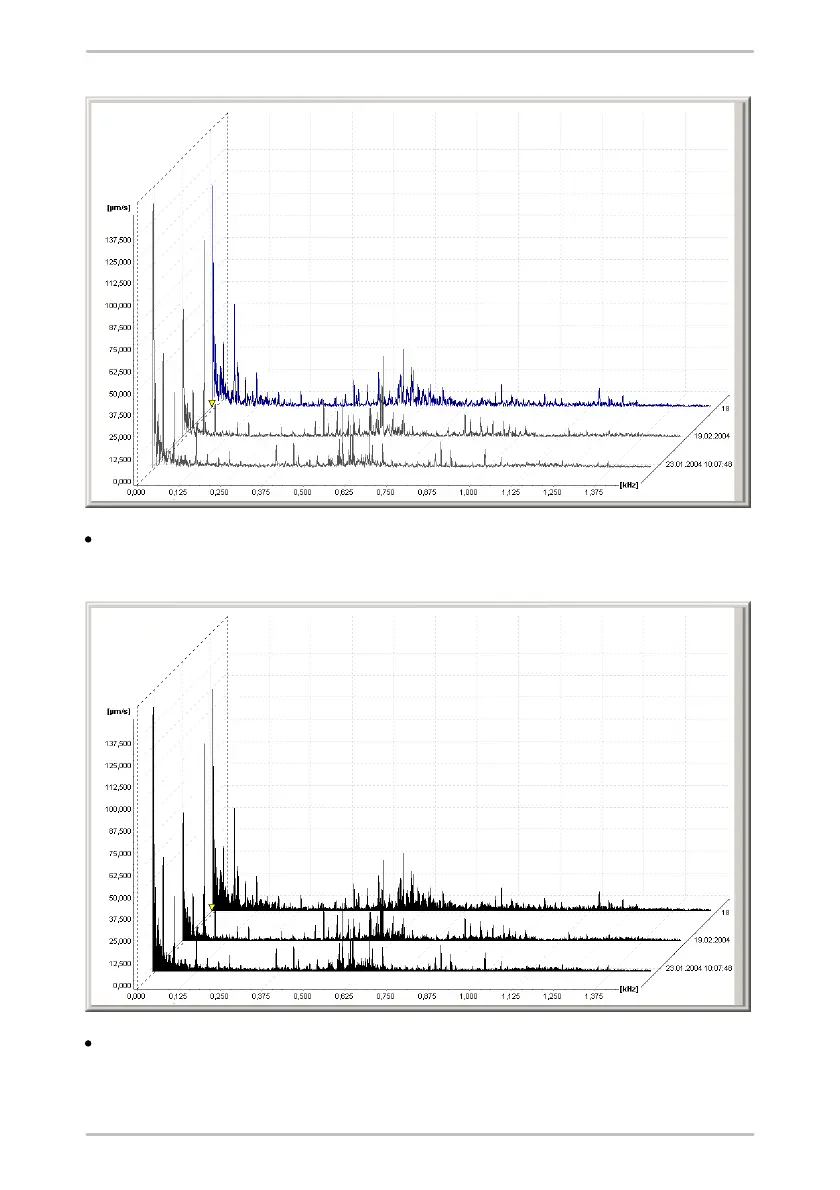
3D Area: The surfaces under the signal curves are displayed in a completed
fashion. The order of the curves can be changed by pressing CTRL+F.
3D Mountains: For this type of display, the surfaces under the signal curves are
displayed in a completed fashion. In addition, the peaks between the individual
diagrams are connected by planes. The order of the curves can be changed by



 To Next Page