260
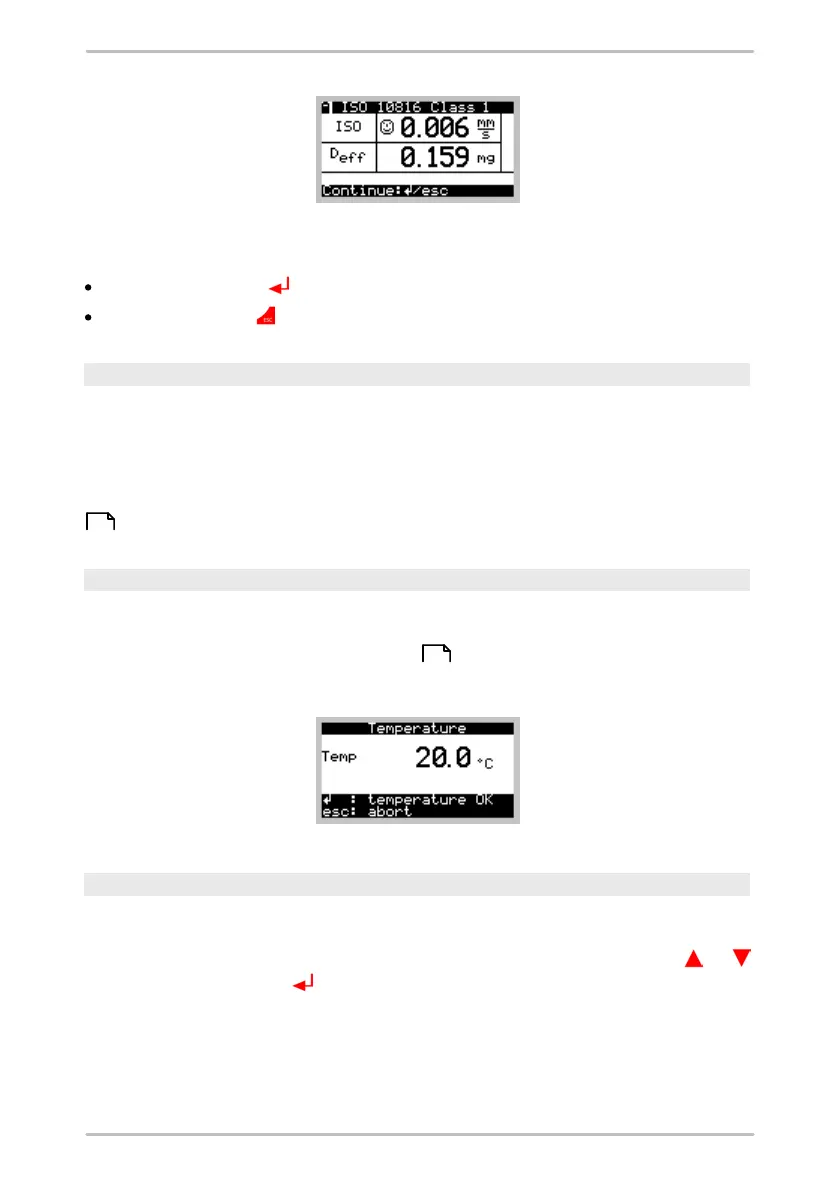
The measurement cannot be saved and you also cannot view any time signals,
FFTs or Trends. You can, however, perform an additional measurement:
Press the Enter key in order to take a measurement for the same class.
Press the Esc key to select another class.
Headset
The headset function can be activated under Single measurements > Headsets.
Here you can "listen to" a measuring point and adjust the amplification factor for
this option. The headset cannot be used in the Detector during a measurement.
In addition to headset, an analog recorder may also be connected to the 3.5 mm
jack. Measurement with headset is described in more detail in using a headset
.
Temperature
The temperature can be measured directly via Single measurements >
Temperature without requiring prior configuration. The procedure is the same as
for a normal Temperature measurement . The only difference here is that the
temperature cannot be saved.
Rotational speed
The rotational speed can be measured directly by selecting Single
measurements > Rotational speed. The Detector shows the current and the
average rotational speed. If you want to set pulses per rotation, press on or
or press the Enter button and enter the number of pulses.
233
233



 To Next Page