Chapter 2 Starting up of System
10
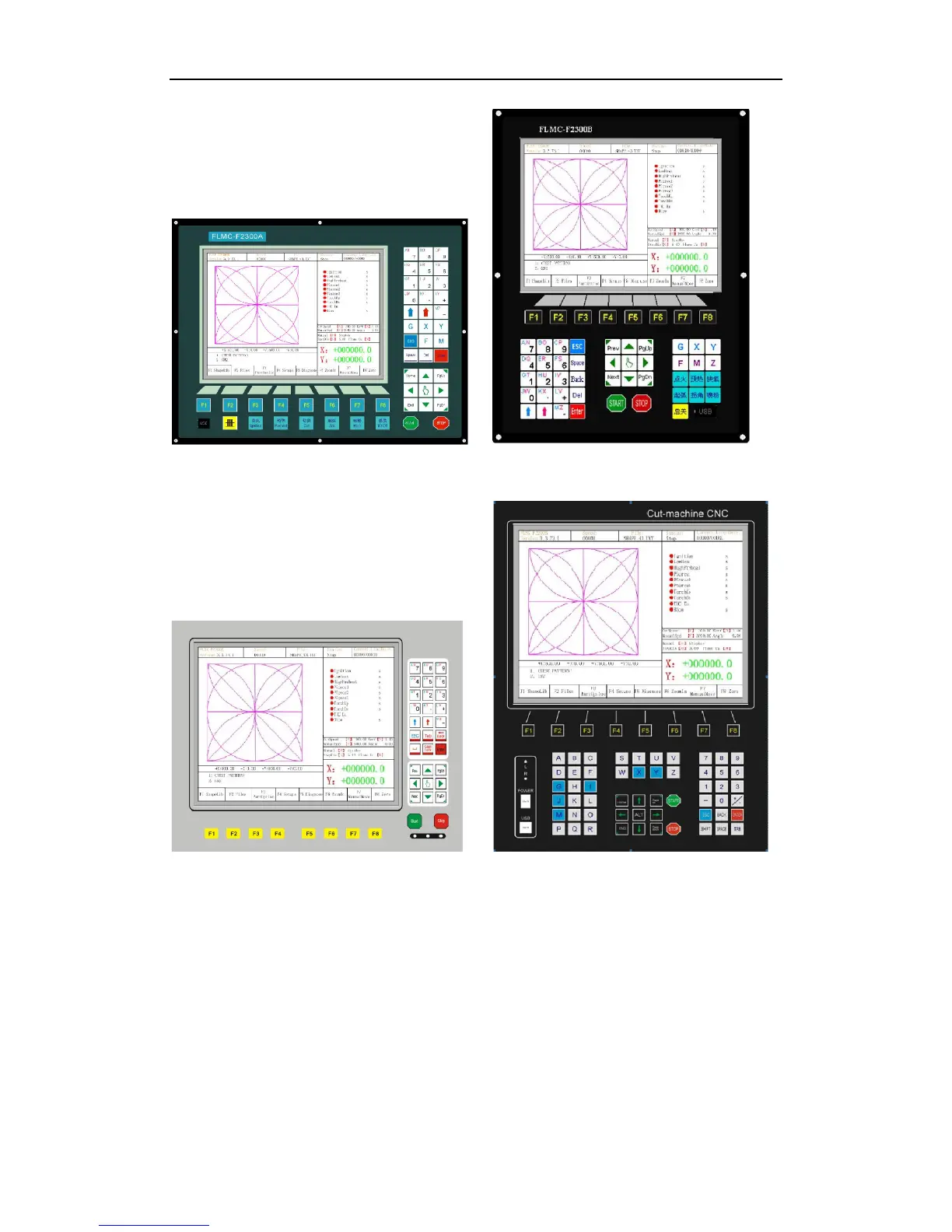
Fig 2.3 F2300 A/T(A) system board Fig 2.3 F2300 B/T(B) system board
Fig 2.4 F2500A/T(A) system board Fig 2.4 F2500B/T(B) system board
【F1】-【F8】 Function key in different interface
【S↑/PgUp】 page-up key of code interface or Torch up in other interface
【S↓/PgDn】 page-down key of code interface or Torch down in other interface
【F+/HOME】 Accelerate or skip to the head of code line
【F-/END】 Decelerate or skip to the tail of code line
【1】-【9】 During the cutting process, change the cutting speed to ratio of the
speed limit you have set, for example press【1】, change the cutting speed to 10% of



 To Next Page