Chapter 4 Part Option
33
this time, the system will clear the angle of steel plate adjusting or manual entering. In the
general condition, the angle entered is not as the angle of steel plate adjusting. If the angle
entered here needs to be as the angle of steel plate adjusting, please refer to section
8.7.6.8.
4.4 Array
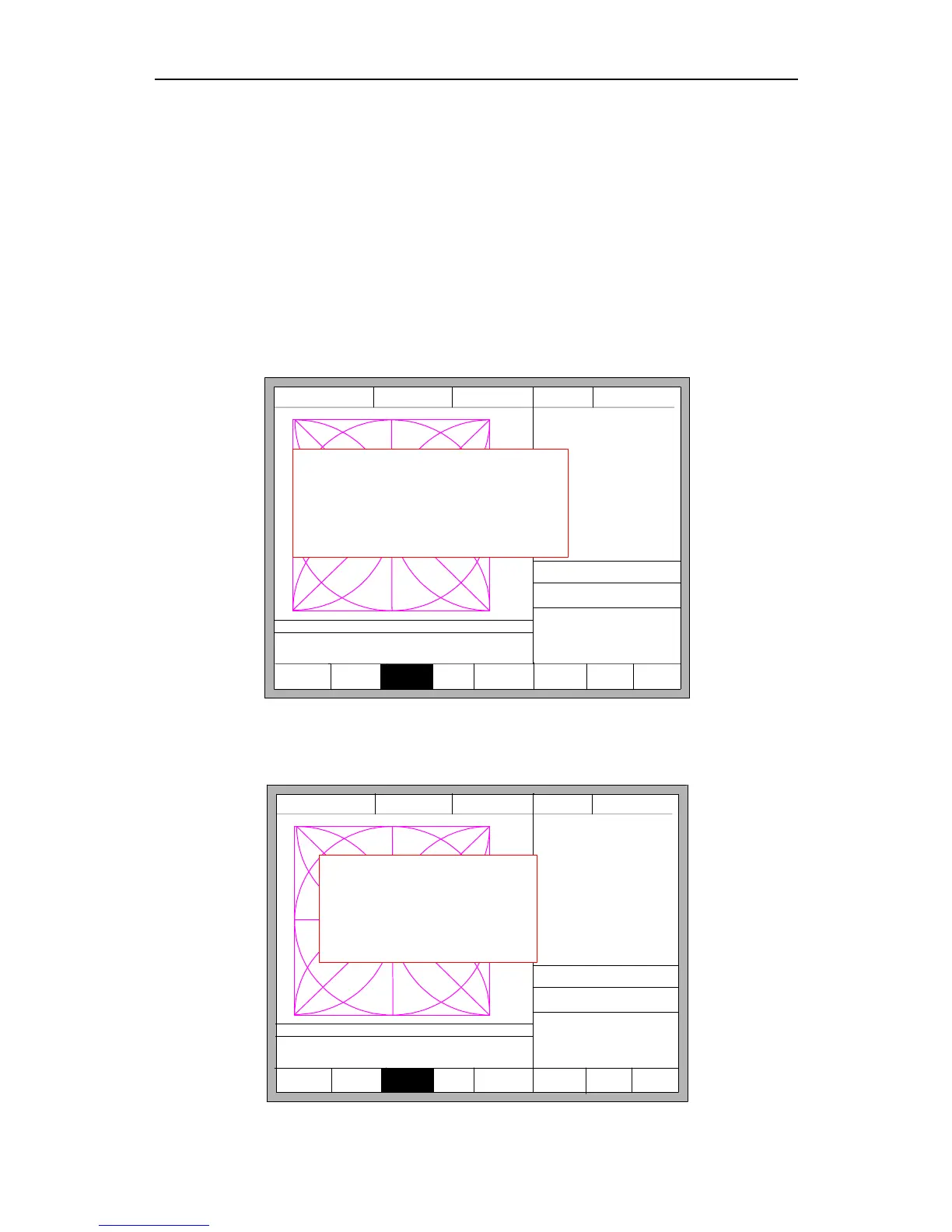
In the part options menu, press 【F3】, the system will prompt as Fig 4.7, there are
three ways to arrange, arrange in matrix, staggered arrange, arrange in stack.
F3 Array F4 Scale
F5
SelLinePierce
F6 EditFile F7 Revert
FLSK F2200T
Version 3.3.71.1
Speed:
00000
File:
SHAPE_43.TXT
Status:
Stop
Current Line/Hole:
00000/00000
+X:500.00 -X:0.00 +Y:500.00 -Y:0.00
X:+000000.0
Y:+000000.0
【X】 Xmirror
【Y】 Ymirror
SELECT ARRAY TYPE
F1: Straight
F2: Stagger
F3: Nest
F1
StartPoint
F2 Angle F8 OK
CutSpeed 【X】1000.00 Kerf【N】1.20
ManualSpeed【Y】3000.00 Angle 0.00
Manual 【F】 keepMov
StepDis【G】 5.00 Flame Cu 【M】
Operate Mode:
PartOption
Fig 4.7 Chooses arrange method
Press【F1】 to carry on arranging in matrix:
F3 Array F4 Scale
F5
SelLinePierce
F6 EditFile F7 Revert
FLSK F2200T
Version 3.3.71.1
Speed:
00000
File:
SHAPE_43.TXT
Status:
Stop
Current Line/Hole:
00000/00000
+X:500.00 -X:0.00 +Y:500.00 -Y:0.00
X:+000000.0
Y:+000000.0
Enter parameter(unit mm)
Rows 2 Cols 2
RowSpc 500.00 ColSpc 500.00
F8: OK
【X】 Xmirror
【Y】 Ymirror
1:(TEST PATTERN)
2:G92
F1
StartPoint
F2 Angle F8 OK
CutSpeed 【X】1000.00 Kerf【N】1.20
ManualSpeed【Y】3000.00 Angle 0.00
Manual 【F】 keepMov
StepDis【G】 5.00 Flame Cu 【M】



 To Next Page