Chapter 6 File Operation
44
Press F6, if the current position of the cursor is txt file or CNC file, you could copy
the current file to the flash disk when it is connected to the USB interface.
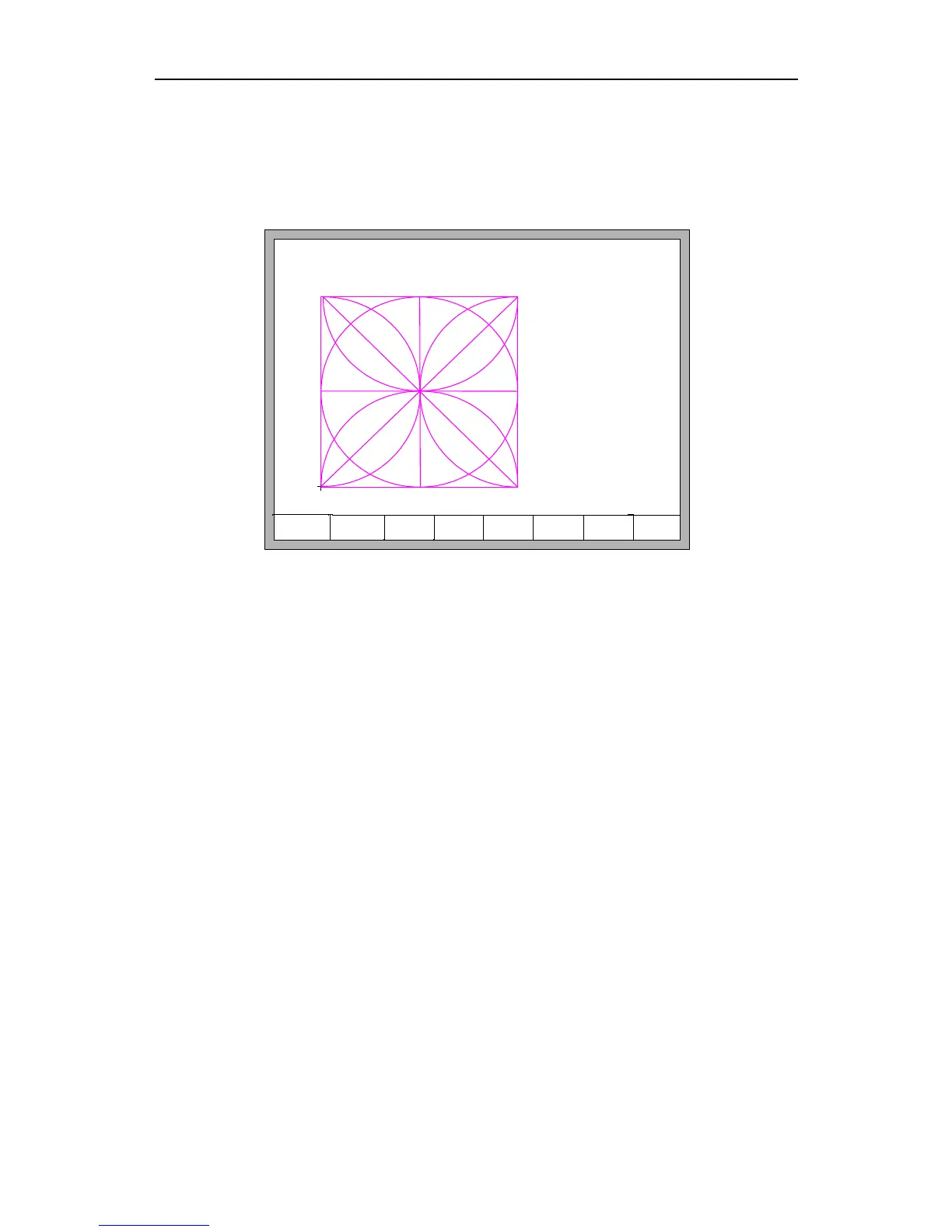
Press F7, if the current position of the cursor is txt file or CNC file, you could preview
the current graphic.
1: SHAPELIB/SHAPE_18.TXT
2: SHAPELIB/SHAPE_00.TXT
3: SHAPELIB/SHAPE_01.TXT
4: SHAPELIB/SHAPE_43.TXT
5: SHAPELIB/SHAPE_.TXT
6: SHAPELIB/UsedPart.abs
7: SHAPELIB/UsedNoKf.abs
F1 DiskFile F2 UDisk F3 Search
F4
EditFile
F5 DelFile F6 CopyToU
F7
Preview
F8 OK
Fig 6.2 Graphic preview
Press F8, if the current position of the cursor is txt file or CNC file, you could import
the current file to the system, after importing, the system will return to the main
interface.
6.2 Files in the U Disk
In the code interface, press key【F2】to go for U Disk interface.
In the U Disk interface, choose the corresponding cutting code, press 【F6】, the
system will save this code into the internal documents.
Note: When you open a file on U disk, you must save it as the local machine code
before you start cutting. When saved the U disk documents, file name automatically
memory, shown as Fig 6.3:



 To Next Page