Chapter 6 File Operation
49
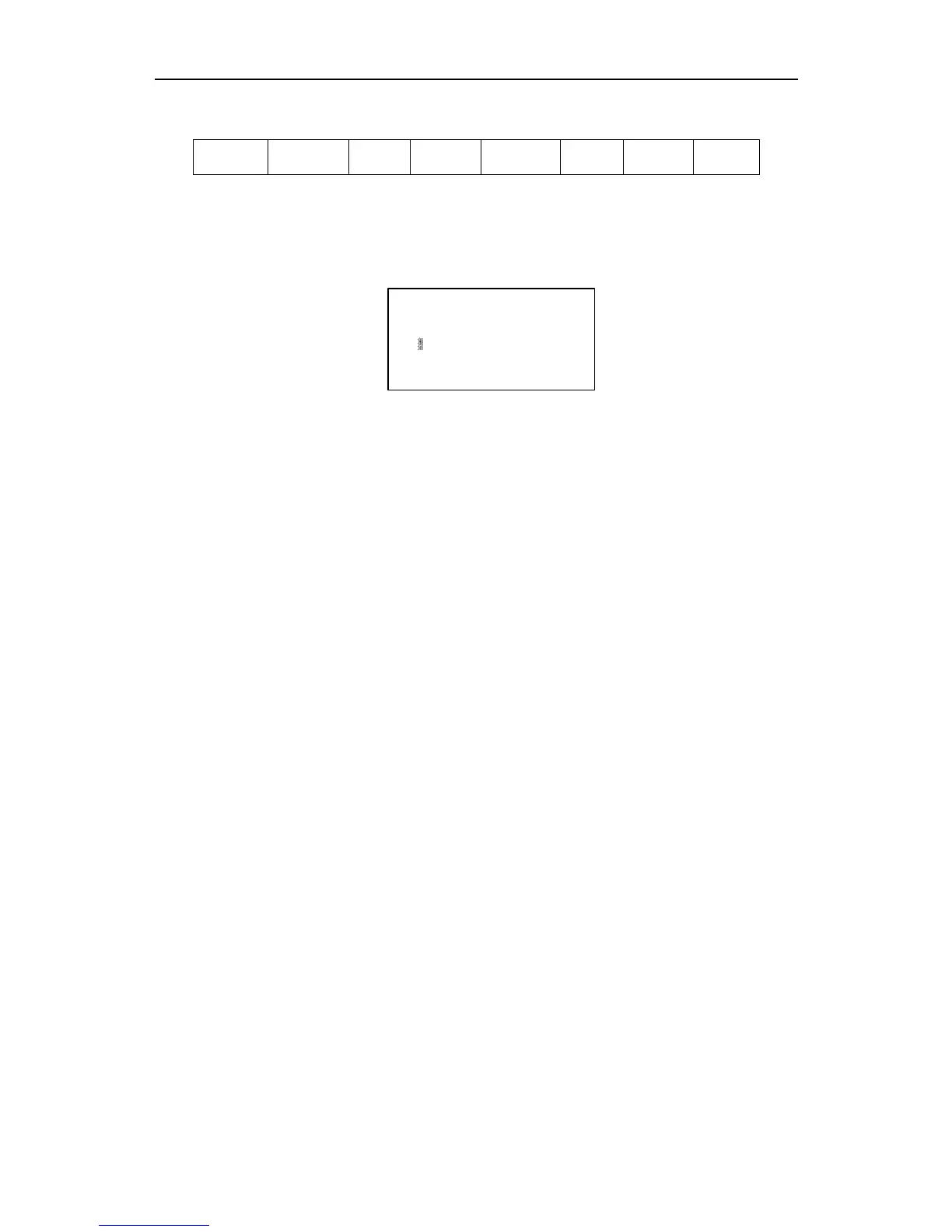
Then press【F4】-- edit file, the function keys under the edit file show as figure 6.8.
F1Compile F2AddRow F3Del Row F4NewFile F5NewFolder F8Save
Fig 6.8 Edit file interface
At this time, press【F5】, input the folder’s name in the prompting frame and then
press【Enter】.
Pls input folder name:
Illustration: the system supports only 10 folders, after more than 10 folders, the new
folder will replace the second folder, successively the third folder, the forth file and so on.
The first folder /flash is reserve folder, this folder can neither be replaced nor be modified.
6.8 Clear File
Refer to the explanation about clear files in the section of 8.7.8.



 To Next Page