Chapter 8 Diagnosis Function
62
Chapter 8 Diagnosis Function
F1 Input F2 Output F5KeyBrd F6SelfCheck F7DateTime F8SystemDef
input
forward limit
back limit
right limit
left limit
emergency stop
arcing feedback
Position detect
Plasma Collision
Move up input
Move down input
Move left input
Move right input
Acceleration input
Deacceleration input
Torch up input
Torch down input
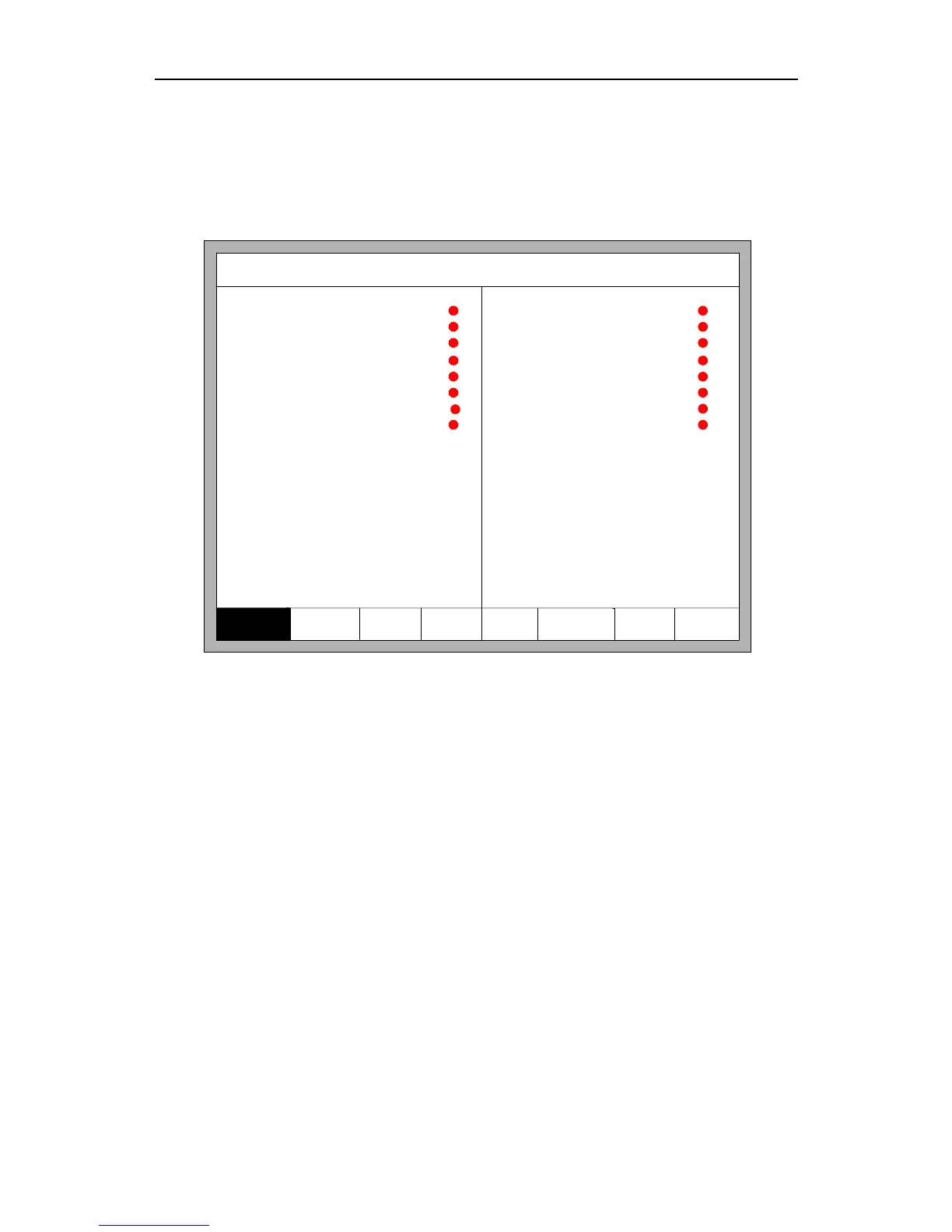
Fig 8.1 Diagnostic interface
In the main interface, you can press 【F5】 to enter the system diagnosis interface, as
shown in Fig 8.1.
You can be diagnosing the I/O and keyboard in the interface.



 To Next Page