Chapter 7 Parameter Setting
60
F1 Common F2 Flame F3 Plasma F5 System F6 Import F7 Export F8 Save
Horizontal Axis Pulse 125.000 n/mm
Vertical Axis Pulse 125.000 n/mm
Max cutting speed 2000.000 mmpm
Max G00 speed 6000.000 mmpm
Max Manual speed 3000.000 mmpm
Small arc limit 500.000 mmpm
Limit speed below radius 0.00 mm
Flame adjust time 0.40 s
Plasma adjust time 0.30 s
Emergency stop time 0.08 s
Start speed 250.000 mm
Max +X 100000.000 mm
Max +Y 100000.000 mm
Min -X -100000.000 mm
Min -Y -100000.000 mm
F4 Powder
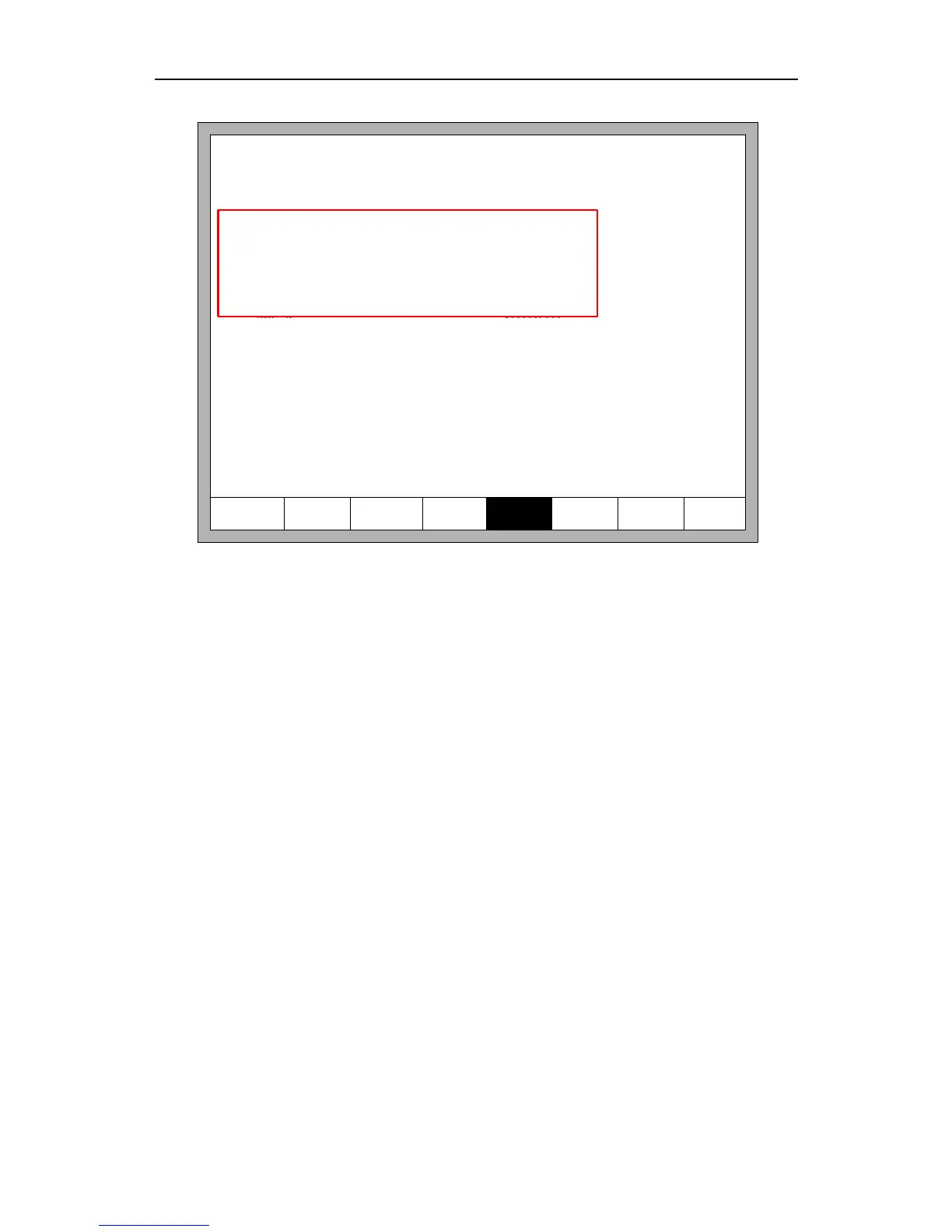
Sure to import Parameter?
Parameter file is F2300D.DAT
Fig.7.7 Parameter import
7.7 Parameter Export
After the parameter configuration is over, press F7 in the parameter configuration
interface to export the parameters, you should connect the flash disk to the USB interface
before exporting.
In the interface shown in Figure 7.8, after pressing Enter, the parameters will
automatically be saved in the root folder of flash disk, the file name is F2300.DAT



 To Next Page