Chapter 8 Diagnosis Function
64
8.3 Output Diagnosis
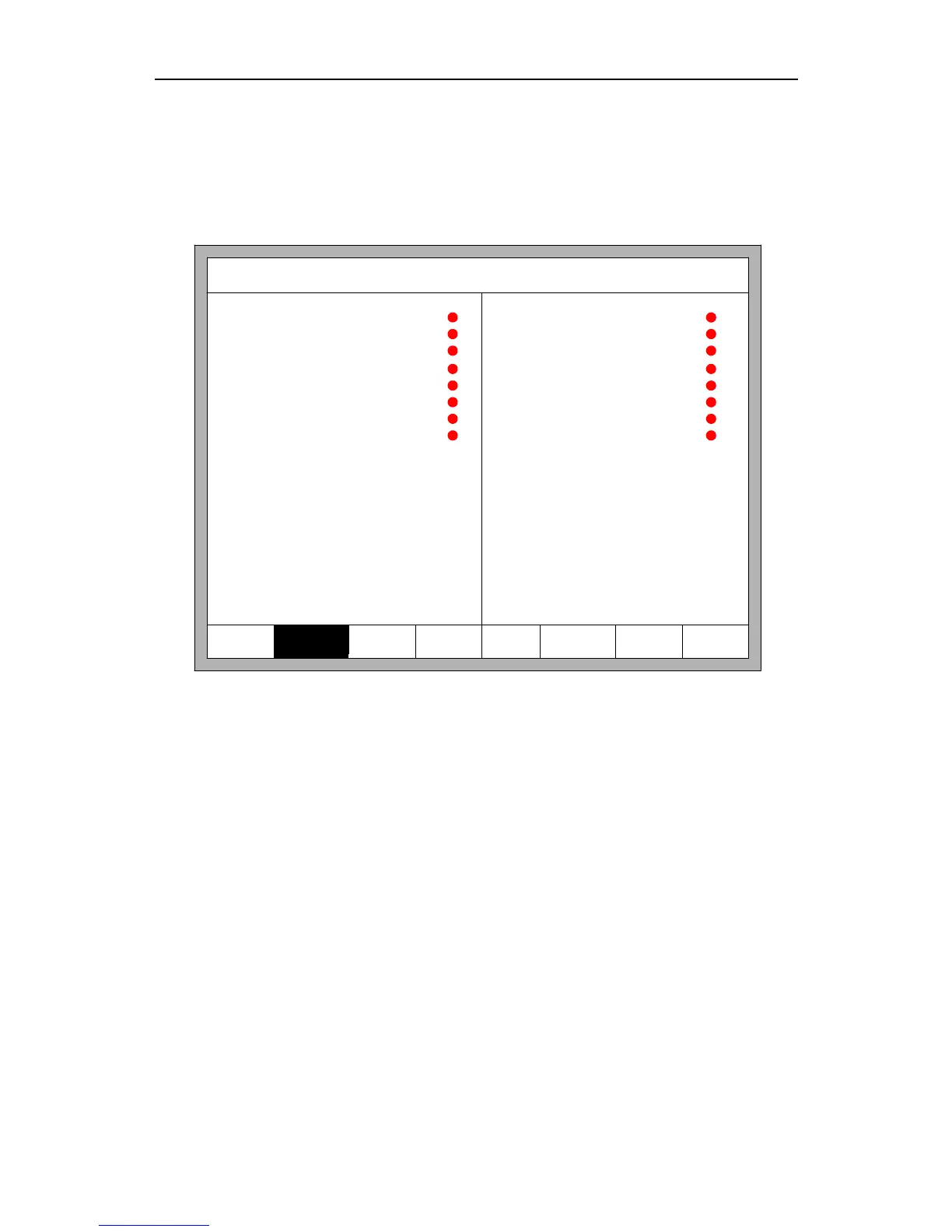
In diagnosis interface ,press 【F2】to enter output diagnosis interface,shown as Fig
8.3
F1 Input
F2 Output F5KeyBrd F6SelfCheck F7DateTimeF8SystemDef
Output
Ignition
Low preheat
High preheat
Low Oxygen
Medium Oxygen
High Oxygen
Torch up
Torch down
Blow
THC enable
Position detect
Arc starting
HoldTorch
Marker Output
Mix powder
Dust preheat
F3 OpenOut F4 CloseOut
Fig 8.3 Output diagnosis
Press 【↑】, 【↓】, 【←】, 【→】, you can move the cursor to the corresponding output port,
press 【 F3 】 to open the corresponding output port, press 【 F4 】 to close the
corresponding output.
●
represents the valid output,
●
represents the invalid output.
8.4 Keyboard Diagnosis
In the diagnostic interface, a key value will be displayed behind “KEY:”, whenever
the key is pressed.



 To Next Page