Chapter 9 Graph Management
76
Chapter 9 Graph Management
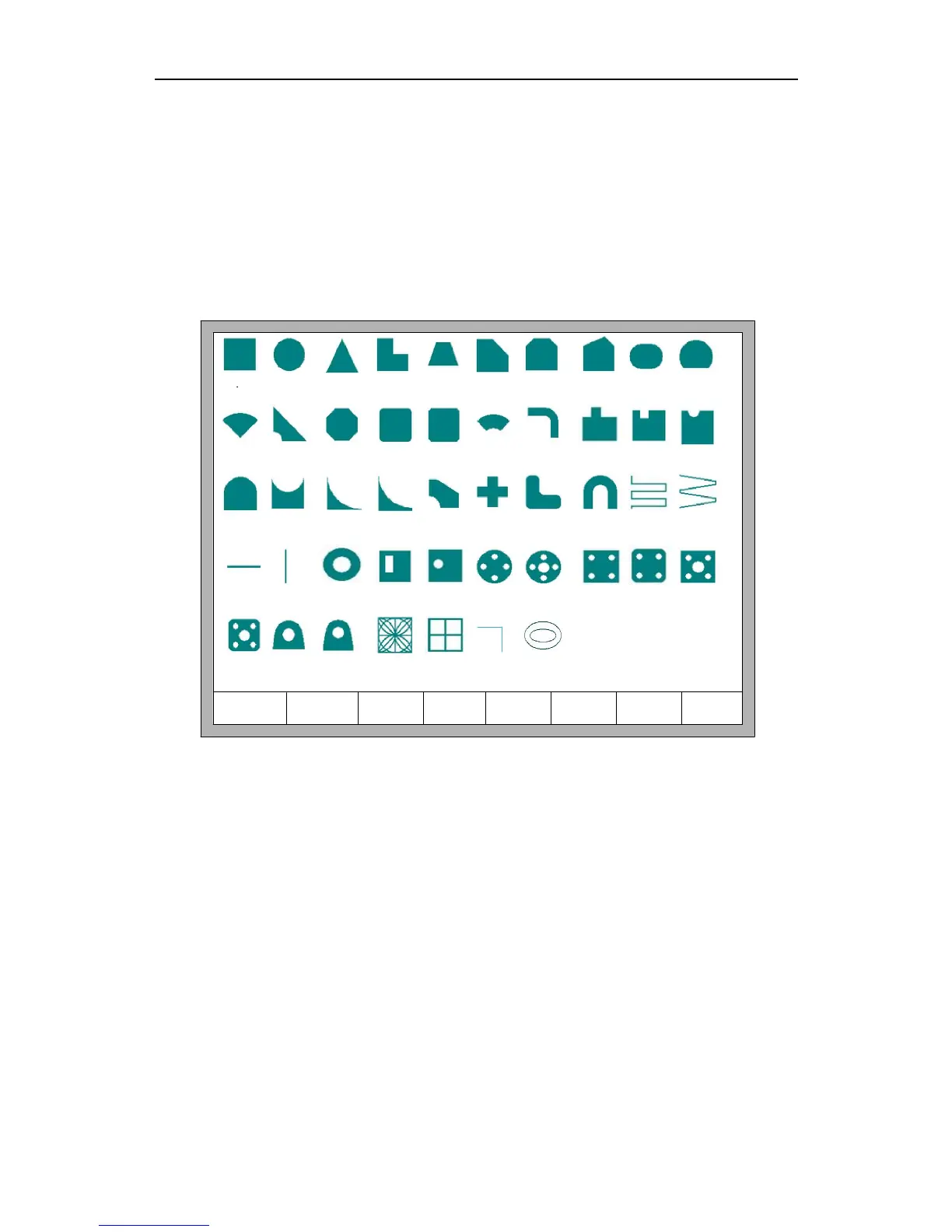
In the main interface, press【F1】(Shape Lib) to enter graph interface,shown as
follows:
F8 OK
0 1 2
8
3 4
5
10
6 7 9
11
15 16
23
17
18
21 22 24
25 26
27
28 29
30
31 32 33 34 35
36 37
38
39
40 41 42 43 44
12 13 14
45 46
19
20
Fig 9.1 Page of graph Library
You can press 【↑】、【↓】、【←】、【→】to choose different graph.
9.1 Choose Graph
In home interface of graph, move the cursor to the required graph, press 【F8】 to
confirm, shown as Fig 9.2:



 To Next Page