Chapter 4 Part Option
32
【ENTER】, the system will back to the start point of the operation, if press 【ESC】, the
system will do nothing but go back to the graphic interface.
F2 Angle F3 Array F4 Scale
F5
SelLinePierce
F6 EditFile F7 Revert
FLSK F2200T
Version 3.3.71.1
Speed:
00000
File:
SHAPE_43.TXT
Status:
Pause
Current Line/Hole:
00000/00000
X:+000053.2
Y:+000009.4
【X】 Xmirror
【Y】 Ymirror
1:(TEST PATTERN)
2:G92
CutSpeed 【X】1000.00 Kerf【N】1.20
ManualSpeed【Y】3000.00 Angle 0.00
Manual 【F】 keepMov
StepDis【G】 5.00 Flame Cu 【M】
F1
StartPoint
F8 OK
Enter: Return back
ESC: Don’t move back
Angle: 10.048
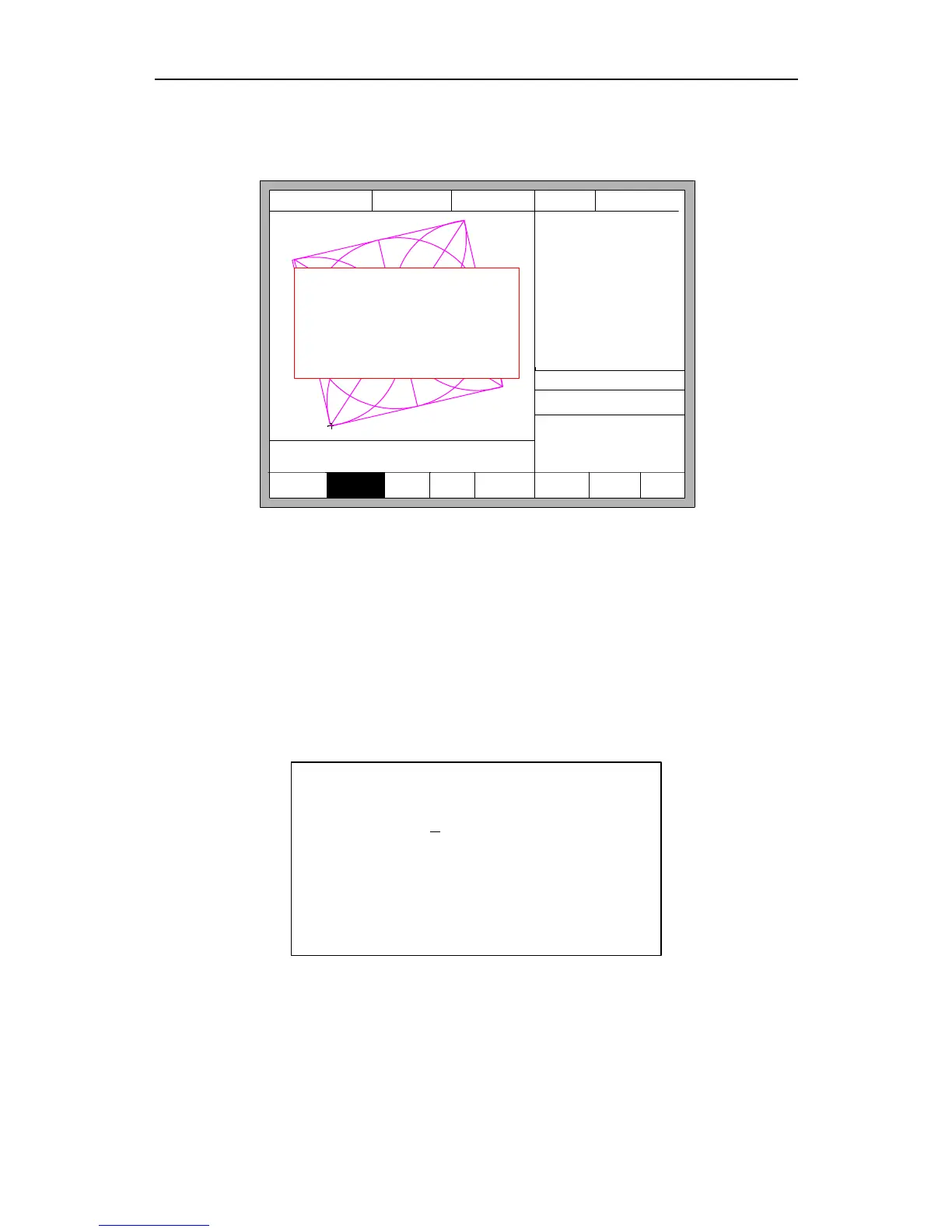
Fig 4.6 Return to the start point after adjusting
4.3.2 Steel Plate Adjust Angle Memory Function
About steel plate adjust angle memory,please refer to the section of 8.7.6.6.
4.3.3 Enter Angle
When the angle of the current work piece is known, you can enter the angle:
Please enter angle
min:-360 max:360
Angle: 0.00
Note:
>0 Rotate CCW on the base of current
<0 Rotate CW on the base of current
=0 Reset the current part to 0 degree
Enter angle
After manually enter the angle, press 【ENTER】 to make sure, the graphic will be
rotate with the corresponding angle. Positive angle means rotate in counterclockwise,
while negative means clockwise. Press 【ESC】 to exit angle adjusting.
Illustration: when enter angle 0, process graph will restore to the location of 0°, at



 To Next Page