Chapter 6 File Operation
43
Chapter 6 File Operation
The system supports cutting code which has txt and CNC postfix. The maximum
capacity is 1M and the largest number of rows is 10000 lines. You can edit, compile,
delete, export internal document, also you can import the file in the U disk into system.
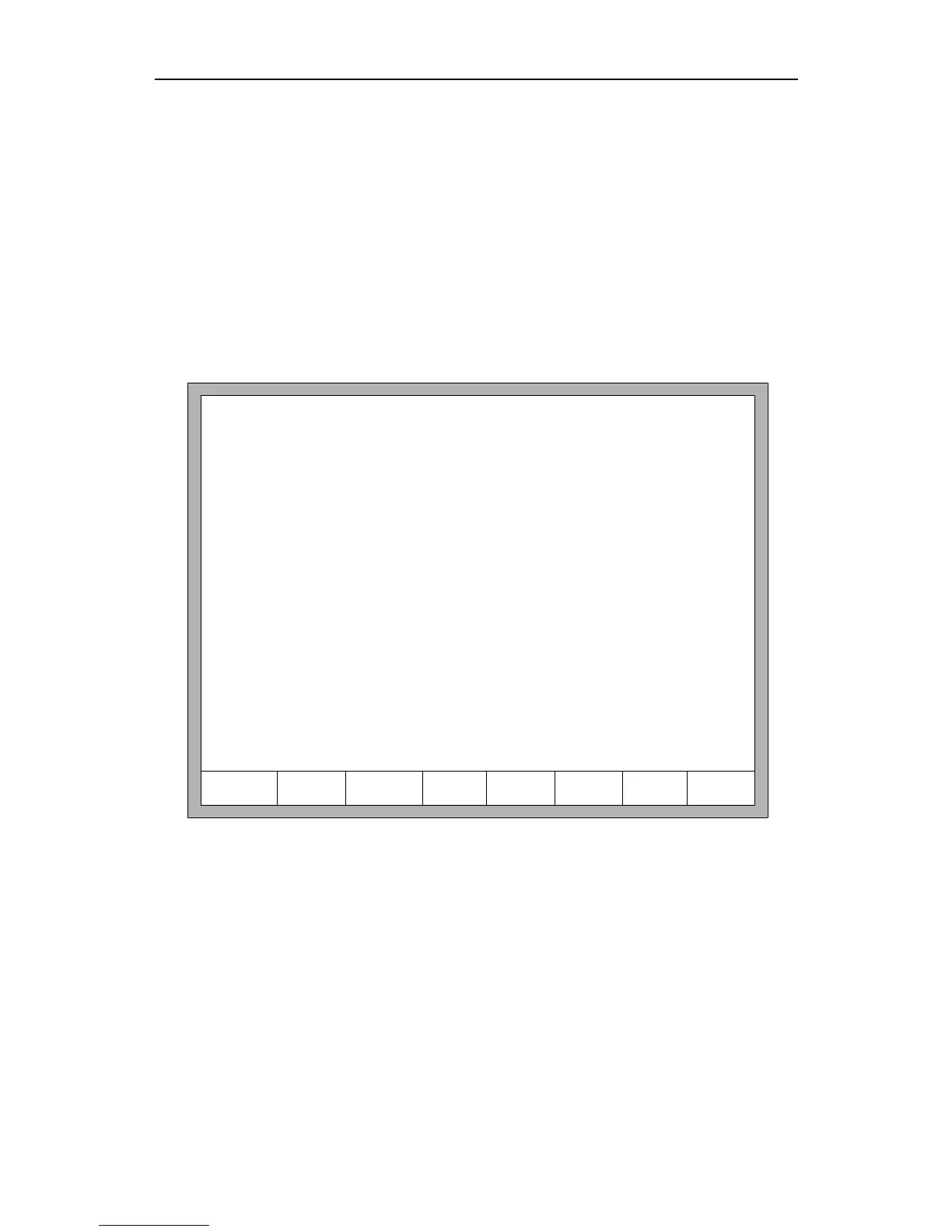
In the main interface, press key【F2】(code) to enter local machine code interface,
shown as follows:
F1 DiskFile F2 UDisk F3 Search
F4
EditFile
F5 DelFile F6 CopyToU
F7
Preview
F8 OK
Work folder:/flash
0-/flash 1-DIR1 2-DIR2 3-DIR3 4-DIR4
5-DIR5 6-DIR6 7-DIR7 8-DIR8 9-DIR9
Fig 6.1 code interface
6.1 Files in the Hard Disk
In the file manage interface, press F1 to enter the hardware file list, as shown in Fig
6.1 the system only lists the folder, TXT file and CNC file.
Press F4, if the current position of the cursor is txt file or CNC file, you could edit
them. Please refer to chapter 6.5 on how to edit files.
Press F5, if the current position of the cursor is txt file or CNC file, you could delete
them.



 To Next Page