Chapter 8 Diagnosis Function
74
8.7.8 Add a Language File
From the company get the language pack file and copy it into the USB. Insert the
USB into the system USB port. In the main interface, move the cursor to add language file,
press 【Enter】. There will be a introduction appearing to show the result. This system can
support most of the national language files, can also be customized language file. Please
contact the company demand.
8.7.9 Clear File
In the main interface, press 【F5 Diagnose】,then press 【F8 System definition】,then
press 【F7 Clear File】, the system will clear all G code file of system.
8.7.10 System Update
In the main interface, press 【F5 Diagnose】,then press 【F8 System definition】,then
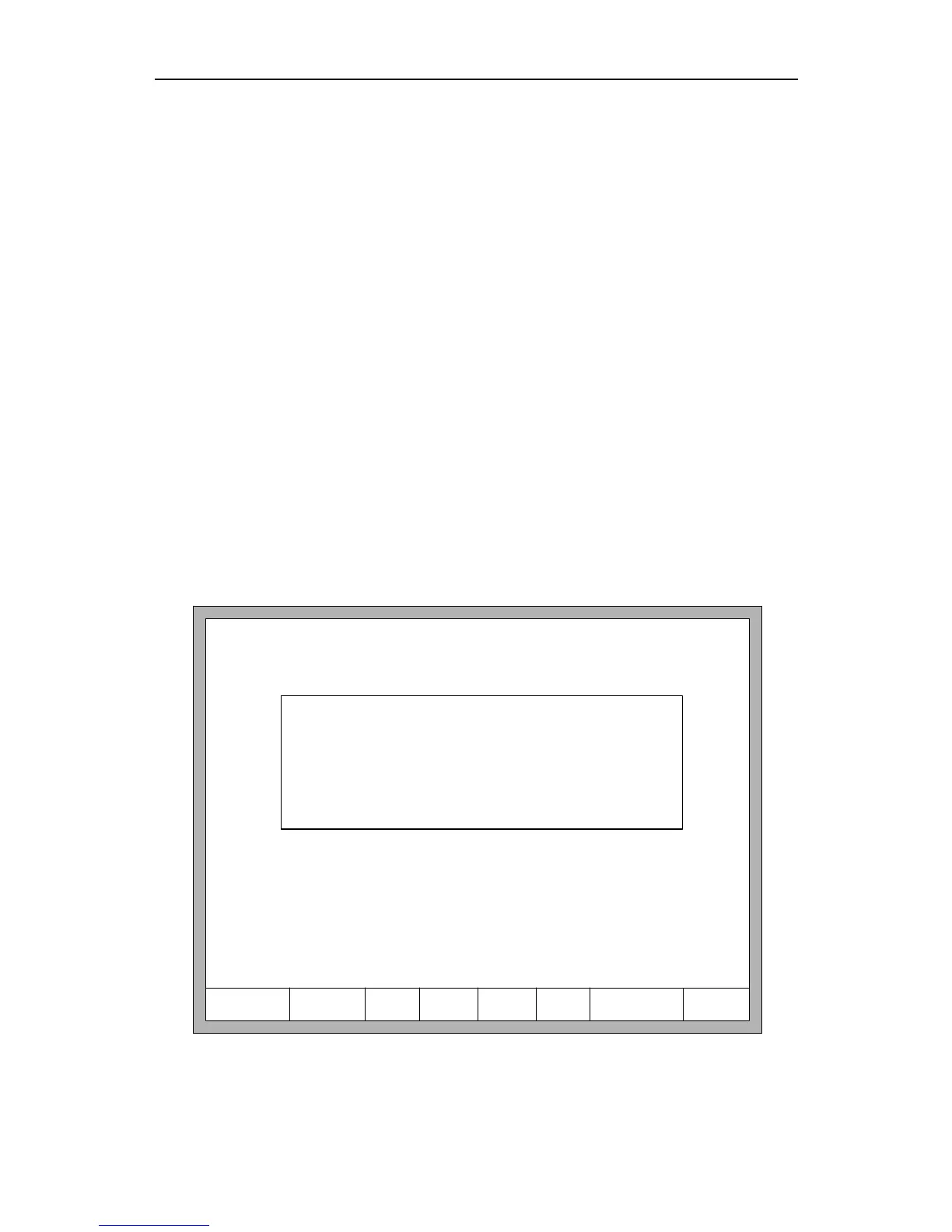
press 【F8 System update】, after press 【Enter】and confirm, it will prompt to update as
the figure 8.13 shows.
F1ParaRecover F8UpdateF2ParaBackup F4EncryptF3Define F6Lan F7clear FileF5UnEncry
F1: Function Update
F2: Welcome Update
F3: Motion Update
F4: System recovery
Fig 8.13 the prompt of system update



 To Next Page