Chapter 3 Cutting Function
22
FLSK F2200T
Version 3.3.71.1
Speed:
00000
File:
SHAPE_43.TXT
Status:
Stop
Current Line/Hole:
00000/00000
+X:500.00 -X:0.00 +Y:500.00 -Y:0.00
6: G01 X0 Y500.00
7:G01 X500.00 Y0
X:+000000.0
Y:+000000.0
Manual 【F】 StepMov
StepDis【G】 5.00 Flame Cu 【M】
CutSpeed 【X】1000.00 Kerf【N】1.20
ManualSpeed【Y】3000.00 Angle 0.00
Jump to new pierce?
ENTER: sure ESC: cancel
●Ignition s
●LowHeat s
●HighPreheat s
●Pierce1 s
●Pierce2 s
●Pierce3 s
●TorchUp s
●TorchDn s
●THC En
●Blow s
F1 Back F2 Demo
F4
Speeddown
F5
Speedup
F6
Preheatdown
F7
Preheatup
F8
JumptoPierce
F3 GoBack
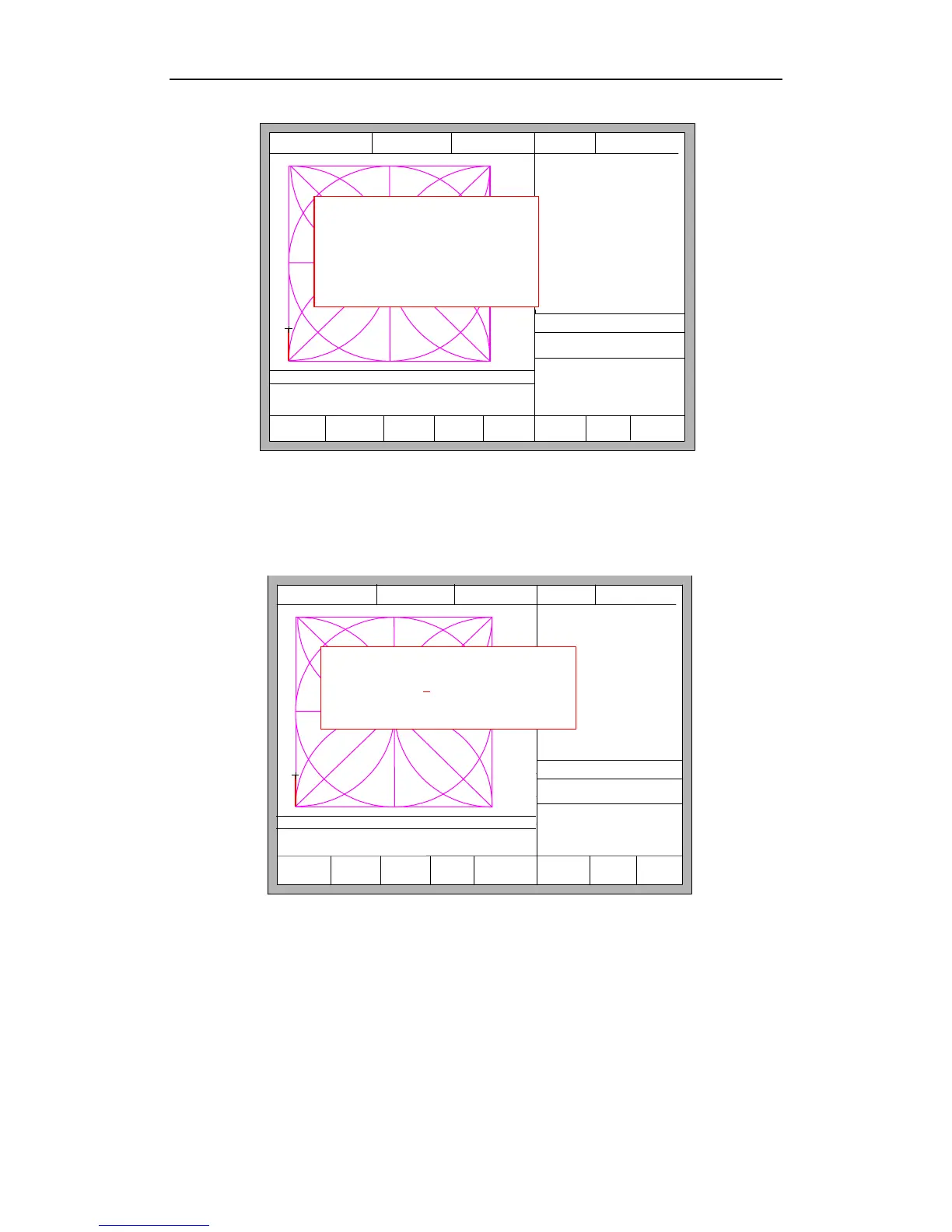
Fig. 3.6 select new pierce
If you press ESC, the system will then return the cutting interface. If you press
ENTER, the system will again prompt:
F1
StartPoint
F2 Angle F3 Array F4 Scale
F5
SelLinePierce
F6 EditFile F7 Revert F8 OK
FLSK F2200T
Version 3.3.71.1
Speed:
00000
File:
SHAPE_43.TXT
Status:
Pause
Current Line/Hole:
00000/00000
+X:500.00 -X:0.00 +Y:500.00 -Y:0.00
Operate Mode:
PartOption
X:+000090.20
Y:+000024.10
Manual 【F】 ContiMov
StepDis【G】 5.00 Flame Cu 【M】
CutSpeed 【X】1000.00 Kerf【N】1.20
ManualSpeed【Y】3000.00 Angle 0.00
【X】 Xmirror
【Y】 Ymirror
Input No. of pierces:
Press <- -> select No. of pierce
0
F8 OK
Fig. 3.7 pierce prompt
Pierce point can be input manually at this time. You can also press ESC to exit
without manual input perforation point, and then press the left and right arrow keys to
select the perforation point.



 To Next Page