Chapter 4 Part Option
30
F1 Center
F2 L&B
F3 L&T
F4 R&B
F5 R&T
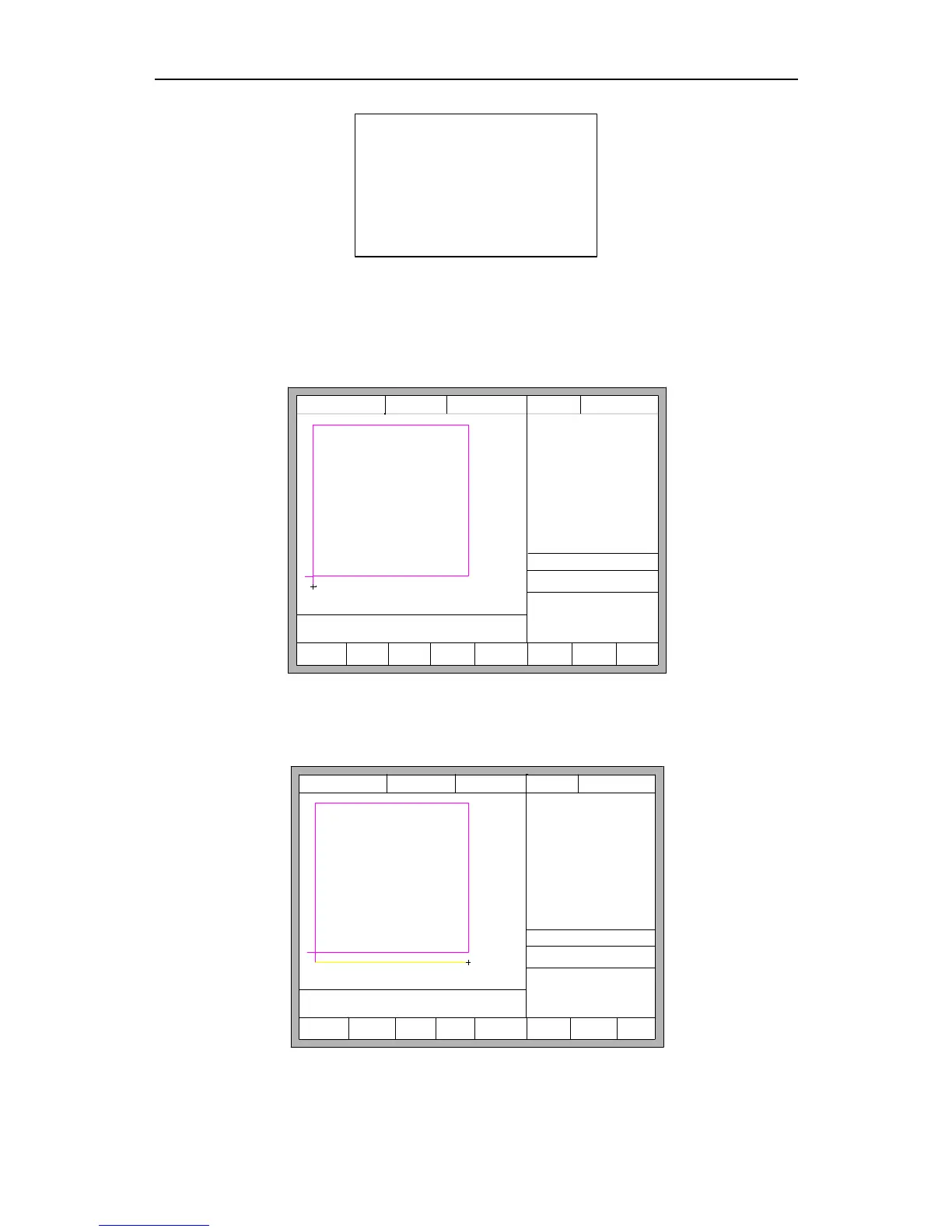
At this time, press 【F1】-【F5】, the starting point of cutting part automatically jump
to relevant location. For example, press 【F4】, the part of start point will automatically
jump to lower right corner. As the following figures show:
X:+000000.0
Y:+000000.0
【X】 Xmirror
【Y】 Ymirror
FLSK F2200T
Version 3.3.71.1
Speed:
00000
File:
SHAPE_43.TXT
Status:
Stop
Current Line/Hole:
00000/00000
CutSpeed 【X】1000.00 Kerf【N】1.20
ManualSpeed【Y】3000.00 Angle 0.00
Manual 【F】 keepMov
StepDis【G】 5.00 Flame Cu 【M】
Operate Mode:
PartOption
F1
StartPoint
F2 Angle F3 Array
F4 Scale
F5
SelLinePierce
F6 EditFile F7 Revert F8 OK
Fig 4.2 before press F4, start point is at original point
X:+000000.0
Y:+000000.0
Operate Mode:
PartOption
【X】 Xmirror
【Y】 Ymirror
CutSpeed 【X】1000.00 Kerf【N】1.20
ManualSpeed【Y】3000.00 Angle 0.00
Manual 【F】 keepMov
StepDis【G】 5.00 Flame Cu 【M】
FLSK F2200T
Version 3.3.71.1
Speed:
00000
File:
SHAPE_43.TXT
Status:
Stop
Current Line/Hole:
00000/00000
F1
StartPoint
F2 Angle F3 Array
F4 Scale
F5
SelLinePierce
F6 EditFile F7 Revert F8 OK
Fig 4.3 after press F4, start point is at lower right corner



 To Next Page