RESTRICTED USE ONLY Fargo Electronics, Inc.
HDP600 High Definition Card Printer/Encoder User Guide (Rev. 2.3)
3-59
Installing the HDP600 Series Card Lamination Module (continued)
Step Description
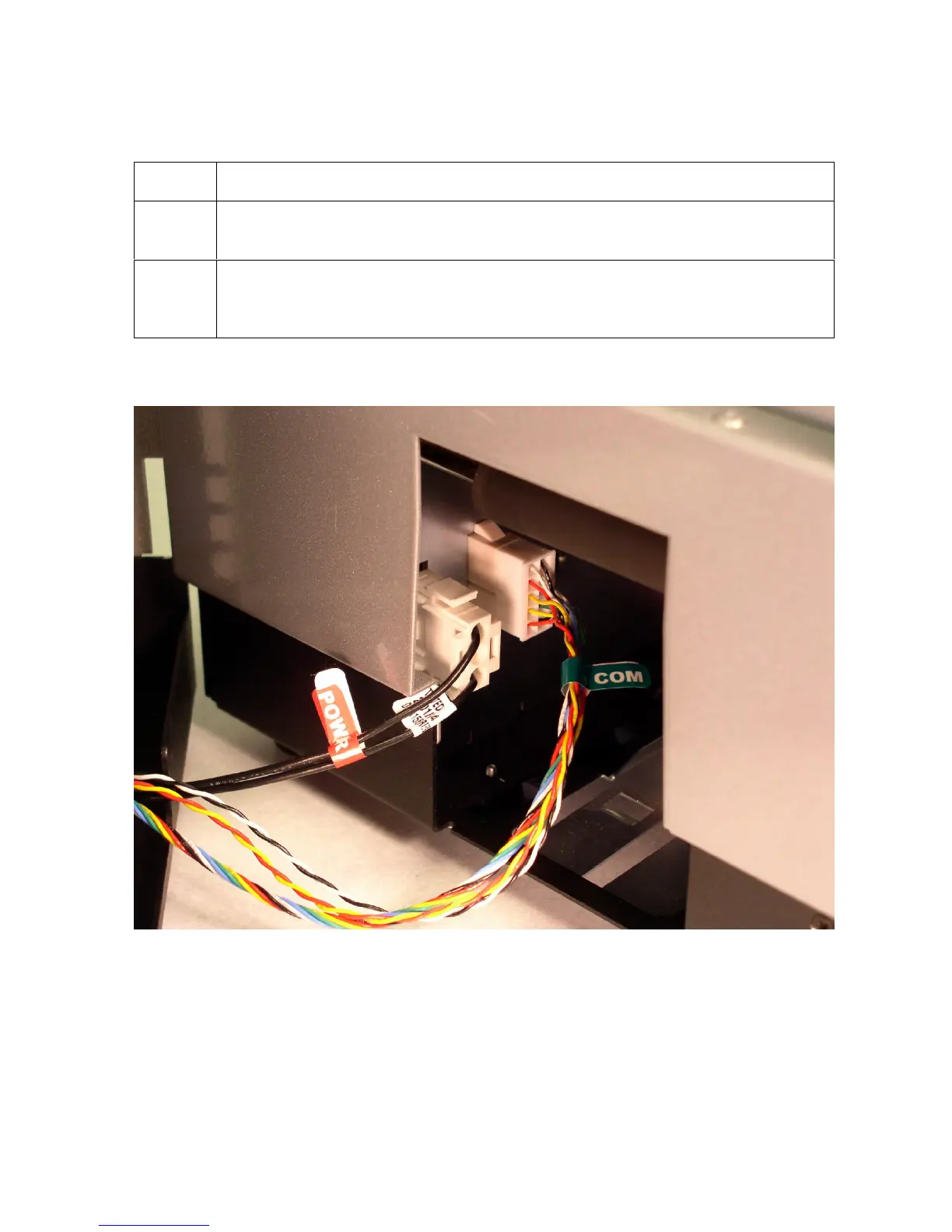
3 Connect the Lamination Power Cable (3-pin connector) to the Connector
mounted on the HDP Sideplate. (Note: See the RED label for Power.)
4 Connect the Lamination Communication Cable (10-pin connector) to the
Connector mounted on the HDP Sideplate. (Note: See the GREEN label for
Com.)
Continued on the next page












 To Next Page