RESTRICTED USE ONLY Fargo Electronics, Inc.
HDP600 High Definition Card Printer/Encoder User Guide (Rev. 2.3)
3-40
Installing the HDP600 Printer Driver (cont.)
Step Procedure
7
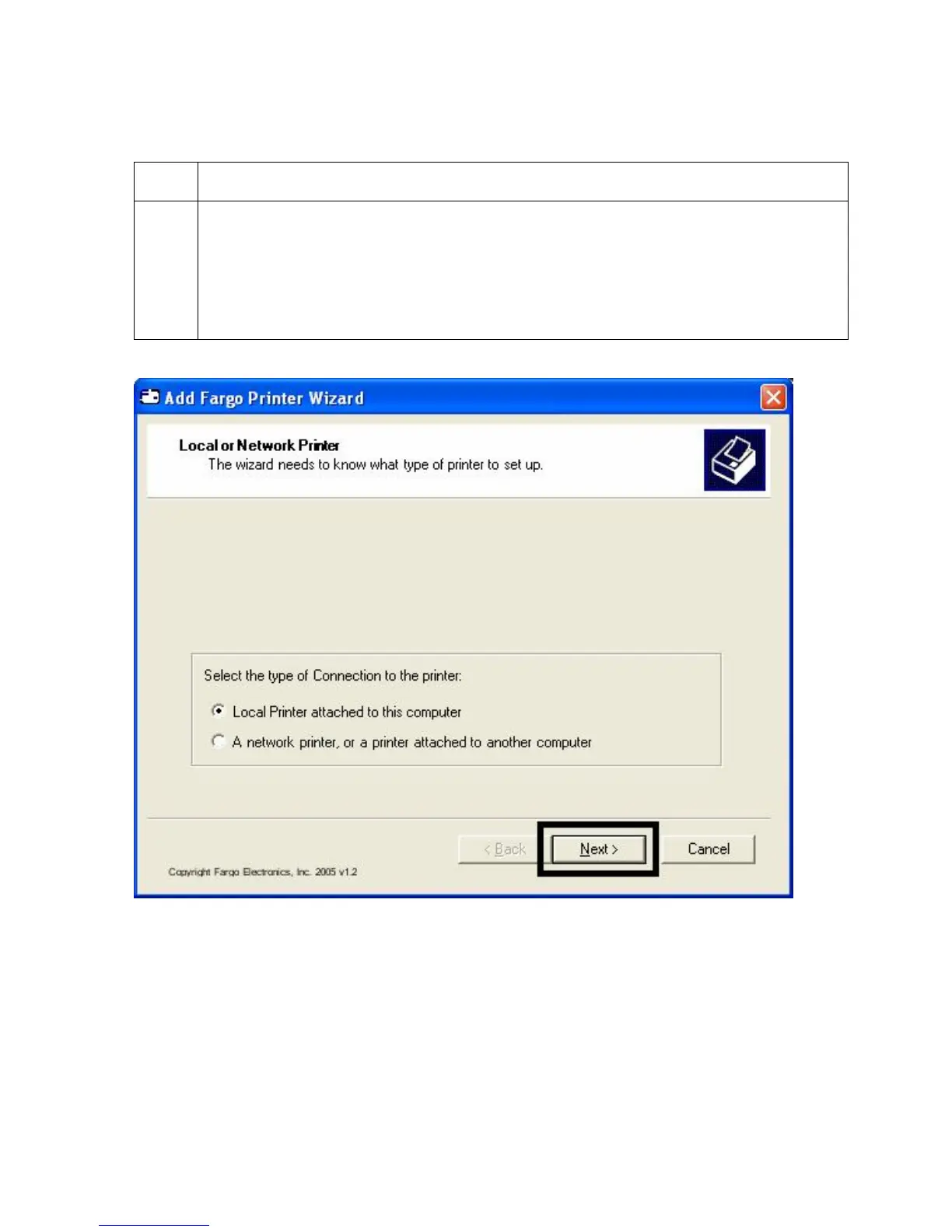
Select Local Printer attached to this Computer if using the Printer via USB,
and then click the Next button. Continue to step 8.
OR
Select A network Printer, or a Printer attached to another computer if
using the Printer via ethernet then click the Next button. Continue to step 10.












 To Next Page