RESTRICTED USE ONLY Fargo Electronics, Inc.
HDP600 High Definition Card Printer/Encoder User Guide (Rev. 2.3)
7-68
Selecting the Lamination Position
Step Procedure
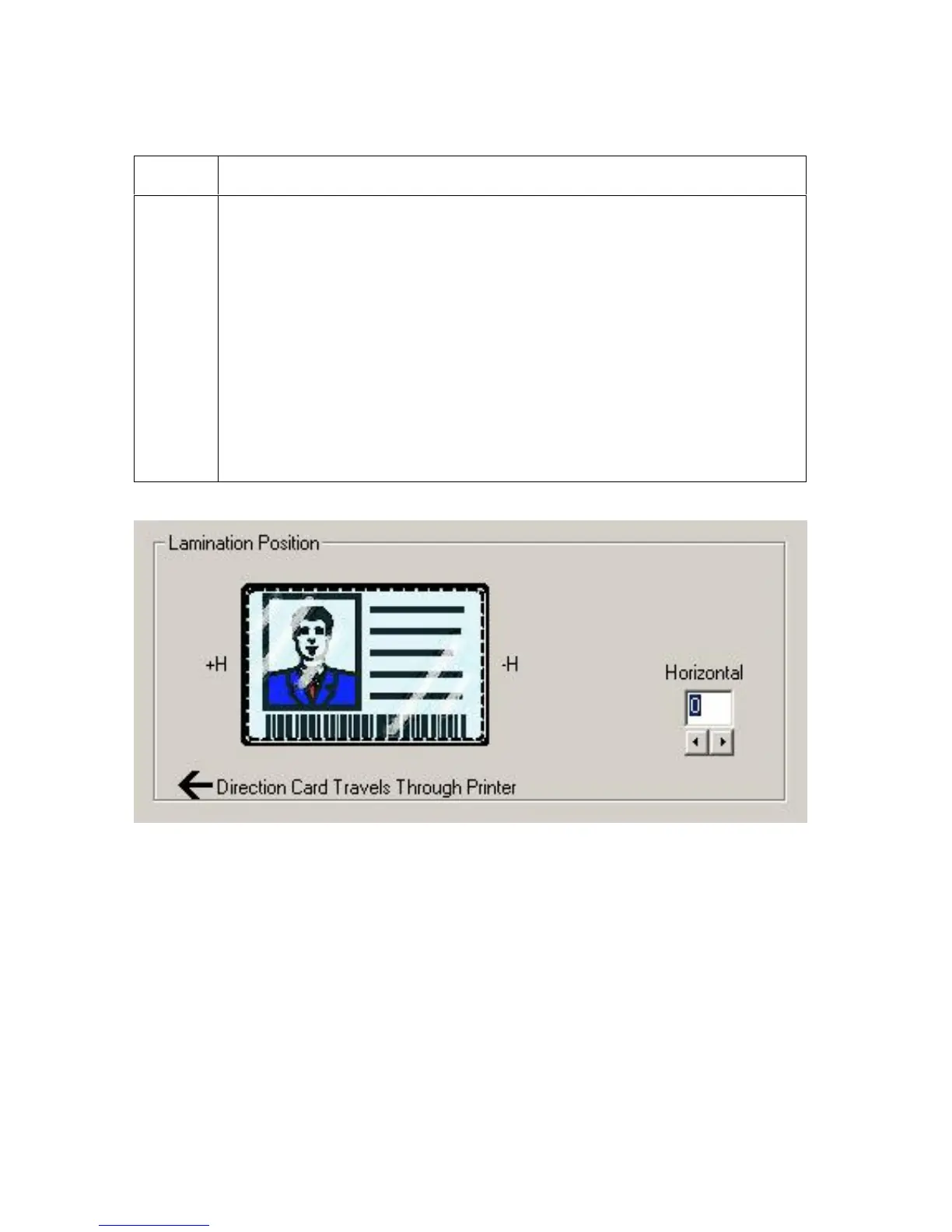
1 The Lamination Position control allows you to adjust the horizontal position
of the PolyGuard Overlaminate. This control functions in the exact same
fashion as the Image Position controls, except only the horizontal position
of the overlaminate requires adjustment.
To adjust the Lamination position, click on the Horizontal adjustment
arrows.
To move the overlaminate more toward the card output side of the
Printer, enter a positive number.
To move the overlaminate more toward the card input side of the
Printer, enter a negative number. (Note: The adjustment arrows point
in the direction the patch will move on the card. The maximum value for
the Horizontal adjustment is ±100 Pixels (10 Pixels = about .03/.8mm).)












 To Next Page