RESTRICTED USE ONLY Fargo Electronics, Inc.
HDP600 High Definition Card Printer/Encoder User Guide (Rev. 2.3)
7-22
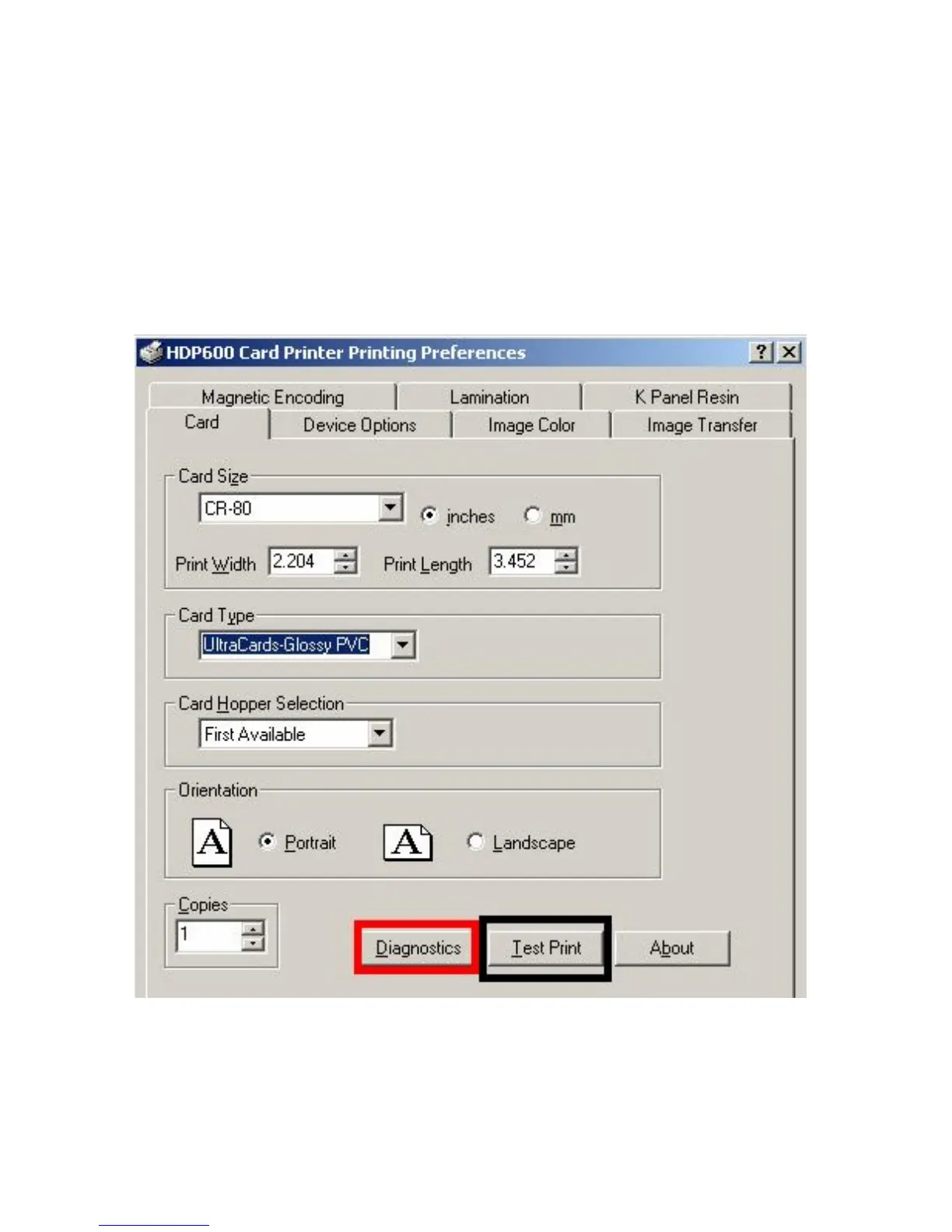
Selecting the Diagnostics button
This will launch the Diagnostic tool (if installed).
Selecting the Test Print button
When selected a file will be copied down to the Printer. This file will print a Full Color plus
Resin print on the front side of the card and a Resin or black only image on the backside.
This image is the same as what is supplied in the Printer’s Supply Pack.












 To Next Page