RESTRICTED USE ONLY Fargo Electronics, Inc.
HDP600 High Definition Card Printer/Encoder User Guide (Rev. 2.3)
3-30
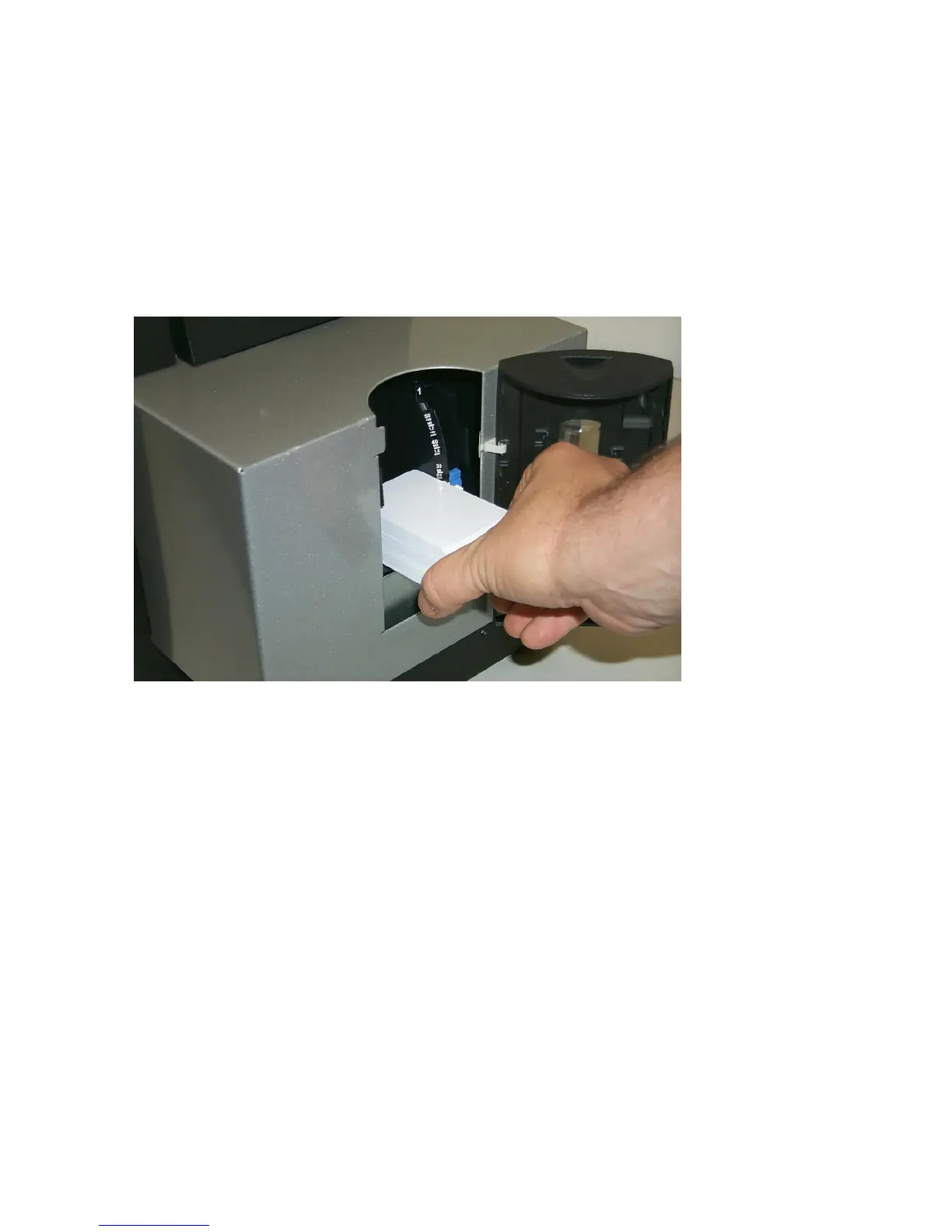
Loading the Blank Cards (cont.)
Display B – Loading the Blank Cards into the empty Hopper.
Note No. 1 (HDP600 and HDP600-LC only): Cycle between Hopper 1 and Hopper 2 by
selecting H1 or H2 from the Printer’s SmartScreen™ LCD Control Panel.
Note No. 2: Additional information regarding the LCD can be found in the HDP600 User’s
Guide.












 To Next Page