RESTRICTED USE ONLY Fargo Electronics, Inc.
HDP600 High Definition Card Printer/Encoder User Guide (Rev. 2.3)
6-4
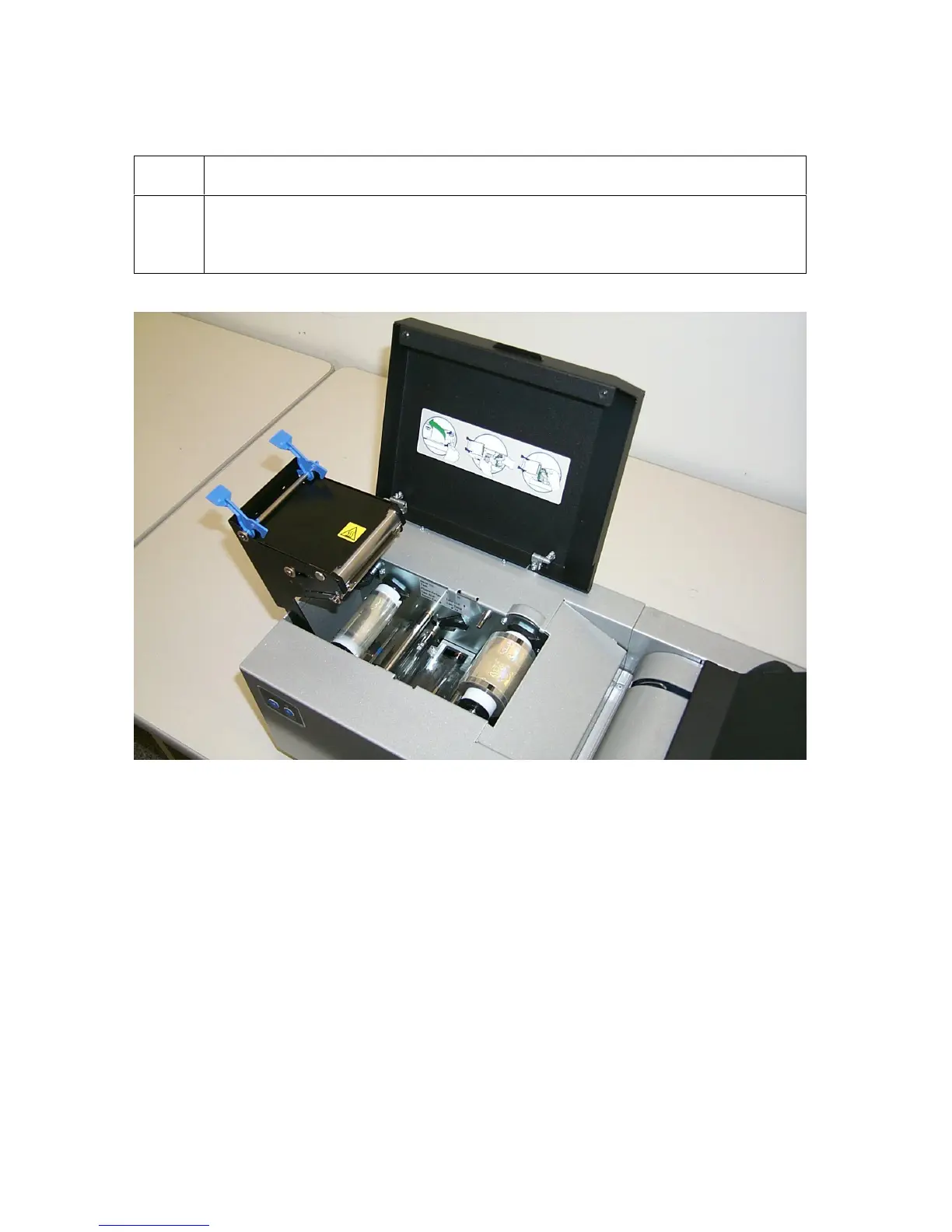
Opening the Card Lamination Module
Step Procedure
1 Open the Top Cover of the Lamination Module by lifting up on its bottom
edge and tilting it back into its fully open position. (Note: The Top Cover is
designed to hold its last position to prevent it from falling shut.)












 To Next Page