RESTRICTED USE ONLY Fargo Electronics, Inc.
HDP600 High Definition Card Printer/Encoder User Guide (Rev. 2.3)
7-16
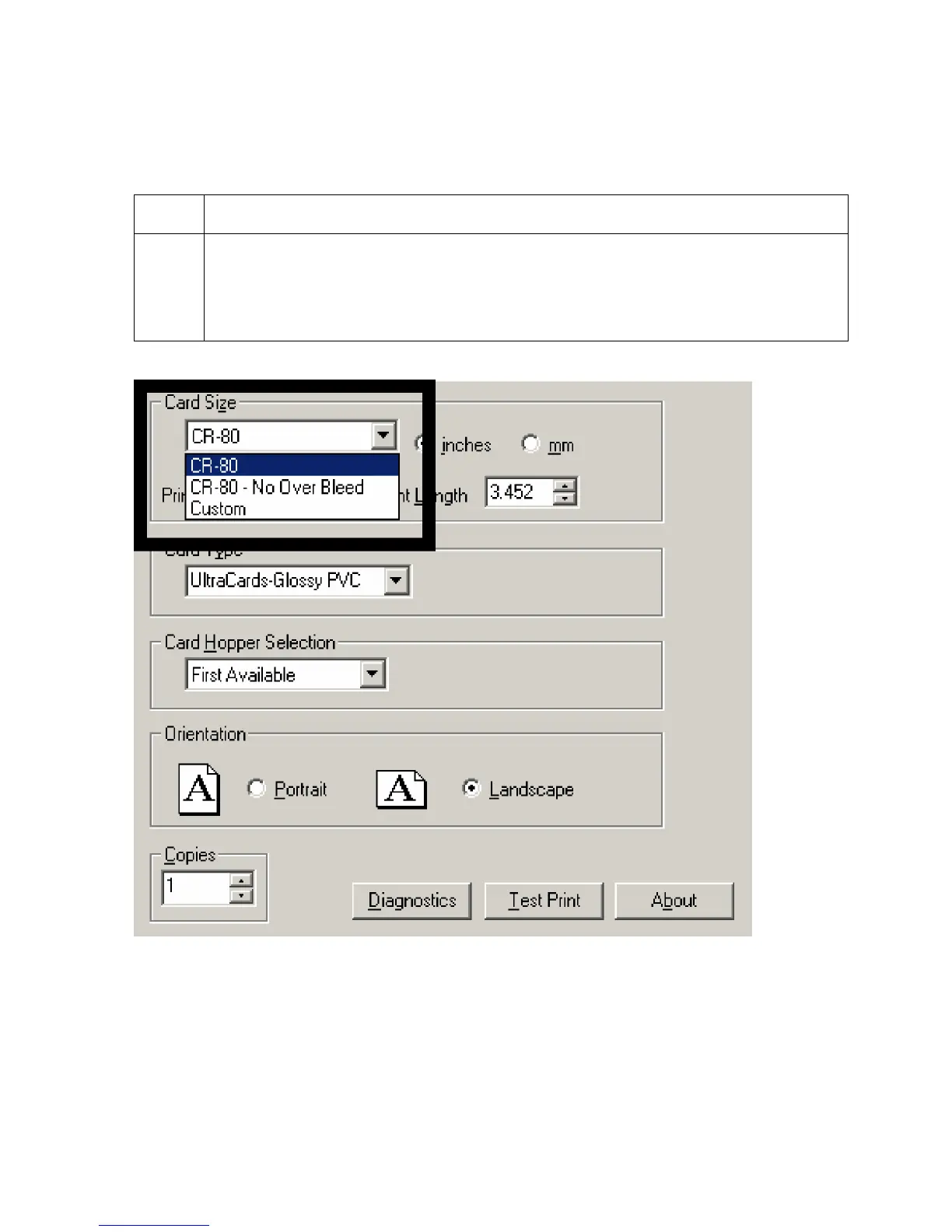
Selecting the Custom Card Size
Select the appropriate custom card size according to the dimensions of the card stock.
Step Procedure
1
a. Select the Custom option and enter the dimensions of the card into the Print
Width and Print Length boxes if using a card size that varies from the CR-80,
CR-90 or CR-100.
b. Add .04" (1mm) to each dimension to ensure Edge-to-Edge printing.












 To Next Page