RESTRICTED USE ONLY Fargo Electronics, Inc.
HDP600 High Definition Card Printer/Encoder User Guide (Rev. 2.3)
3-6
Printer Loading Procedures
Loading the Print Ribbon
Note: Fargo Card Printers require highly specialized supplies to function properly.
To maximize Printer life, reliability, printed card quality and durability, you must use only
Fargo Certified Supplies.
For this reason, your Fargo warranty is void, where not prohibited by law, if you use non-
Fargo Certified Supplies.
Step Procedure
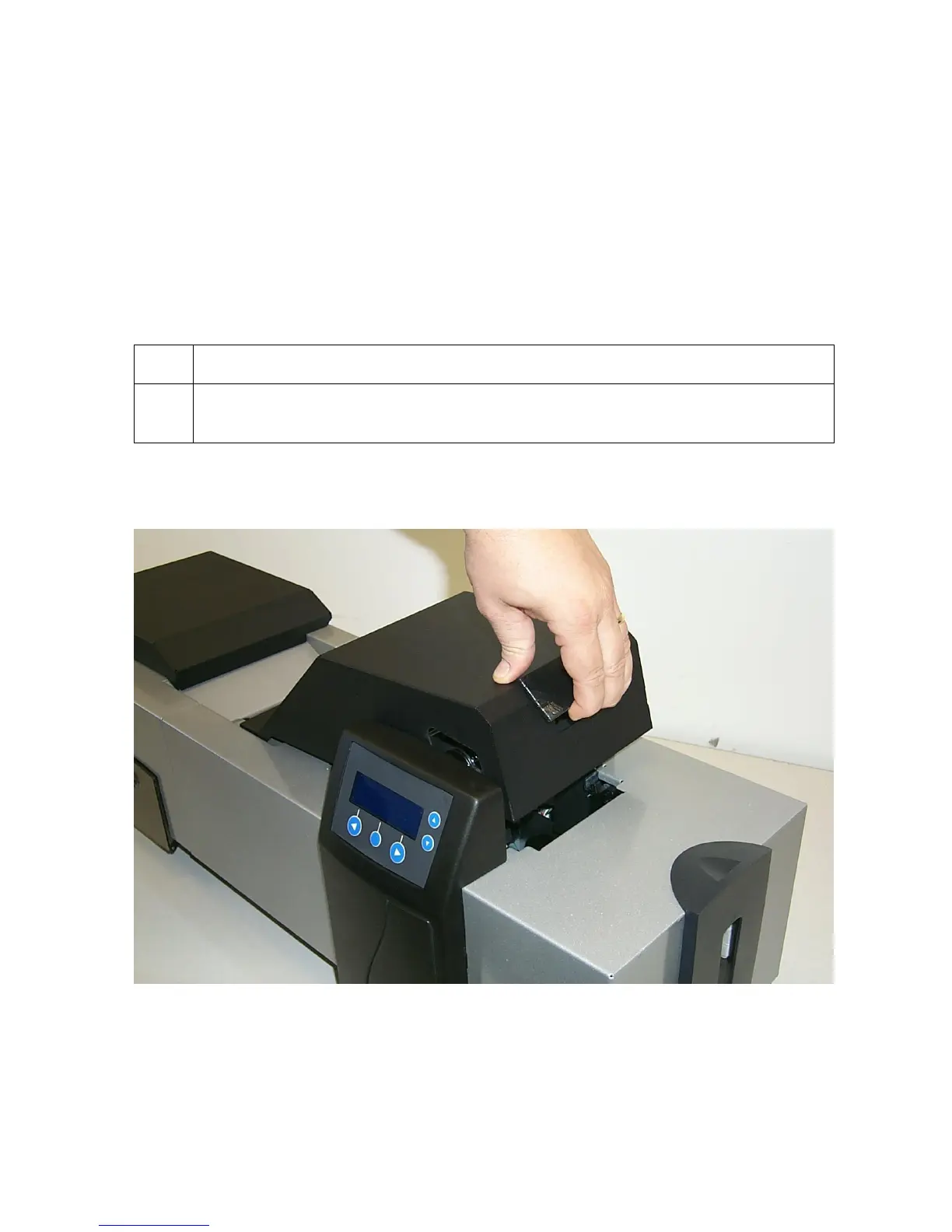
1 Load the Print Ribbon into the Print Station, as shown in the four (4) photos
(Displays A to D) in this section.
Display A – Loading the Print Ribbon (lift up cover)












 To Next Page