RESTRICTED USE ONLY Fargo Electronics, Inc.
HDP600 High Definition Card Printer/Encoder User Guide (Rev. 2.3)
3-16
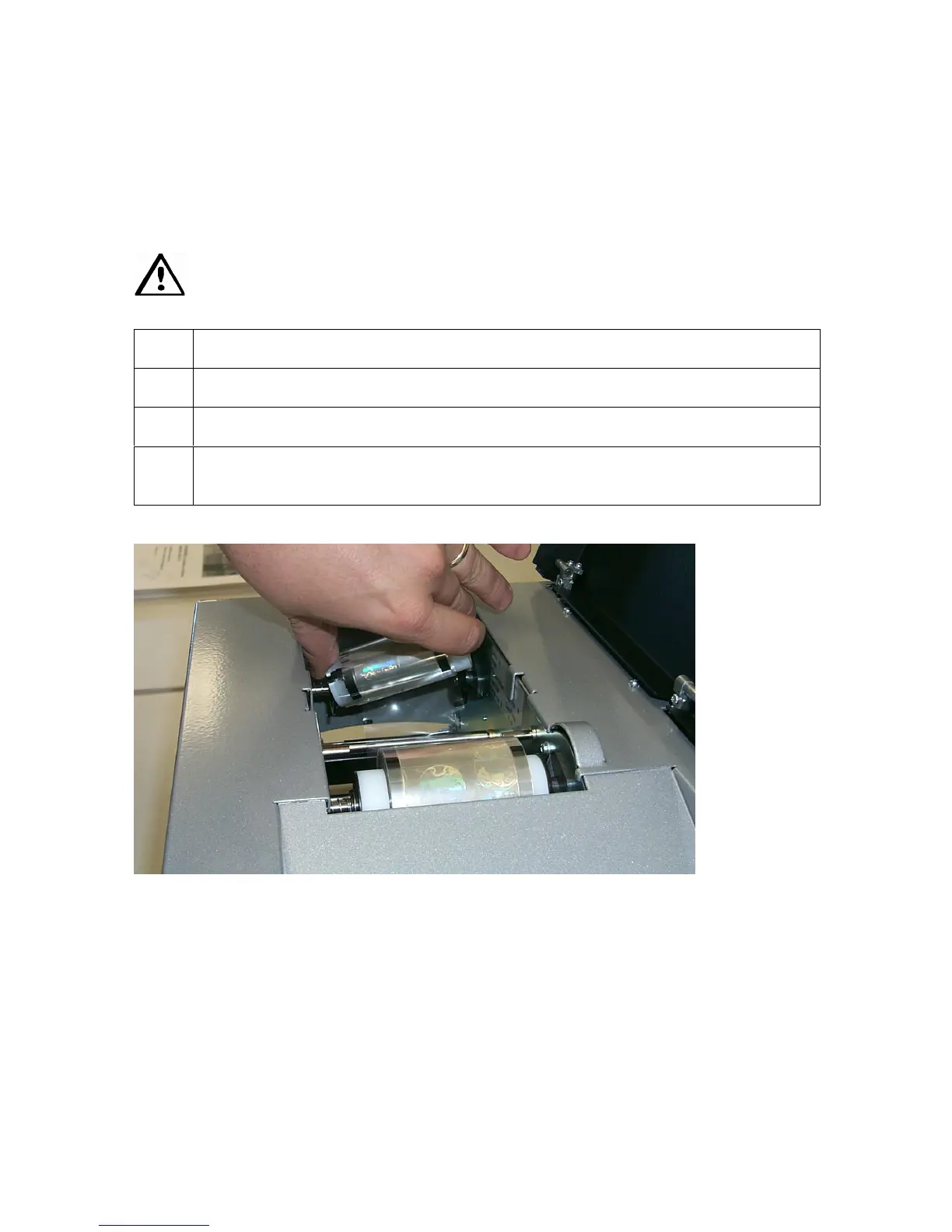
Loading the Overlaminate
(Note: This procedure only applies to the HDP600-LC Laminating Card Printer/Encoder.)
The loading process for both the Thermal Transfer Film and the PolyGuard™ Overlaminate
material is the same. Refer to the following steps to load either type of overlaminate into the
Printer.
Danger: Do not touch the metal Lamination Shield or the Lamination Roller when
loading the overlaminate. These components can become very hot.
Step Procedure
1 Open the Lamination Module's Top Cover and lift the Lamination Arm.
2 Remove the overlaminate from its packaging.
3 Load the overlaminate into the Lamination Module, as shown in the four (4)
photos (Displays A to D) in this section.












 To Next Page