RESTRICTED USE ONLY Fargo Electronics, Inc.
HDP600 High Definition Card Printer/Encoder User Guide (Rev. 2.3)
7-36
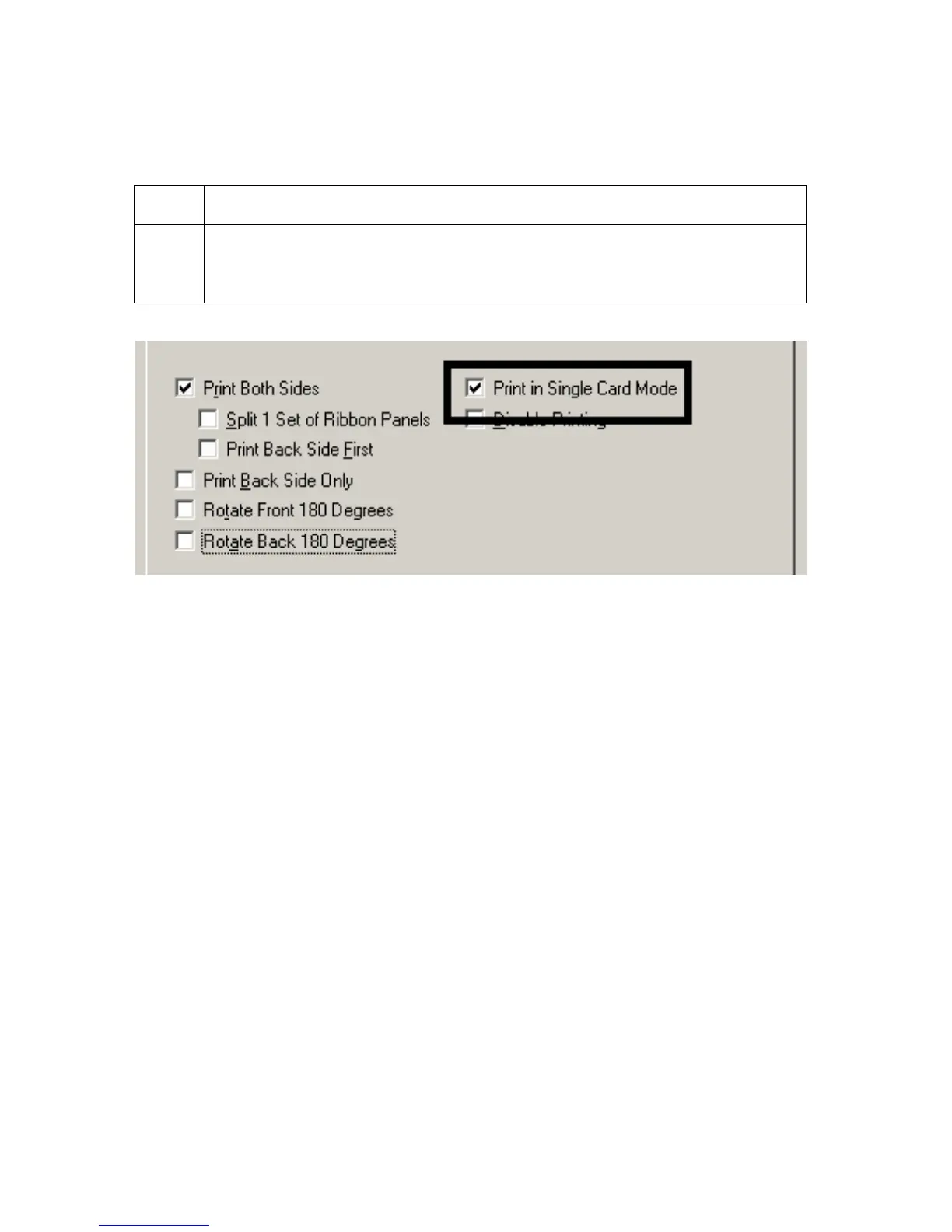
Using the Print in Single Card Mode option
Use this option to force the Printer's memory to buffer or to hold only one print job at a time.
Step Procedure
1 Select this option only when printing to multiple Printers sharing print jobs
over a network. (Note: In this case, this option ensures that all Printers
share evenly all print jobs.)












 To Next Page