RESTRICTED USE ONLY Fargo Electronics, Inc.
HDP600 High Definition Card Printer/Encoder User Guide (Rev. 2.3)
5-23
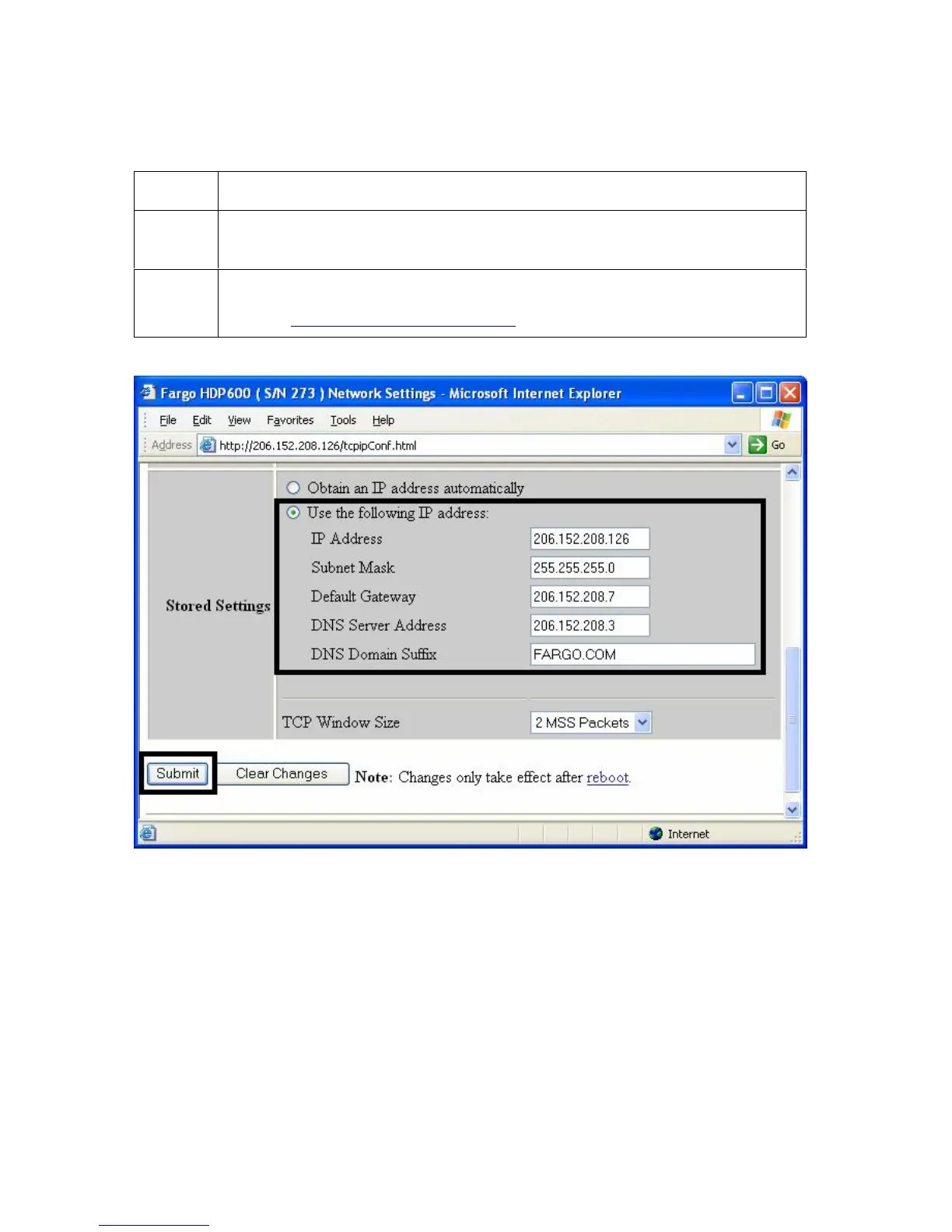
Changing to the static IP address mode (continued)
Step Procedure
7
Log in as a root User if you are so prompted. (Note: Any change of setting
will only be accepted after you have successfully logged in.)
8 Reboot the Printer to effect this change.
See the Reviewing Web page security procedure.












 To Next Page