RESTRICTED USE ONLY Fargo Electronics, Inc.
HDP600 High Definition Card Printer/Encoder User Guide (Rev. 2.3)
8-8
Cleaning the Magnetic Encoder
Step Procedure
1 Open the Top Cover and remove the Ribbon.
2 a. Locate the Flipper Table in the Input Module.
b. Turn the Printer on.
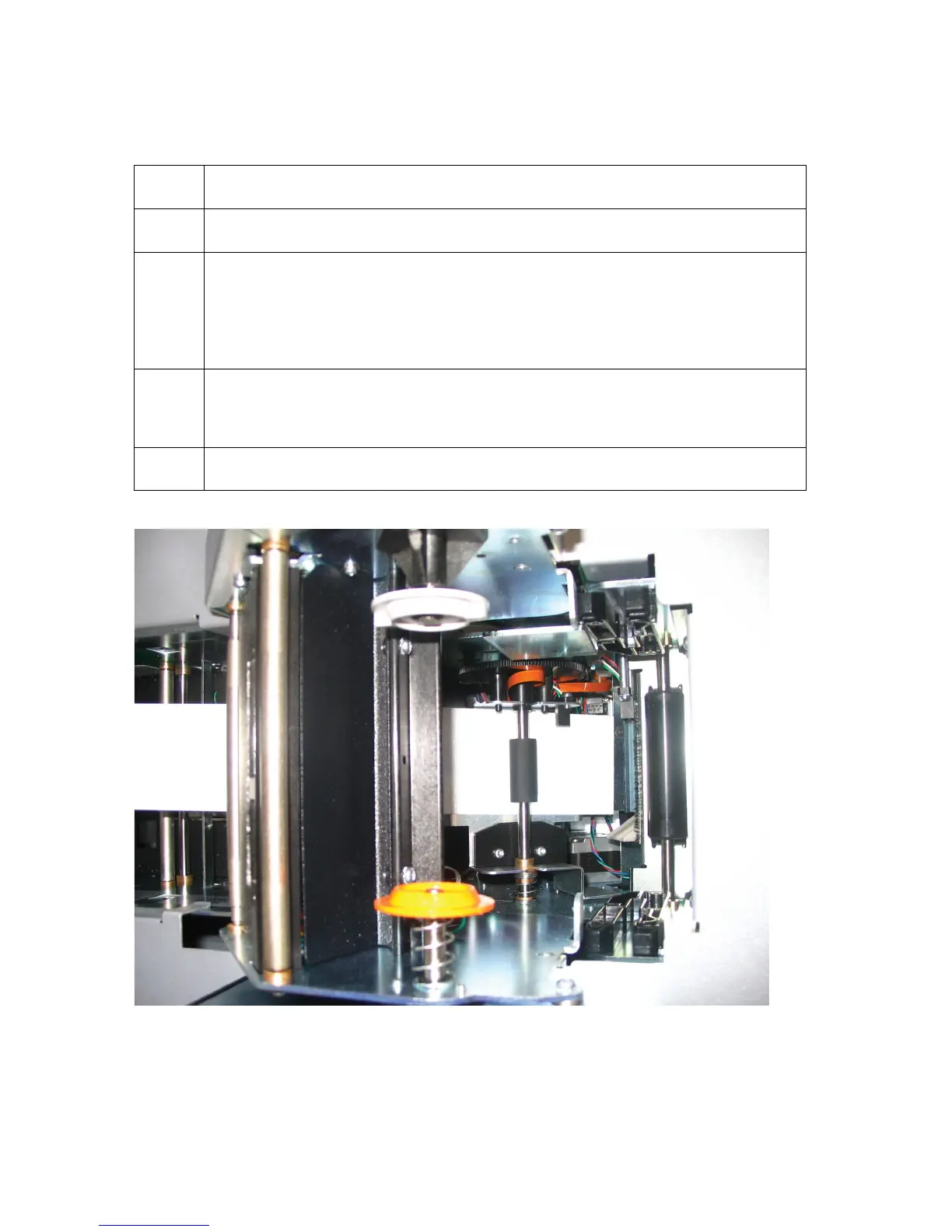
c. Rotate the Flipper Table clockwise to a 45 degree angle. (Note: The
Table will tilt and provide access to the Magnetic Encoder’s opening.)
3 Open the Cleaning Card (082133), which is sold separately and is not
included in the cleaning kit. (Note: You will need to work quickly because
the alcohol will dry once it is removed from the envelope.)
4 Insert the card onto the Flipper Table. See below












 To Next Page