RESTRICTED USE ONLY Fargo Electronics, Inc.
HDP600 High Definition Card Printer/Encoder User Guide (Rev. 2.3)
3-66
Installing the Fargo Diagnostics Utility (cont.)
Step Procedure
4
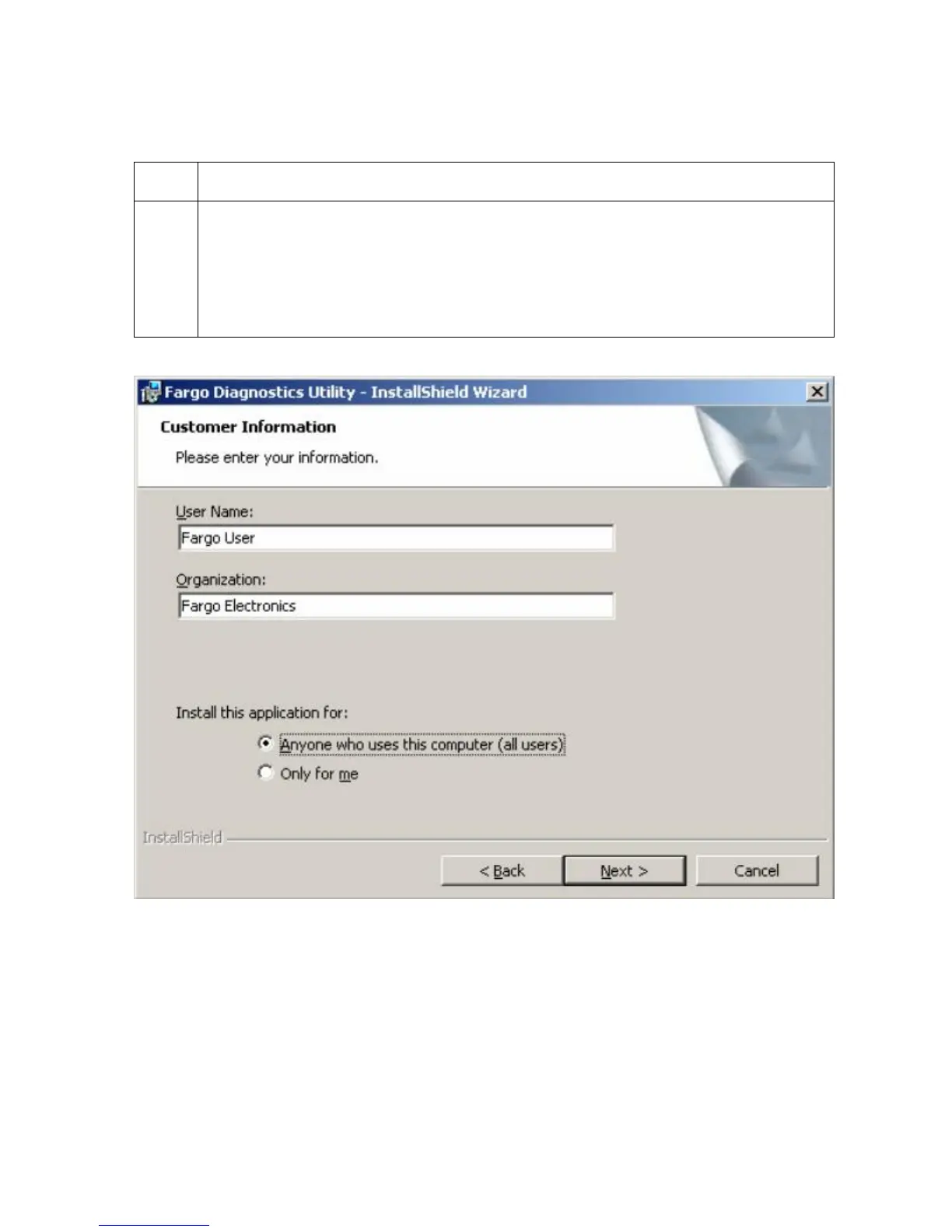
a. Enter appropriate user information under the User Name: and Organization:
fields.
b. Select the appropriate radio button, as shown under the Install this
application for: heading.
c. Click on the Next button to continue the installation, as shown below.












 To Next Page