RESTRICTED USE ONLY Fargo Electronics, Inc.
HDP600 High Definition Card Printer/Encoder User Guide (Rev. 2.3)
7-34
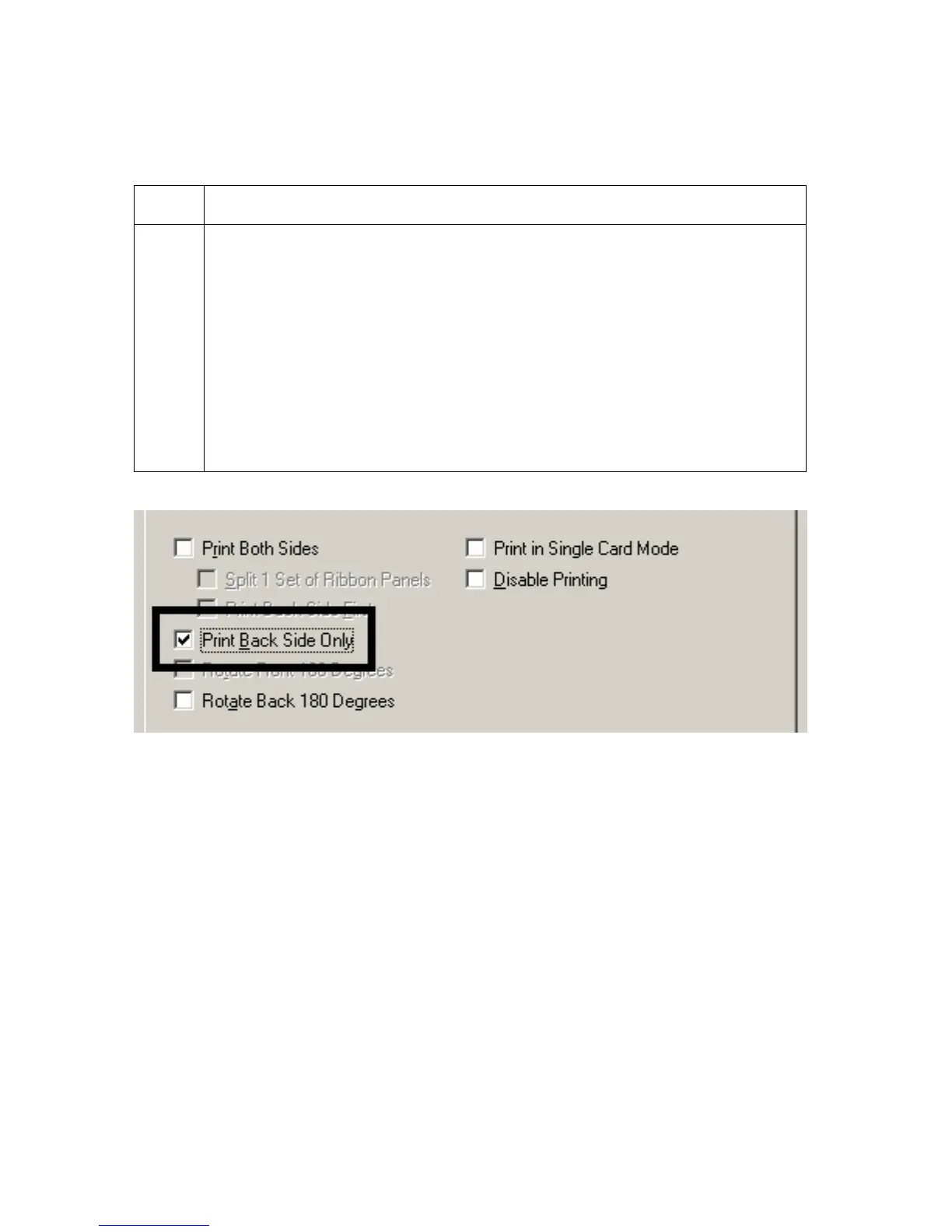
Using the Print Back Side Only option
Use this option to print only onto the backside of cards.
Step Procedure
1 Select this option to print only onto the backside of preprinted cards that must
have their Magnetic Stripe or smart card chip encoded. (Note: Load the
cards in the usual fashion.)
When this option is selected, the Print Both Sides option is
automatically disabled.)
When attempting to print a two-page document (if Print Back Side Only
is selected), the first page of the document will print on the backside of
the card.
The second page of the document will then be printed on the back of a
second card.












 To Next Page