RESTRICTED USE ONLY Fargo Electronics, Inc.
HDP600 High Definition Card Printer/Encoder User Guide (Rev. 2.3)
3-60
Installing the HDP600 Series Card Lamination Module (continued)
Step Description
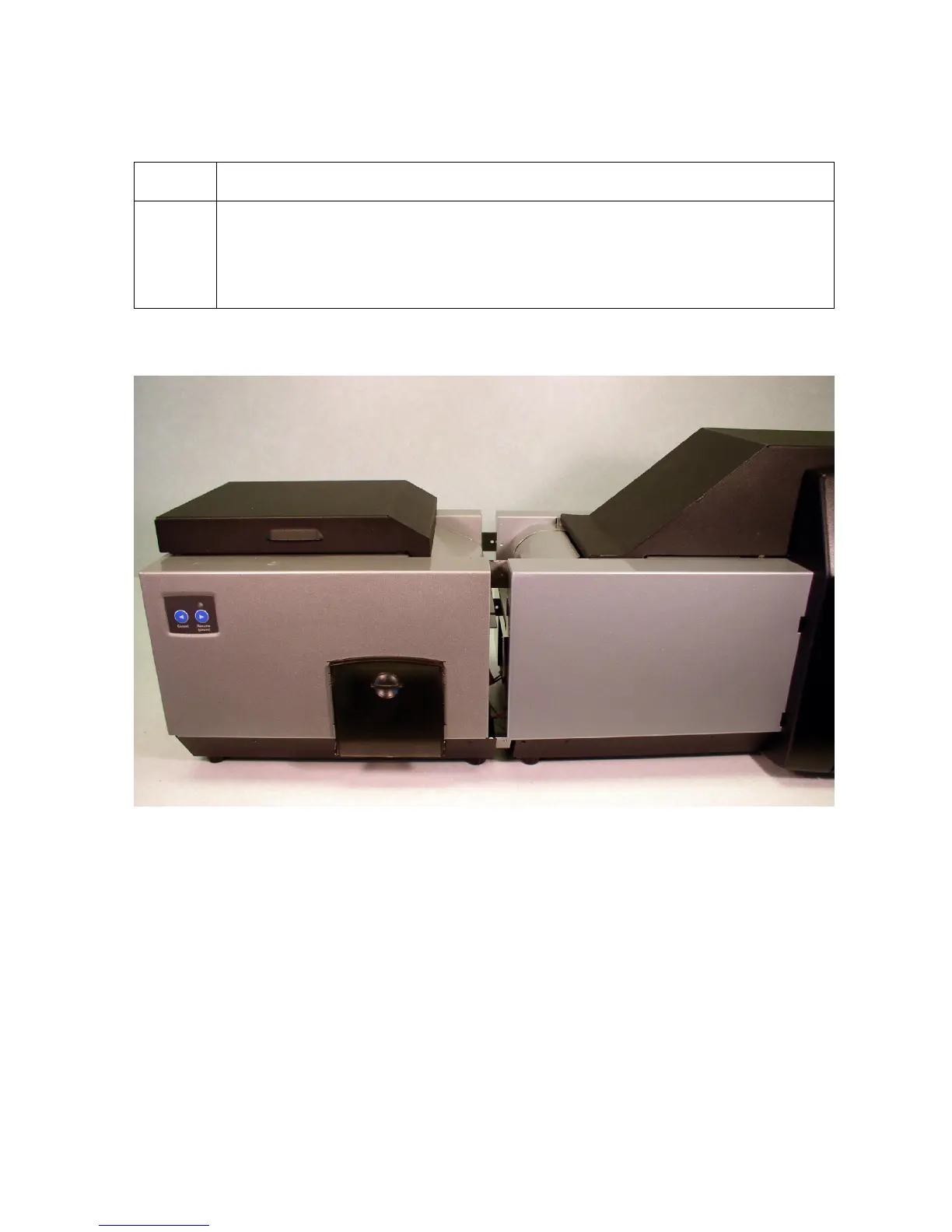
5 a. Slide the Card Lamination Module (D860105) horizontally to engage the
Printer or the HDP600 Main Assembly (D860101), as shown below.
b. Push the Lamination Module and the Printer together. (Note: Be careful
not to pinch the Lamination cables.)
Continued on the next page












 To Next Page