HDP8500 Service Manual, PLT-01583, 1.1
© 2013 HID Global Corporation/ASSA ABLOY AB. All rights reserved.
118
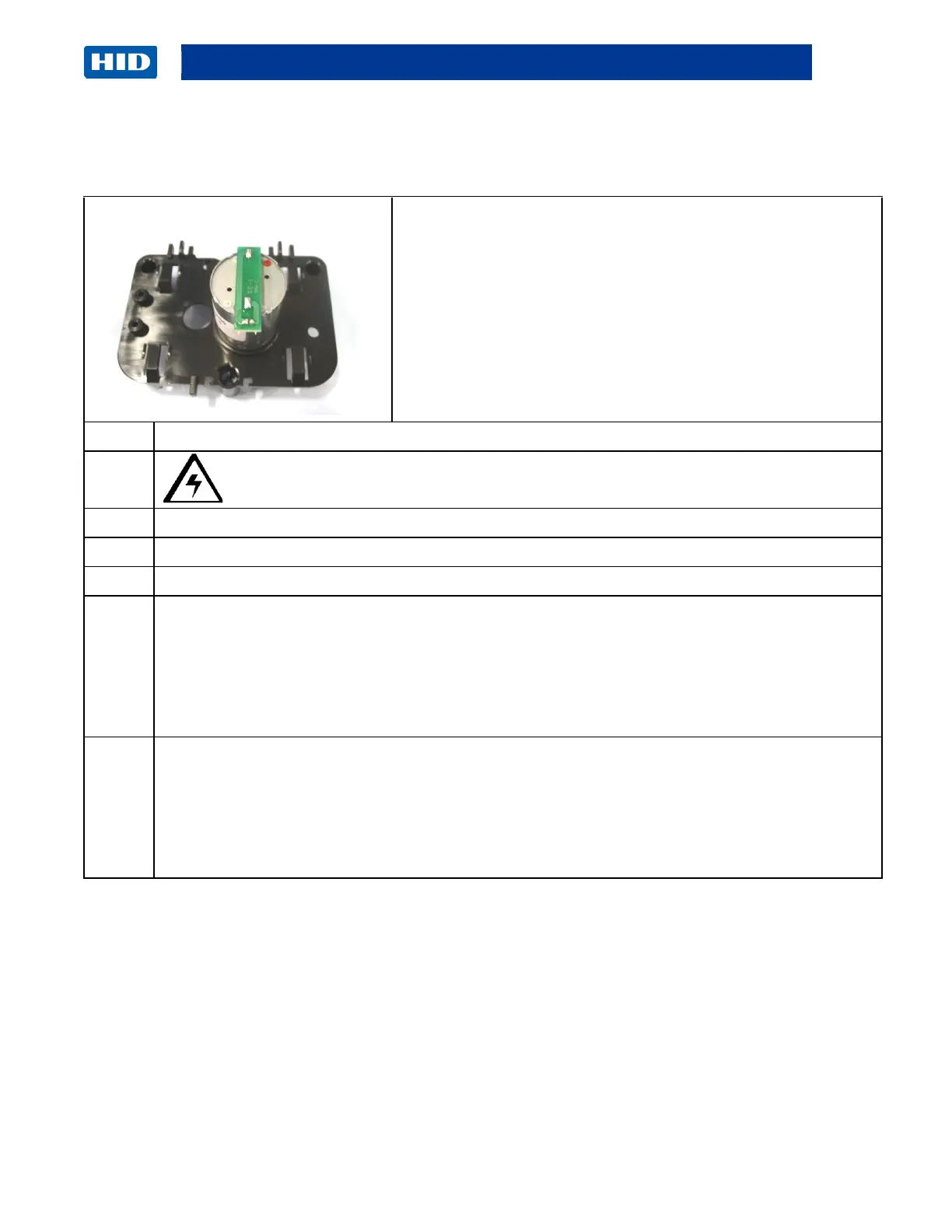
Remove/Replace the Rewind Motor (D900406) Gear (D920170)
Tools needed: Small flathead screwdriver; a hook tool for
O-Ring.
Estimated Time: 30 minutes
Preparation: Remove the Covers
Important: This procedure can only be performed by
authorized service personnel.
Caution: Turn OFF the Printer and unplug the power cord from the Printer.
Disconnect the cable (D920153) from the top of the Motor.
Disconnect the wire bundle from the holding clip. (Note: Observe how the wires are routed.)
Disconnect the Encoder Sensor cable (D920147) from the Encoder Sensor Board (A000126).
(Note: This cable is located toward the bottom of the Rewind Mount.)
Unsnap the Encoder Sensor (A000126) from the Rewind Motor Frame. (Note: This will
make it easier for reassembly.)
See the display on the next page.
Unclip the Rewind Mount from the top. (Note: The top tab must be lifted slightly to release
the Motor Frame.)
Be careful NOT to bend the metal Encoder wheel. (Note: The Encoder Sensor must clear
the Encoder Wheel when removing it.)
See the display on the next page.



 To Next Page