HDP8500 Service Manual, PLT-01583, 1.1
© 2013 HID Global Corporation/ASSA ABLOY AB. All rights reserved.
103
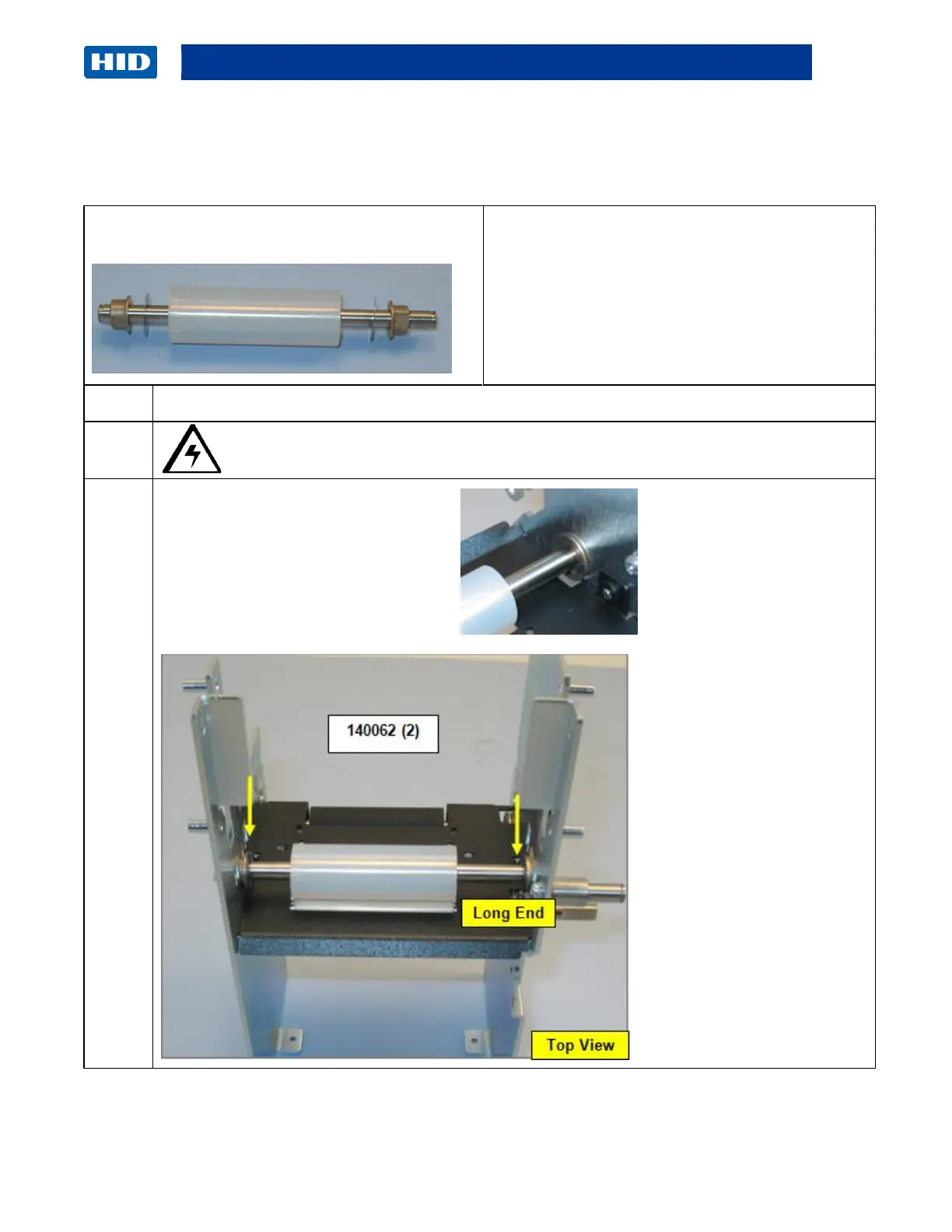
Remove/Replace the Cleaning Roller Idler (D940102)
Cleaning Output Assembly
Tools needed: E-Clip tool,
Estimated Time: 30 minutes
Preparation: Remove the Lamination Module
Covers.
Important: This procedure can only be
performed by authorized service personnel.
Caution: Turn OFF the Printer and unplug the power cord from the Printer.
Remove the Retaining Rings (140062)



 To Next Page