HDP8500 Service Manual, PLT-01583, 1.1
© 2013 HID Global Corporation/ASSA ABLOY AB. All rights reserved.
108
Remove/Replace the Film Mark Sensor (D920155) Upper and Lower
Tools needed: Needle Nose Pliers
Estimated Time: 30 minutes
Preparation: Remove the Covers.
Important: This procedure can only be performed by authorized service
personnel.
D920155 is located on the CenterPlate Exit D920027
Caution: Turn OFF the Printer and unplug the power cord from the Printer.
Disconnect the cable (D920155) from the Main Board at location J26 for the lower Sensor and
J27 for the upper Sensor.
Remove the Upper and Lower Take-Up Motors for clearance to access the Sensors. See
Replacing the Take-up Motor (D920118).
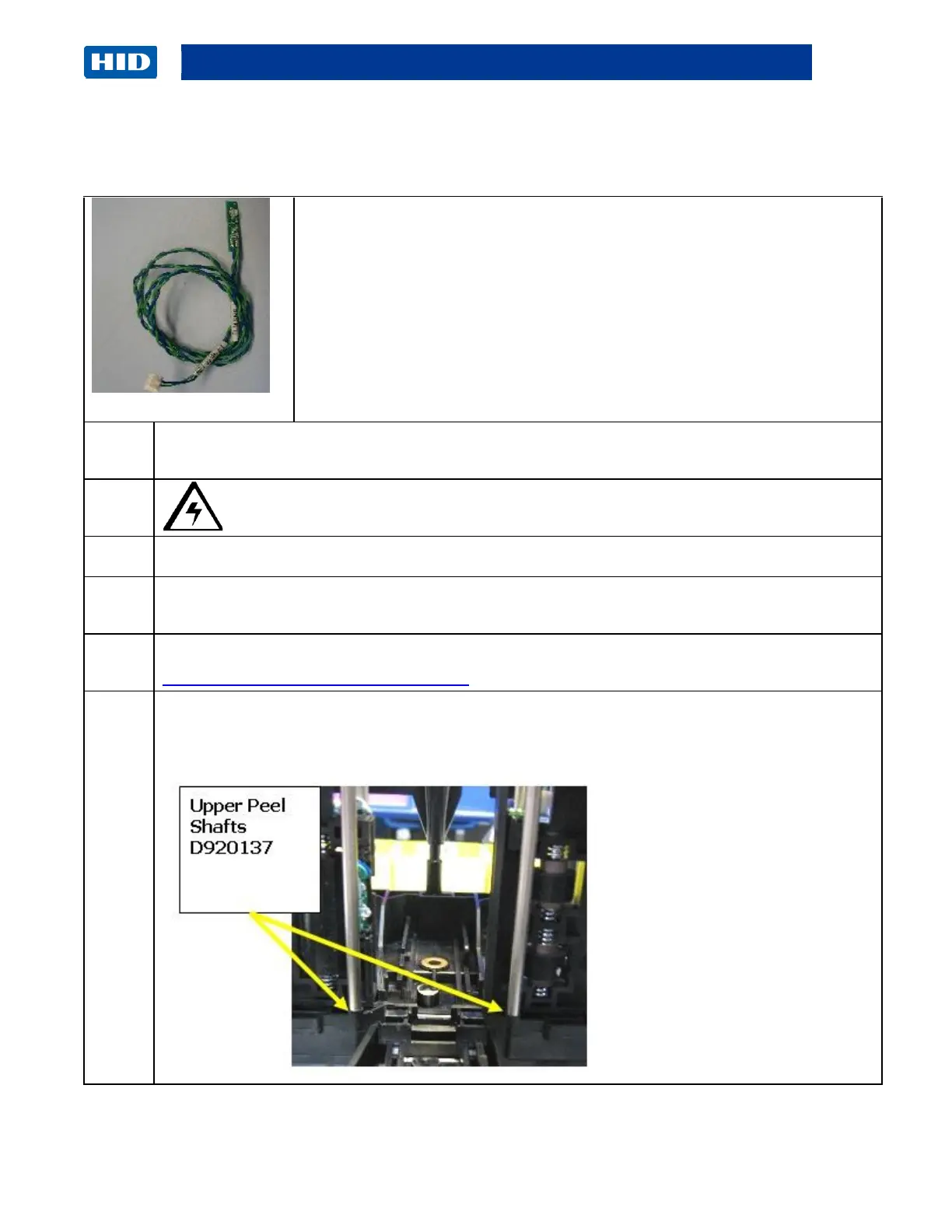
For the Upper Sensor remove the metal Roller (D920137) by snapping it up and out from the
front side Frame peg hole. (Note: Use needle nose pliers to grab the Sensor/cable and pull it
out.)



 To Next Page